Python Programming Escape RoomQuick View
JStiggComputing

Python Programming Escape Room

(0)
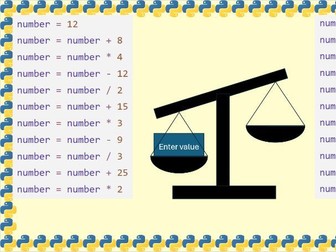
An escape room lesson to practice sequence selection and iteration skills. The teacher version includes all of the answers in the PowerPoint notes. The student version opens automatically as a slide show, and prevents them from going through the slides. Skills tested: Identifying errors Tracing code Sequence Selection Iteration Macros will need to be enabled
Digital Literacy Escape RoomQuick View
JStiggComputing

Digital Literacy Escape Room

(0)
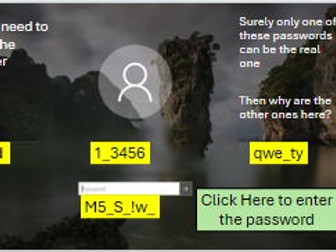
An escape room lesson that can be used to help review essential computer skills. Students show skills in using passwords, Microsoft Word, Microsoft PowerPoint, Emails, and the Internet. The teacher version includes all of the answers in the PowerPoint notes. The student version opens automatically as a slide show, and prevents them from going through the slides. Skills tested Remembering and entering a password Changing text in Microsoft Word Printing a Word document Adding slides in Microsoft PowerPoint Changing designs in Microsoft Adding animations in Microsoft PowerPoint Starting a slide show in Microsoft PowerPoint Sending and receiving an email Using a search engine You will need to accept macros running when opening the file to make sure everything works.
Object Oriented Programming Simplified H446 OCRQuick View
JStiggComputing

Object Oriented Programming Simplified H446 OCR

(0)
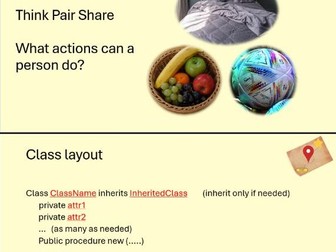
This resource includes 2 lessons with worksheets and example answers. These lessons are designed to be accessible to teachers / students who are less confident with programming by comparing to things we see in real life. Lesson 1 is focused on gaining an intuitive understanding to how Objected Oriented Programming (OOP) works and why it is useful. It also includes exam accurate definitions. There is no coding required in Lesson to make it more accessible. Lesson 2 is focused on creating a consistent template that students can use to approach any exam question by recognising the patterns that appear.
Input, Output, Storage Devices CrosswordQuick View
JStiggComputing

Input, Output, Storage Devices Crossword

(0)
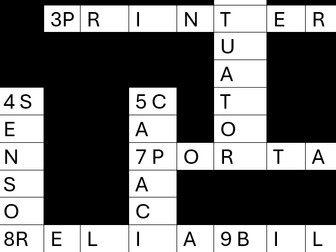
A crossword puzzle focused on key terms for the Input, Output and Storage GCSE topic. Also suitable for a KS3 introduction or A-Level recap. Covers content on Input Devices, Output Devices, Storage Devices, and Cloud Storage. Suitable for a starter, plenary or homework task. Blank sheet for student use and answer sheet provided
Binary CrosswordQuick View
JStiggComputing

Binary Crossword

(0)
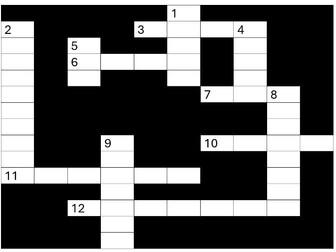
A crossword puzzle focused on key terms and practice related to binary GCSE topic. Also suitable for a KS3 introduction or A-Level recap. Covers content on Character Set, Data Types, Binary Conversions, and Units of Data Storage. Suitable for a starter, plenary or homework task. Blank sheet for student use and answer sheet provided.