session 1 - ages 15-17 - Exploring advanced 3D printing WSQuick View
j_k_arthur69

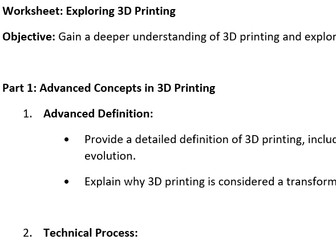
session 1 - ages 15-17 - Exploring advanced 3D printing WS

(0)
a simple worksheet made up of 6 parts asking pupils to complete tasks in each section, and a bonus section. sections included; 1 - advanced concepts in 3D printing 2 - emerging technologies in 3D printing 3 - industry applications 4 - 3D printing design and software 5 - career exploration in 3D printing 6 - critical analysis and future trends bonus - industry partnership projects This can be used as a standalone research task or can be broken down into individual tasks to be used as necessary
session 2 ages 15-17 - advanced types of 3D printing technologiesQuick View
j_k_arthur69

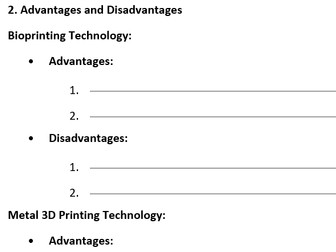
session 2 ages 15-17 - advanced types of 3D printing technologies

(0)
a simple worksheet made up of 4 parts asking pupils to complete tasks in each section, and a bonus section. sections included; 1 - advanced types of 3D printing technologies 2 - advantages and disadvantages 3 - application exploration of each type 4 - comparison table This can be used as a standalone research task or can be broken down into individual tasks to be used as necessary
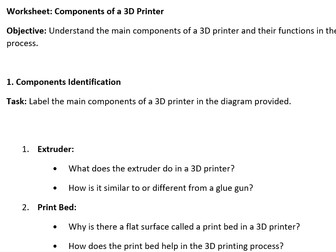
session 3 age 11-14 - components of a 3D printerQuick View
j_k_arthur69

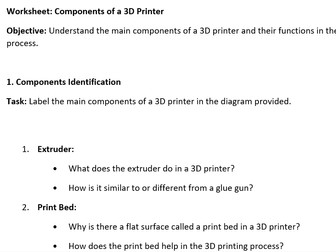
session 3 age 11-14 - components of a 3D printer

(0)
a simple worksheet made up of 4 parts asking pupils to complete tasks in each section. Sections included; 1 - components identification 2 - troubleshooting basics 3 - maintenance and calibration 4 - real world application Page 3 includes pictures of a 3D printer to be labelled and used with section 1. This can be used as a standalone research task or can be broken down into individual tasks to be used as necessary
session 1  - ages 11-14 - Exploring 3D printing WSQuick View
j_k_arthur69

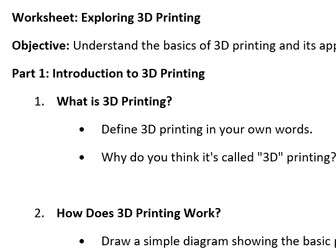
session 1 - ages 11-14 - Exploring 3D printing WS

(0)
a simple worksheet made up of 6 parts asking pupils to complete tasks in each section, and a bonus section. sections included; 1 - introduction to 3D printing 2 - types of 3D printing 3 - applications of 3D printing 4 - 3D printing in action 5 - design your 3D object 6 - reflection bonus: design a 3D printing poster This can be used as a standalone research task or can be broken down into individual tasks to be used as necessary
session 2 ages 11-14 - types of 3D printing technologiesQuick View
j_k_arthur69

session 2 ages 11-14 - types of 3D printing technologies

(0)
a simple worksheet made up of 4 parts asking pupils to complete tasks in each section. sections included; 1 - Types of 3D printing technologies 2 - advantages and disadvantages 3 - application exploration 4 - comparison chart of each type This can be used as a standalone research task or can be broken down into individual tasks to be used as necessary
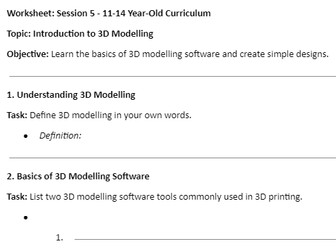
session 5 - ages 11-14 - introduction to 3D modelling softwareQuick View
j_k_arthur69

session 5 - ages 11-14 - introduction to 3D modelling software

(0)
a simple worksheet made up of 4 parts asking pupils to complete tasks in each section. Sections included; 1 - understanding 3D modelling 2 - basics of 3D modelling software 3 - creating basic shapes 4 - designing a simple object This can be used as a standalone research task or can be broken down into individual tasks to be used as necessary. note: TinkerCAD is my software of choice when first starting to teach about 3D modelling. It is an excellent online based software tool very accessible to students with a good user interface and tutorial to allow students to develop at their own pace, as well as having a number of other useful features like being able to set up classes where students can save work and you have access to their gallery of designs
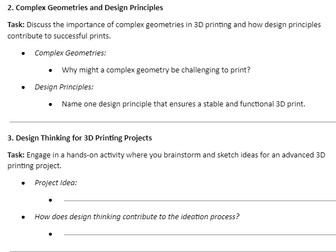
session 5 ages 15-17 advanced 3D modellingQuick View
j_k_arthur69

session 5 ages 15-17 advanced 3D modelling

(0)
Tasks on worksheet: 1 - Exploring Advanced 3D Modelling Software 2 - Complex Geometries and Design Principles 3 - Design Thinking for 3D Printing Projects 4 - Reflecting on the Design Process This can be used as a standalone research task or can be broken down into individual tasks to be used as necessary. note: TinkerCAD is my software of choice when first starting to teach about 3D modelling. It is an excellent online based software tool very accessible to students with a good user interface and tutorial to allow students to develop at their own pace, as well as having a number of other useful features like being able to set up classes where students can save work and you have access to their gallery of designs
session 6 ages 11-14 - advanced 3D designQuick View
j_k_arthur69

session 6 ages 11-14 - advanced 3D design

(0)
Tasks on worksheet: 1 - Advanced 3D Design Basics 2 - Designing Complex Objects 3 - Design Principles for 3D Printing 4 - Design Thinking for Projects Conclusion This can be used as a standalone research task or can be broken down into individual tasks to be used as necessary. note: TinkerCAD is my software of choice when first starting to teach about 3D modelling. It is an excellent online based software tool very accessible to students with a good user interface and tutorial to allow students to develop at their own pace, as well as having a number of other useful features like being able to set up classes where students can save work and you have access to their gallery of designs
session 3 ages 15-17 - components of a 3D printerQuick View
j_k_arthur69

session 3 ages 15-17 - components of a 3D printer

(0)
a simple worksheet made up of 4 parts asking pupils to complete tasks in each section. Sections included; 1 - components identification 2 - troubleshooting basics 3 - maintenance and calibration 4 - real world application Page 3 includes pictures of a 3D printer to be labelled and used with section 1. This can be used as a standalone research task or can be broken down into individual tasks to be used as necessary
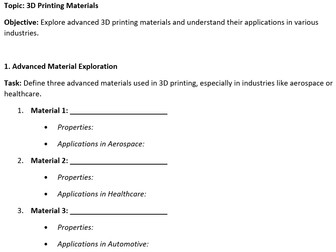
session 4 - ages 15-17 - 3D printing materialsQuick View
j_k_arthur69

session 4 - ages 15-17 - 3D printing materials

(0)
a simple worksheet made up of 4 parts asking pupils to complete tasks in each section. Sections included; 1 - advanced material exploration 2 - material properties and advanced applications 3 - material innovation in industries 4 - future materials This can be used as a standalone research task or can be broken down into individual tasks to be used as necessary
session 4 ages 11-14 - 3D printing materialsQuick View
j_k_arthur69

session 4 ages 11-14 - 3D printing materials

(0)
a simple worksheet made up of 4 parts asking pupils to complete tasks in each section. Sections included; 1 - basic understanding of some materials 2 - material properties 3 - material considerations 4 - hands on activity This can be used as a standalone research task or can be broken down into individual tasks to be used as necessary
session 6 ages 15-17 - Design optimisation for advanced printingQuick View
j_k_arthur69

session 6 ages 15-17 - Design optimisation for advanced printing

(0)
Tasks on worksheet: 1 - Introduction to Design Optimization 2 - Techniques for Optimization 3 - Designing for Specific Technologies 4 - Case Studies of Successful Applications Conclusion This can be used as a standalone research task or can be broken down into individual tasks to be used as necessary. note: TinkerCAD is my software of choice when first starting to teach about 3D modelling. It is an excellent online based software tool very accessible to students with a good user interface and tutorial to allow students to develop at their own pace, as well as having a number of other useful features like being able to set up classes where students can save work and you have access to their gallery of designs
session 7 - ages 15-17Quick View
j_k_arthur69

session 7 - ages 15-17

(0)
a simple worksheet made up of 4 parts asking pupils to complete tasks in each section. Sections included; 1 - Introduction to Bioprinting 2 - Applications of Bioprinting 3 - Introduction to Metal Printing 4 - Applications of Metal Printing 5 - conclusion: Reflect on the potential impact of bioprinting and metal 3D printing in various fields. How might these technologies revolutionize industries? This can be used as a standalone research task or can be broken down into individual tasks to be used as necessary
session 7 - ages 11-14Quick View
j_k_arthur69

session 7 - ages 11-14

(0)
a simple worksheet made up of 4 parts asking pupils to complete tasks in each section. Sections included; 1 - Exploring Advanced Technologies 2 - Applications of Advanced Technologies 3 - Bioprinting and Metal Printing 4 - Future Trends in Printing Technologies 5 - conclusion to reflect on the exciting possibilities of 3D printing and its potential impact This can be used as a standalone research task or can be broken down into individual tasks to be used as necessary
session 8 - ages 11-14 - Everyday Applications of 3D PrintingQuick View
j_k_arthur69

session 8 - ages 11-14 - Everyday Applications of 3D Printing

(0)
a simple worksheet made up of 5 parts asking pupils to complete tasks in each section. Sections included; 1 - Everyday Objects 2 - 3D Printing in Daily Life 3 - Customization with 3D Printing 4 - Personal 3D Printing Project 5 - conclusion This can be used as a standalone research task or can be broken down into individual tasks to be used as necessary
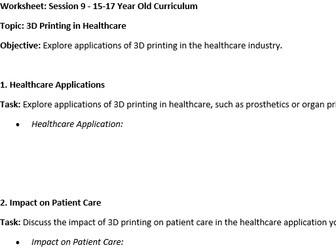
session 9 - ages 15-17 - 3D Printing in HealthcareQuick View
j_k_arthur69

session 9 - ages 15-17 - 3D Printing in Healthcare

(0)
a simple worksheet made up of 5 parts asking pupils to complete tasks in each section. Sections included; 1 - Healthcare Applications 2 - Impact on Patient Care 3 - Advances in Medical Technology 4 - Future Developments 5 - Conclusion This can be used as a standalone research task or can be broken down into individual tasks to be used as necessary
session 10 - ages 15-17 - 3D Printing in Aerospace and EngineeringQuick View
j_k_arthur69

session 10 - ages 15-17 - 3D Printing in Aerospace and Engineering

(0)
a simple worksheet made up of 7 parts asking pupils to complete tasks in each section. a case study is also provided to assist students in completing the task. Sections included; 1 - Introduction to Aerospace Applications 2 - Aerospace Components 3 - Benefits of 3D Printing in Aerospace 4 - Engineering Applications Beyond Aerospace 5 - Case Study: 3D Printing in Aerospace 6 - Challenges and Solutions 7 - Future Trends in Aerospace 3D Printing 8 - Conclusion This can be used as a standalone research task or can be broken down into individual tasks to be used as necessary
session 8 - ages 15-17 - Practical Applications of 3D PrintingQuick View
j_k_arthur69

session 8 - ages 15-17 - Practical Applications of 3D Printing

(0)
a simple worksheet made up of 5 parts asking pupils to complete tasks in each section. Sections included; 1 - Industry Applications 2 - Impact of 3D Printing in the Industry 3 - Innovation in Manufacturing 4 - Future Possibilities 5 - Conclusion This can be used as a standalone research task or can be broken down into individual tasks to be used as necessary
session 10 - ages 11-14 - designing a miniature townQuick View
j_k_arthur69

session 10 - ages 11-14 - designing a miniature town

(0)
a simple worksheet made up of 4 parts asking pupils to complete tasks in each section. this is a very basic scaffolding worksheet to help guide students. It will be best used as guidance for the teacher when introducing the project. Sections included; 1 - Introduction to the Project 2 - Town Planning 3 - Assigning Roles 4 - Collaborative Design 5 - Conclusion
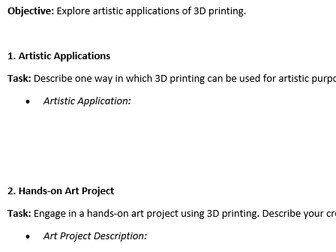
session 9 - ages 11-14 - 3D Printing art and creativityQuick View
j_k_arthur69

session 9 - ages 11-14 - 3D Printing art and creativity

(0)
a simple worksheet made up of 4 parts asking pupils to complete tasks in each section. Sections included; 1 - Artistic Applications 2 - Hands-on Art Project 3 - Personal Reflection 4 - Artistic Possibilities 5 - Conclusion This can be used as a standalone research task or can be broken down into individual tasks to be used as necessary
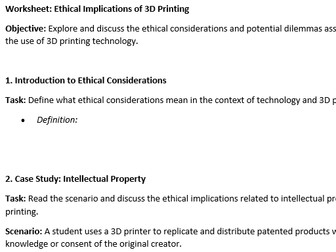
session 11 - ages 15-17 - Ethical Implications of 3D PrintingQuick View
j_k_arthur69

session 11 - ages 15-17 - Ethical Implications of 3D Printing

(0)
a simple worksheet made up of 8 parts asking pupils to complete tasks in each section. section 2 and 3 case studies can be personalised and changed if required, it will not impact the outcome as long as it relates to the case study topics. Sections included; 1 - Introduction to Ethical Considerations 2 - Case Study: Intellectual Property 3 - Case Study: Weapons Production 4 - Privacy and Surveillance 5 - Environmental Impact 6 - Accessibility and Equity 7 - Personal Reflection 8 - Mitigating Ethical Concerns 9 - Conclusion This can be used as a standalone research task or can be broken down into individual tasks to be used as necessary.