Calculating speed using Top Gear and the cast of Friends!Quick View
Sukimax

Calculating speed using Top Gear and the cast of Friends!

(0)
This real-world speed calculation lesson starts with an interactive hook: students watch three Top Gear clips to figure out how the hosts are trying to trick speed cameras. After a class discussion on the three main types of speed cameras, students learn how to calculate prosecution speeds and UK driving penalty points. For the main activity, students analyse data for eight members of the Friends cast. Using four unique data points per character, they calculate their speeds to decide who gets a fine, who gets points, and who loses their driving licence! This resource perfectly blends rigorous speed calculations, rounding and percentages with lively debates on speed camera ethics, visibility, and road safety.
Maths,Data Handling with Harry Styles (spread sheets, scatter graphs)Quick View
Sukimax

Maths,Data Handling with Harry Styles (spread sheets, scatter graphs)

(0)
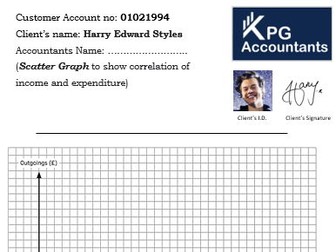
This is a 1-hour “Celebrity Accountant” Maths lesson where students manage the finances of Harry Styles! The lesson uses a PowerPoint packed with embedded videos where Harry “answers” pre-set questions, which the kids absolutely love. During the hour, students complete two spreadsheet tasks: first, calculating and rounding total income to 3 significant figures, and second, logging receipt data to find total expenditures. They then build a scatter graph - offering a great opportunity to discuss axes, scales, correlations, and outliers - before writing a final analysis report with spending tips for Harry. It is a fantastic, high-engagement way to practice data handling, and real fans will even spot that his account number is his birthday!
Times Table PracticeQuick View
Sukimax

Times Table Practice

(0)
These power points let students practise their times tables (with out relying on the internet! I have been caught out with that before which is why I made this). The first power point allows you to choose which times table the student will practice, if they get the question wrong it will ask them to try again, if they get it correct it carries on to the next question. The second power point has different levels of random questions to try.