Scratch Chatbot Coding Project for PrimaryQuick View
StanBlokh

Scratch Chatbot Coding Project for Primary

(0)
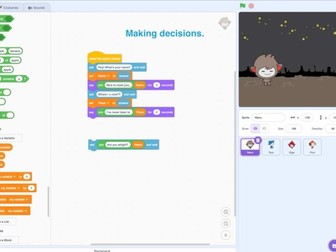
This resource includes a three-lesson Scratch programming project where primary school students design and build a simple interactive chatbot. Students learn key computational thinking skills by creating a chatbot that asks questions and responds to user input. The lessons introduce fundamental programming concepts including: • Variables • User input using ask and wait • If / If–Else conditional statements • Repeat loops • Interactive dialogue design The project follows a step-by-step progression: Lesson 1 – Introduction to chatbots and user input Students learn how to use the ask block and store answers in variables. Lesson 2 – Conditional logic Students improve the chatbot using IF and IF-ELSE statements so the chatbot responds differently depending on user answers. Lesson 3 – Loops and completing the chatbot Students add repeat loops to create a continuous conversation and finalize their chatbot project. The resource includes: • 3 detailed lesson plans • Step-by-step Scratch coding instructions • Presentation slides with block examples • A complete chatbot project for students to build This project supports computational thinking, problem solving and creativity, while helping students understand how interactive programs work. It is suitable for primary computing classes or introductory programming lessons.
UX/UI App Design Project (Adobe XD)Quick View
StanBlokh

UX/UI App Design Project (Adobe XD)

(0)
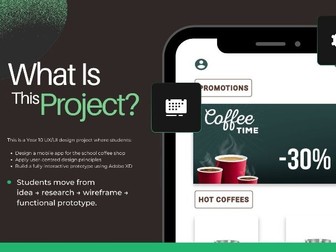
This is a structured UX/UI design project for secondary students, focused on designing a functional school coffee shop app using Adobe XD. Students develop user personas, create wireframes, design interactive prototypes, and apply user-centred design principles. The project includes: Clear learning objectives Lesson Plans Step-by-step project phases Research and user testing framework Wireframing and prototyping guidance Assessment Final presentation criteria This resource is suitable for Year 9–11 Computing, Computer Science, or Design & Technology courses. It supports project-based learning and develops digital creativity, problem-solving and technical design skills aligned with international computing standards.