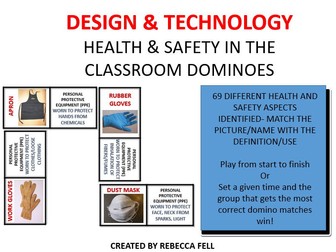
DIFFERENT HEALTH AND SAFETY ASPECTS IDENTIFIED- MATCH THE PICTURE/NAME WITH THE DEFINITION/USE
Play from start to finish
Or
Set a given time and the group that gets the most correct domino matches win!
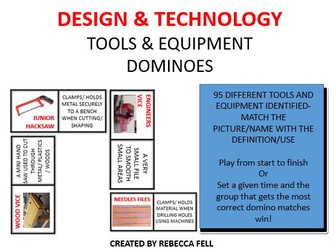
95 DIFFERENT TOOLS AND EQUIPMENT IDENTIFIED- MATCH THE PICTURE/NAME WITH THE DEFINITION/USE
Play from start to finish
Or
Set a given time and the group that gets the most correct domino matches win!
Designed and created to help build subject knowledge and understanding through all Key Stages within Secondary Schools.
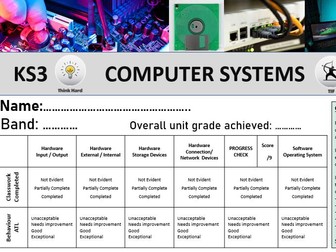
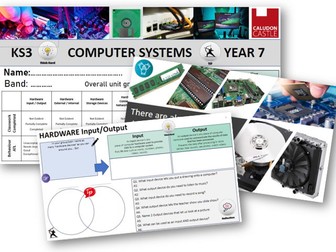
Computer Systems full unit of work including 7 lessons and a student booklet.
Sequences of lessons consists of:
Lesson 1-Computer Systems, Hardware-Input/Outputs
Lesson 2- Hardware External/Internal
Lesson 3- Hardware- Storage Devices
Lesson 4- Hardware-Connection/Network Devices
Lesson 5- PROGRESS CHECK Connection/Network Devices
Lesson 6- Software- Operating Systems
Lesson 7- Expert Poster/leaflet
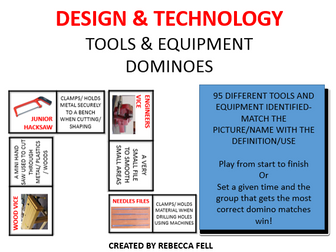
95 DIFFERENT TOOLS AND EQUIPMENT IDENTIFIED- MATCH THE PICTURE/NAME WITH THE DEFINITION/USE
Play from start to finish
Or
Set a given time and the group that gets the most correct domino matches win!
Designed and created to help build subject knowledge and understanding through all Key Stages within Secondary Schools.
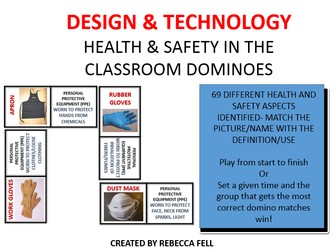
DIFFERENT HEALTH AND SAFETY ASPECTS IDENTIFIED- MATCH THE PICTURE/NAME WITH THE DEFINITION/USE
Play from start to finish
Or
Set a given time and the group that gets the most correct domino matches win!
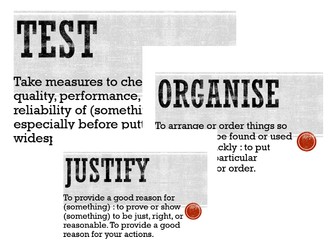
37 different Command Words to help students within their understanding of written or verbal instructions.
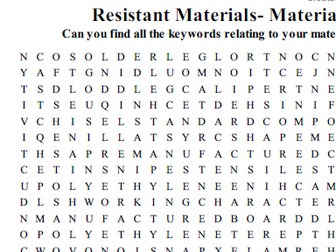
Keyword and Definition. Can be display along the ceiling line of a classroom.
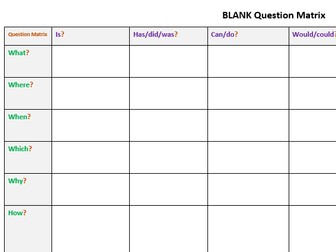
Create your own questions in the matrix grid. The deeper thinking/higher order questions will fall into the How Might? Why Will? question slots.
This can be used for students to created their own questions as a revision resource too.
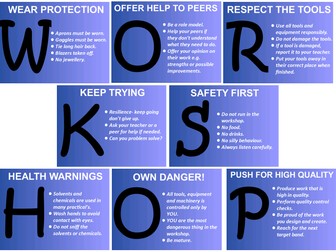
Powerpoint slide posters that can be displayed within the workshop, spelling out WORKSHOP.
These can be used as a reference point to remind and correct student behaviours within the workshop.
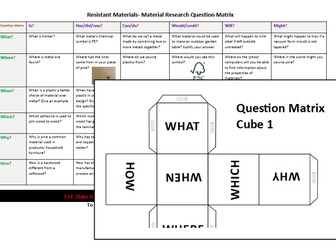
Material Research Question Matrix.
This question resource is designed to aid revision and deepen understanding.
A total of 36 questions that range from closed questions to open questions to challenge students knowledge and understanding.
How Might?, Why Might? and How Will? questions prompt students for more detailed answers.
There if a TIF (Take It Further) section at the bottom to stretch and challenge students.
How to play:
Students roll both question cube 1 and 2.
Link both of these cubes to create a question starter, for example: How is?
Just like a co-ordinate grid, find you question on the Matrix.
Students answers the question. TIF if required.
Students can play alone, in pairs or groups.
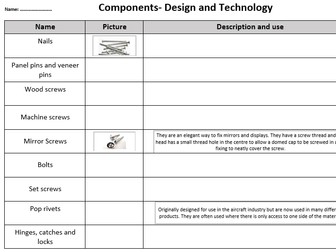
Resource 1: table/grid- Name (filled in) /Picture and Description blank.
Resource 2: Pictures and Descriptions ready to be cut up and sorted onto table/grid (printed in order)
Two files:
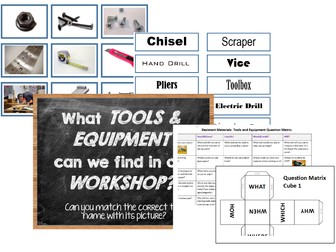
Includes 70 pictures of different tools and equipment you’d find in the workshop. Blank grid and title page.
70 names matching all the tools and equipment pictures.
This can be used however you require.
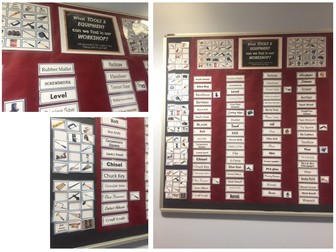
I have this displayed on the wall. See cover image.
All keywords are displayed in the centre. The blank grids are laminated and displayed to the left of the words. The pictures are individually laminated and blue tac’d to the blank grids.
*Students match the tools and equipment to their names. Great independent resource for students to use if can’t remember the name of a tool.
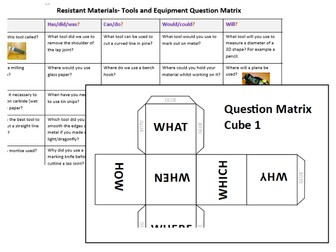
Tools & Equipment Question Matrix.
This question resource is designed to aid revision and deepen understanding. Questions can be edited to match your projects.
A total of 36 questions that range from closed questions to open questions to challenge students knowledge and understanding.
How Might?, Why Might? and How Will? questions prompt students for more detailed answers.
There if a TIF (Take It Further) section at the bottom to stretch and challenge students.
How to play:
Students roll both question cube 1 and 2.
Link both of these cubes to create a question starter, for example: How is?
Just like a co-ordinate grid, find you question on the Matrix.
Students answers the question. TIF if required.
Students can play alone, in pairs or groups.
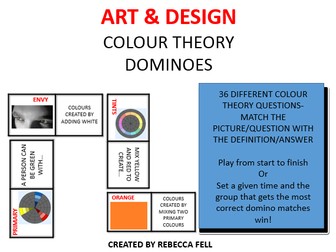
36 DIFFERENT COLOUR THEORY QUESTIONS- MATCH THE PICTURE/QUESTION WITH THE DEFINITION/ANSWER
Play from start to finish
Or
Set a given time and the group that gets the most correct domino matches win!
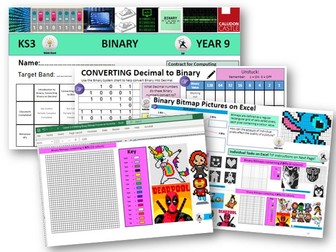
Binary full unit of work including 6 lessons and a student booklet.
Sequences of lessons consists of:
Lesson 1- Introduction to Binary, Converting Binary to Decimal
Lesson 2- Converting Decimal to Binary
Lesson 3 & 4- Adding and Subtracting Binary
Lesson 5 & 6- Making Binary Bitmap Pictures (including conditional formatted excel workbook for students use)
Computer Systems full unit of work including 7 lessons and a student booklet.
Sequences of lessons consists of:
Lesson 1-Computer Systems, Hardware-Input/Outputs
Lesson 2- Hardware External/Internal
Lesson 3- Hardware- Storage Devices
Lesson 4- Hardware-Connection/Network Devices
Lesson 5- PROGRESS CHECK Connection/Network Devices
Lesson 6- Software- Operating Systems
Lesson 7- Expert Poster/leaflet


 Quick View