

 Quick ViewQuick View
Pop up book project
Graphic Design/ Illustration. 18 lesson project (could be lengthened or shortened).
Containing;
x19 presentations
x19 help sheets
x1 example book (power point)
x1 Assessment grid
x1 Unit of Work (MS Excel)
Saving you hours of work.
 Quick View
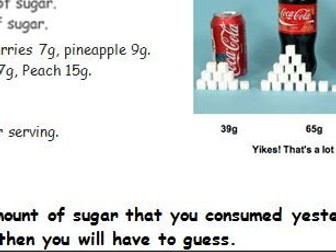
HEALTHY EATING COVER LESSON -Sugar
A worksheet designed to help students think about their sugar intake. A range of tasks to engage students.
In the main task students have to work out their consumption in grams. Most sugary foods are listed to help them.
 Quick View
COVER/ INTERVIEW LESSON -Strategies to reduce food miles
KS3.
There is a link to a video (link 9 minutes) which would help to deliver the task.
There are 3 main tasks. In MS Word so it can be adjusted to suit.
 Quick View
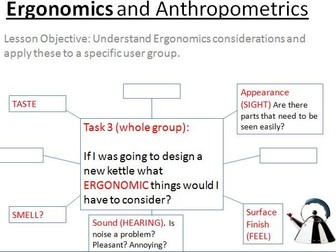
COVER/ INTERVIEW LESSON -Ergonomics and Anthropometrics
KS3-5. Age 11-18.
Contains; a presentation, worksheet x3 versons, web link and x2 versions of the lesson plan.
All in MS power point and Word so they can be modified/ developed.
 Quick View
undefined
 Quick View
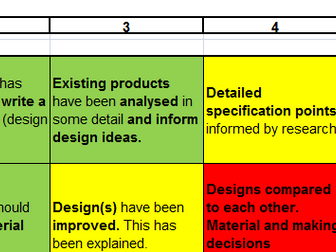
KS3 /4 Assessment tracker and project assement grids.
This our departments assessment tracker based on the 2014 KS3 DT curriculum and inline with levels 1-9 for the new DT GCSE. We use 1-9 assessment levels used across the school at KS3.
We share this with students and they put them at the back of their sketch books we break them down for each project. Projects are designed to ensure coverage of the seven assessment strands each year and across the key stage.
I have colour coded them to show how they could be used. This can be done with colouring pencils or on-line as part of an e-portfolio.
I have included an examples of our project assessment grids to show how we break it down for projects. NOTE: Year the end of Year 8/ 9s write in their own assessment criteria, by copying the appropriate statements (bold text only) from their chosen assessment strands, between 2-4 strands per project. This resource could also be used with KS4 students (GCSE and/ or Technical Awards).
Bundle
COVER/ INTERVIEW LESSONS Food X3
X1 Lesson on Food miles
X1 Lesson focused on the eat well plate
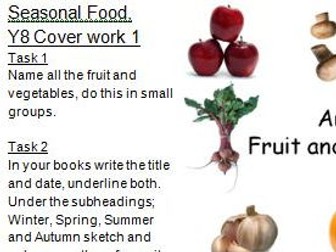
X1 Lesson on Seasonal food
Drawing technique presentations
Three drawing technique presentations teaching students how to draw in isometric, oblique and perspective.
The item drawn is a simple storage unit.
The presentations are drawn in a step-by-step way and are in power point allowing you to modify/ add colour/ arrange your own timings.
Using Autodesk 123d Design -starting off.
3 presentations showing how to combine shapes remove material and use the help.
In MS Power point so it can be modified/ developed.
Autodesk 123d Design is a free download to PC, Mac and iPad and is a good introduction to 3D CAD.
 Quick View
COVER/ INTERVIEW LESSON -Typeface design
KS2-5. Age 7-18. Mainly KS3. Age 11-14.
Contains; x1 presentation, x4 worksheets, x1 hand out (PDF) and a (basic) lesson plan. All in MS Power point or Word apart from the hand out.
 Quick View
COVER/ INTERVIEW LESSON -Money box design
KS3. Age 11-16
Presentation, image board, x2 worksheets and a lesson plan. In MS Power point and Word so that it can be modified.
This plan uses play dough for modelling. This could be done with other modelling materials such as; plasticine, card, computer aided design.
 Quick View
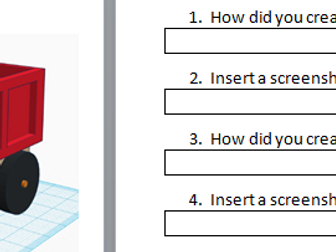
Recording freight train drawing
Word document allowing students to record the main steps of drawing a freight train in Autodesk 123d Design.
 Quick View
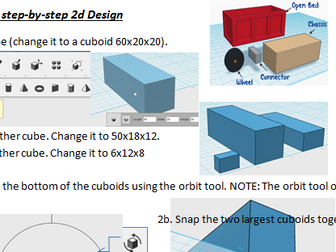
3D CAD Freight train step-by-step for 123d Design
A two sided A4 step-by-step enabling students to create a freight train truck independently.
 Quick View
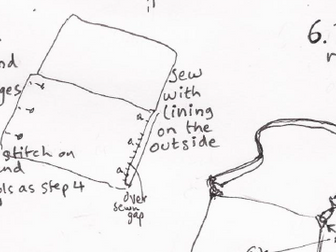
Simple bag step-by-step
A simple bag step-by-step. The bag can be modified to suit a range of uses such as; a hand bag, laptop, phone or tablet case/ holder. A strap, zips, and other fasteners can be added.
 Quick View
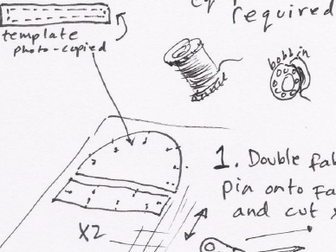
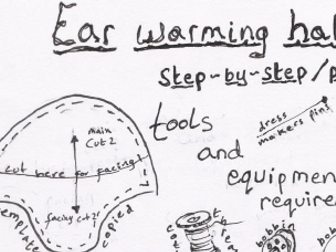
Beanie Hat step-by-step
A step-by-step guide to produce a simple Beanie hat that can be embellished/ modified.
 Quick View
Bundle
 Quick View
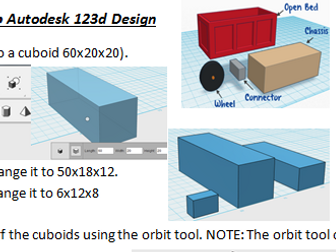
3D CAD satrting off. Using Autodesk 123d Design
Step-by-step activity
Recording progress sheet
Power point explaining key tools