 Quick View
Kids Typing 2.0 – Typing Tutor for Kids
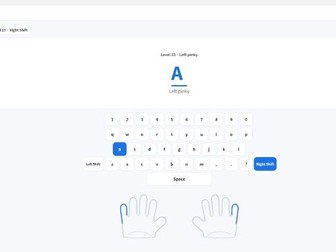
Kids Typing 2.0 is a Windows typing tutor for children that teaches correct finger placement, keyboard skills, typing accuracy and speed through step-by-step lessons and games.
Designed for children, classrooms and computer-based learning, Kids Typing 2.0 provides a simple and friendly way to build good typing habits from the beginning.
KEY FEATURES
• Step-by-step keyboard lessons
• Correct finger placement guidance
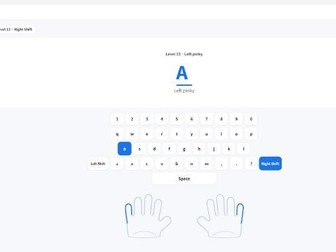
• Visual hand and finger guide
• Letter and key practice
• Sentence typing practice
• Accuracy practice
• Speed tests
• Typing games
• 24 progressive learning levels
• Simple and child-friendly interface
SYSTEM REQUIREMENTS
• Windows 10 or Windows 11
• 64-bit Windows PC
• Keyboard required
• 4 GB RAM or more recommended
• 300 MB free storage recommended
• 1366 × 768 or higher display recommended
IMPORTANT
This product is for Windows PCs only.
It does not support:
• macOS
• Chromebook
• iPhone or iPad
• Android devices
No subscription, online account, activation or license key is required.
After installation, an internet connection is not required for normal use.
The download contains the Windows installer for Kids Typing 2.0.
Kids Typing 2.0 is developed by Dasfunschool.
© 2026 Dasfunschool. All rights reserved.