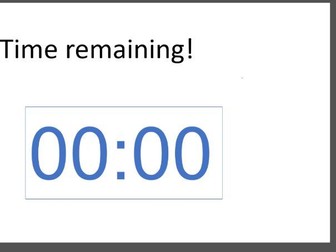
This resource shares a real case study of how a secondary school improved lesson transitions, behaviour, and student focus using UbiTimer — a free PowerPoint timer for teachers. Includes screenshots, practical examples, and a step-by-step guide for classroom use.
Free EDU licence available to all schools: https://ubitimer.com/edu/
Add a countdown or stopwatch timer to any PowerPoint presentation with UbiTimer — perfect for classroom quizzes, timed activities, discussions, and exam practice. This free PowerPoint add-in lets you display either a digital or analogue timer directly on your slides, helping both teachers and students manage time effectively.
Whether you’re keeping track of group work, managing speaking turns, or creating a sense of urgency during tasks, UbiTimer works seamlessly without needing any technical setup. You can:
Start and pause timers manually
Set fixed countdown durations
Use a forward-counting stopwatch
Choose from radial or digital display
Float the timer in Slide Show mode (for teacher view only)
Customize position, font, and size
No sign-up required. Fully compatible with PowerPoint 2016+, Office 365, and both Windows and Mac.
UbiTimer is an easy-to-use classroom management tool that brings structure, pace, and focus to your lessons. Learn more at ubitimer.com


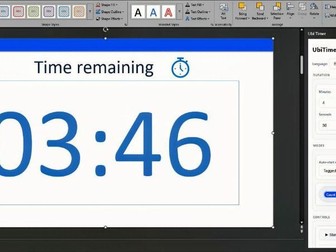 Quick View