


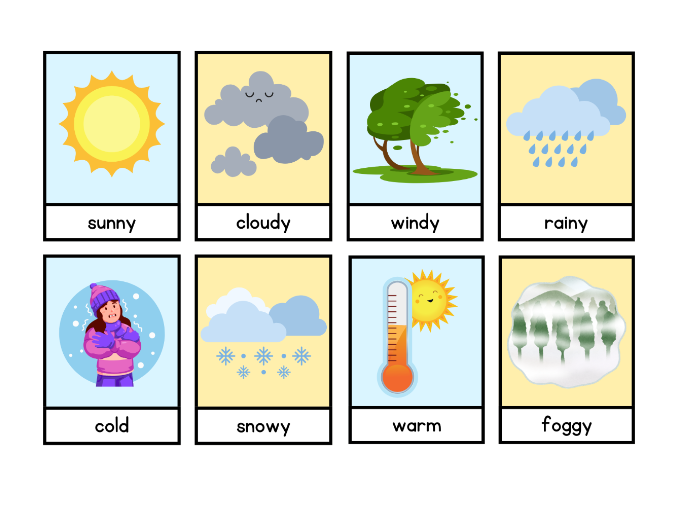
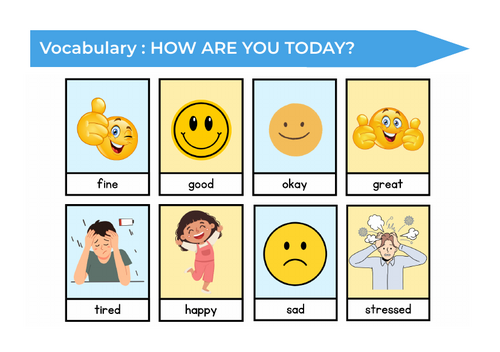
Visuals for creating learning cards.
Step by step guide:
1: Open the PDF file
2. Print the files => Page Size & Handling (Multiple) => Pages per sheet (2) => Print page border => Orientation (Landscape) => Print on both sides
3. Laminate them
4. Cut the cards
5. Make a hole on the top left corner with a Hole Punch
6. Use a metal ring to keep all the cards together
Something went wrong, please try again later.
This resource hasn't been reviewed yet
To ensure quality for our reviews, only customers who have purchased this resource can review it
Report this resourceto let us know if it violates our terms and conditions.
Our customer service team will review your report and will be in touch.
£1.00