


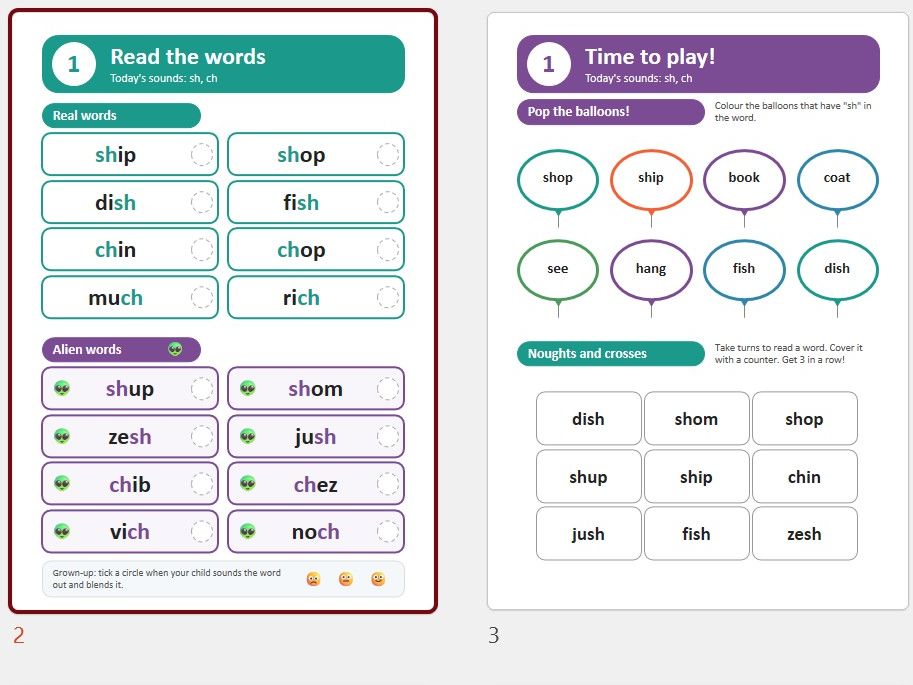
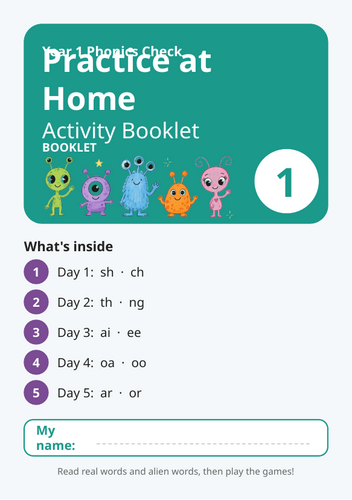
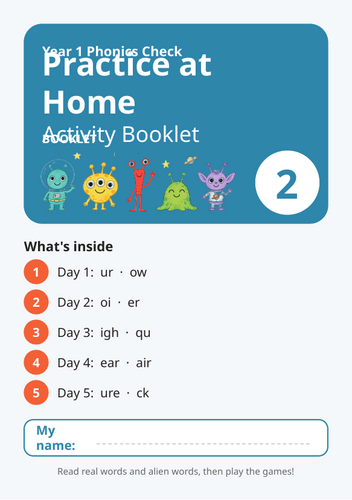
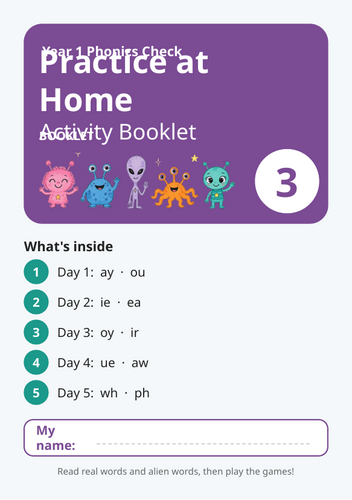
Booklets that can be used for children to rehearse for the phonics check at home. Each booklet covers a range of digrapaphs with a set of real words and alien words to read each day and a game to play each day.
**Phonics Check Practice Booklet 1 **
A 12-page home practice booklet with five days of activities, covering sh, ch, th, ng, ai, ee, oa, oo, ar and or. Each day has a reading page of real and alien words, facing a page of two games. It includes a cover, tips for grown-ups and an explanation of the phonics check.
Phonics Check Practice Booklet 2
The same format, covering ur, ow, oi, er, igh, qu, ear, air, ure and ck. It has five days of real and alien word reading, plus games such as word search, noughts and crosses, sound buttons and rainbow writing.
**Phonics Check Practice Booklet 3 **
Five days covering ay, ou, ie, ea, oy, ir, ue, aw, wh and ph. Each day has check-style real and alien words, plus two games that children can play with a grown-up.
Phonics Check Practice Booklet 4
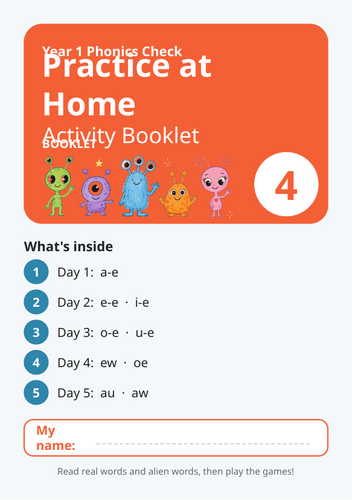
Five days covering the split digraphs (a-e, e-e, i-e, o-e and u-e), plus ew, oe, au and aw. It has check-style reading pages and varied games, including follow the path and match it up.
**Phonics Check Practice Booklet 5 **
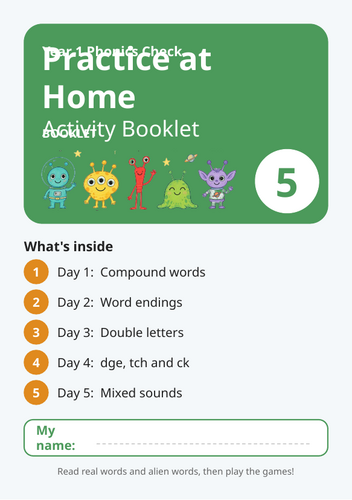
A review booklet. Its five days cover compound words, word endings, double letters (ll, ss, ff, zz), dge, tch and ck, and a mixed-sounds day. The real words are longer than in the earlier booklets, so it makes good practice just before the check.
All five booklets are designed to print double-sided as A5 booklets, with the reading page facing the games page on each spread. (All fully editable.)
Printing
- Save the PowerPoint as a PDF
Windows: File → Export → Create PDF/XPS.
Mac: File → Save As → PDF.
Check the PDF has 12 pages and each page is A5 (148 × 210 mm). Do this for each booklet.
- Print as a booklet from Adobe Acrobat Reader (free)
Open the PDF and choose File → Print.
Choose your printer and set the paper size to A4.
Under Page Sizing & Handling, click Booklet.
Set Booklet subset to Both sides.
Set Binding to Left.
Set the orientation to Landscape.
Open Printer Properties and turn on double-sided printing. Choose flip on short edge, because the sheets print in landscape.
Print.
Something went wrong, please try again later.
This resource hasn't been reviewed yet
To ensure quality for our reviews, only customers who have purchased this resource can review it
Report this resourceto let us know if it violates our terms and conditions.
Our customer service team will review your report and will be in touch.
£1.00