


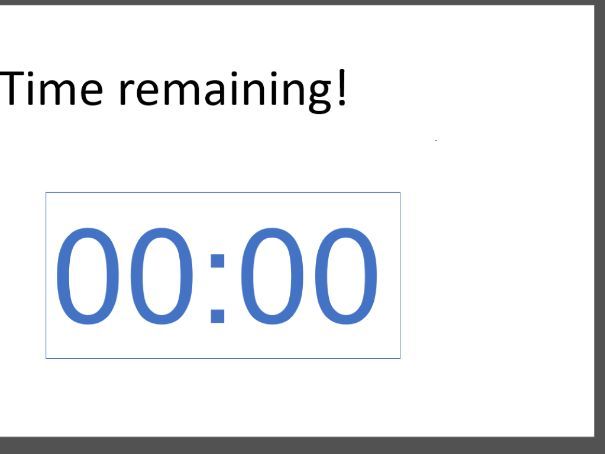
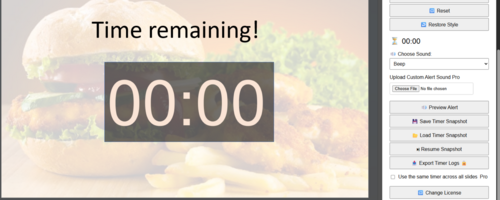
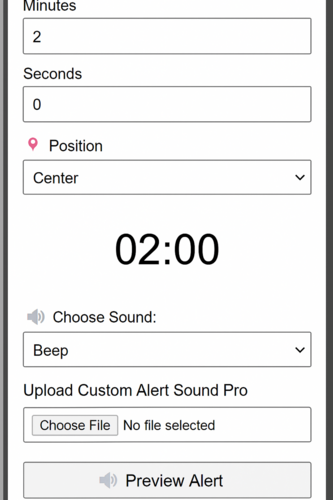
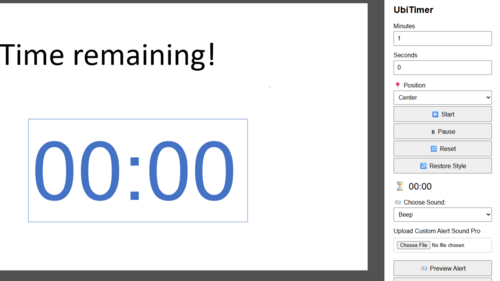

Add a countdown or stopwatch timer to any PowerPoint presentation with UbiTimer — perfect for classroom quizzes, timed activities, discussions, and exam practice. This free PowerPoint add-in lets you display either a digital or analogue timer directly on your slides, helping both teachers and students manage time effectively.
Whether you’re keeping track of group work, managing speaking turns, or creating a sense of urgency during tasks, UbiTimer works seamlessly without needing any technical setup. You can:
Start and pause timers manually
Set fixed countdown durations
Use a forward-counting stopwatch
Choose from radial or digital display
Float the timer in Slide Show mode (for teacher view only)
Customize position, font, and size
No sign-up required. Fully compatible with PowerPoint 2016+, Office 365, and both Windows and Mac.
UbiTimer is an easy-to-use classroom management tool that brings structure, pace, and focus to your lessons. Learn more at ubitimer.com
Something went wrong, please try again later.
This resource hasn't been reviewed yet
To ensure quality for our reviews, only customers who have downloaded this resource can review it
Report this resourceto let us know if it violates our terms and conditions.
Our customer service team will review your report and will be in touch.
£0.00