


Digital Literacy Task Cards – Theme 5: Understanding AI Tools
Give your students the tools they need to navigate the world of Artificial Intelligence with confidence! This engaging set of Digital Literacy Task Cards focuses on Understanding AI Tools—an essential topic in today’s digital world.
Why Use Digital Literacy Task Cards?
Foster critical thinking about AI and technology use
Encourage students to differentiate between helpful and potentially harmful AI applications
Build skills in responsible digital citizenship and ethical technology use
Integrate seamlessly into your digital literacy lessons or tech curriculum
Theme 5: Understanding AI Tools – Topics Covered
What is AI and where have you seen it used?
How to recognize AI (vs. not AI) in tools and devices
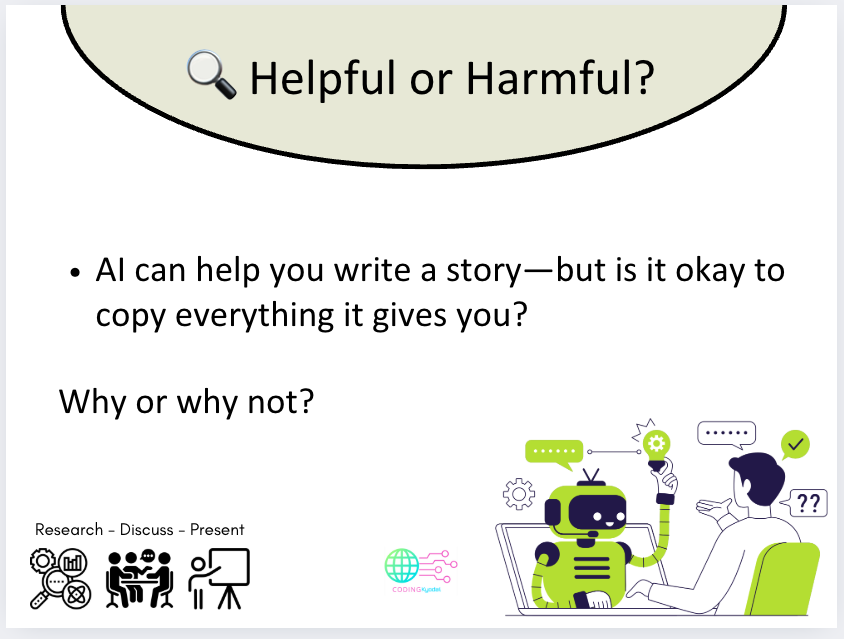
Benefits and challenges of using AI in schoolwork
AI-generated photos and the importance of fact-checking
Smart questions to ask AI chatbots
Limitations of AI compared to humans
Developing classroom rules for AI use
Explore the Complete Digital Literacy Unit:
This set is part of a 14-theme Digital Literacy Resource that covers all the essential online skills for junior high school learners:
- Searching Online – Safe, effective searches with search engines and keywords.
- Recognizing Fake News – Spotting misleading headlines and images, and practicing fact-checking.
- Evaluating Sources – Checking trustworthiness, bias, and reliability.
- Plagiarism & Copyright – Understanding plagiarism, copyright, and fair use.
- Understanding AI Tools – Introduction to AI and ethical usage.
- Online Gaming – Safe play, privacy, and screen time balance.
- My Own Device – Device safety, passwords, and privacy settings.
- Socializing Online – Kindness, respectful communication, and digital footprints.
- What Teens Would Tell Their Younger Selves – Learning from older students’ experiences.
- Internet of Opportunities – Using the internet for learning and creativity.
- Media Balance & Screen Time – Managing screen time and healthy habits.
- Sharing Selfies, Photos, and Media – Privacy, consent, and safe sharing.
- Saving and Retrieving Files – File organization, tags, and backups.
- Online Accounts, Social Media Rules, Policies, and Age Appropriateness – Age limits, privacy, and safe account use.
Teacher Tip: Use to spark discussions, group projects, or individual reflections. Combine with quizzes, digital literacy journals, and extension activities to create a complete learning experience!
Something went wrong, please try again later.
This resource hasn't been reviewed yet
To ensure quality for our reviews, only customers who have purchased this resource can review it
Report this resourceto let us know if it violates our terms and conditions.
Our customer service team will review your report and will be in touch.
£2.50