

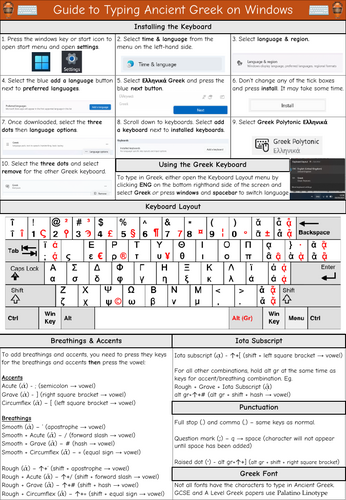

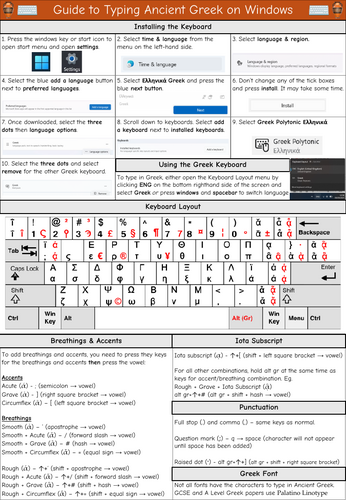
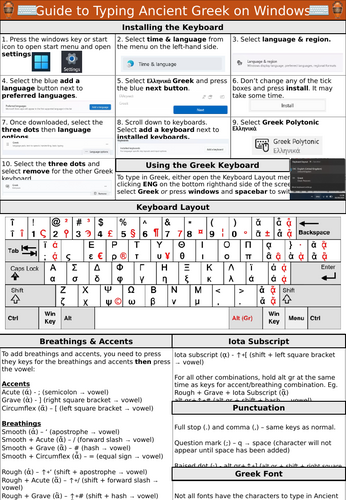
One page resource giving guidance on how to type Classical/Ancient Greek on Windows. Guidance includes how to install the correct Greek keyboard, keyboard layout and how to type accents, breathings and iota subscript.
This A4 document could be printed and stuck in pupils books or laminated as a reference resource or enlarged into an A3 poster. Useful resource to support any pupils, including SEND, who type their answers instead of handwriting them.
Using a Greek keyboard has advantages over using a Greek font as work will not be lost if a different machine does not have a Greek font installed.
Please note that the instructions are for Windows 11 and a UK keyboard. Those using a different version of Windows or a different keyboard may need to adapt the resource.
Download includes both PDF and and editable PPTX file.
(Note the diagram image is from Wikimedia Commons)
Something went wrong, please try again later.
This resource hasn't been reviewed yet
To ensure quality for our reviews, only customers who have downloaded this resource can review it
Report this resourceto let us know if it violates our terms and conditions.
Our customer service team will review your report and will be in touch.
£0.00