pptx, 36.09 MB
pptx, 36.09 MB
pdf, 105.09 KB
pdf, 105.09 KB

Lesson 1 Clear Digital Messaging and Welcome to the Computer Lab

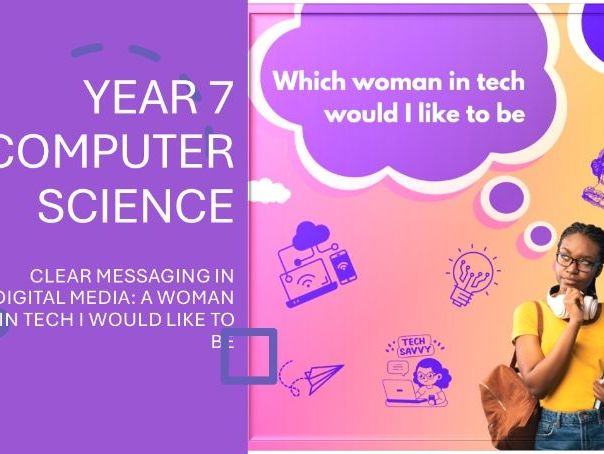
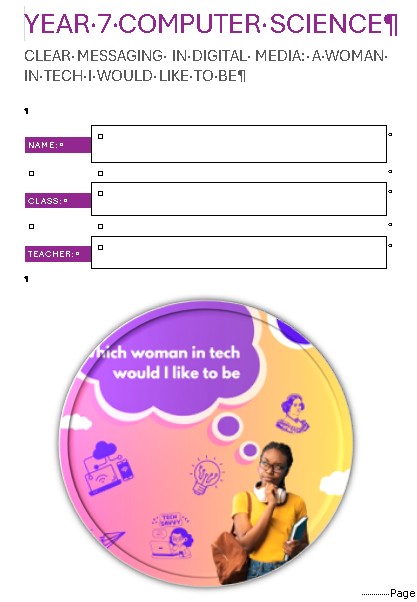
Digital Messaging KS3 Lesson 1 slides and worksheet - Welcome to the Computer Science Lab.

This resource is part of the Digital Messaging series which consists of 7 lessons in total. Check out the other lessons in my store as they pop up.

This lesson was originally created for Year 7/8 girls, but it is accessible and engaging for every student, to explore and develop digital messaging concepts and skills.

This resource covers :

  • Welcome to the computer lab
  • Login and password
  • Expectations
  • Folder Management
  • Creating Folders
  • Presentation about yourself
  • Reflection on the lesson

File types included : pptx (PowerPoint) and pdf

Creative Commons "Sharealike"

Get this resource as part of a bundle and save up to 20%

A bundle is a package of resources grouped together to teach a particular topic, or a series of lessons, in one place.

Bundle

Digital Messaging KS3 | 6 Lesson Pack

This ready-to-use 6 lesson KS3 bundle includes slides and worksheets designed to help students build confidence in digital communication, research, planning, writing, design, and presentation. Across the unit, learners explore key digital messaging skills while creating a digital diary inspired by women in technology. Students develop their ability to research effectively, select copyright-free images, write biographies, create timelines, plan digital content, apply design principles, use multimedia, and present polished work. This resource was originally created for Year 7/8 girls, but it is accessible and engaging for all students, making it ideal for a wide range of KS3 learners. Lessons included: * Lesson 1: Digital Messaging 1: CS Lab Welcome * Lesson 2: Women in Tech: Research & Images * Lesson 3: Women in Tech: Bio & Timeline * Lesson 4: Digital Messaging 4: Diary Planning * Lesson 5: Digital Messaging 5: Design & Media * Lesson 6: Digital Messaging 6: Finalise & Share Additional Resources * Teachers Resouce - Appendix A-E Throughout the unit, students will: * develop clear digital messaging skills * improve research and digital literacy * explore inspiring women in technology * create biographies and visual timelines * plan and design a digital diary * integrate images and multimedia * edit, refine, and share their work * reflect on their progress and growing confidence This bundle is ideal for teachers looking for a cohesive KS3 unit with clear progression, engaging activities, and minimal preparation. Simply open the slides, print the worksheets, and teach.

£4.00

Reviews

Something went wrong, please try again later.

This resource hasn't been reviewed yet

To ensure quality for our reviews, only customers who have downloaded this resource can review it

Report this resourceto let us know if it violates our terms and conditions.
Our customer service team will review your report and will be in touch.