


Get the complete 5-lesson unit in the CAT & MOUSE CHASE BUNDLE (see shop) — Lessons 3, 4 and 5 add scoring, a countdown timer and five graded upgrades.
Two complete, ready-to-teach Scratch lessons. Free, with nothing held back.
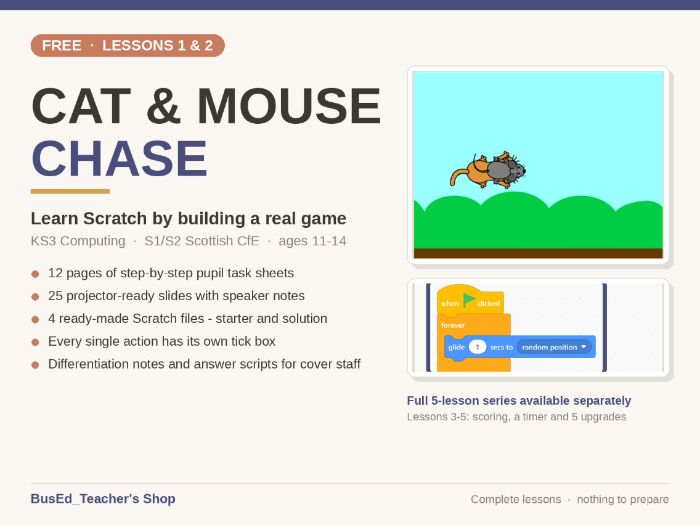
Pupils build a real game from an empty project. By the end of Lesson 2 they have a cat they steer with the arrow keys and a mouse that scurries around the screen on its own. It looks like a game, because it is one — and that is what keeps a class of 12-year-olds working.
These are the first two lessons of a five-lesson unit. They are the full lessons, not samples.
What you get
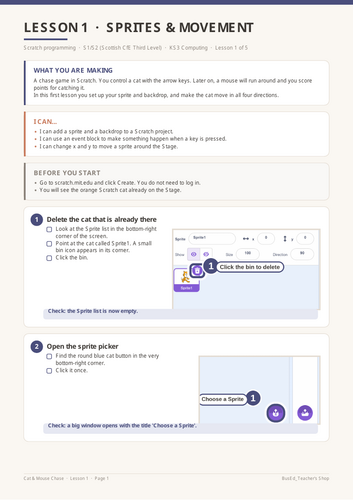
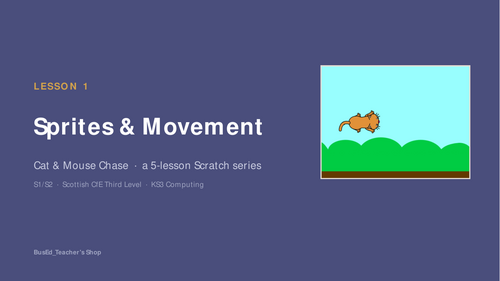
• Lesson 1 — Sprites & Movement: adding a sprite and a backdrop, and making it move with the arrow keys
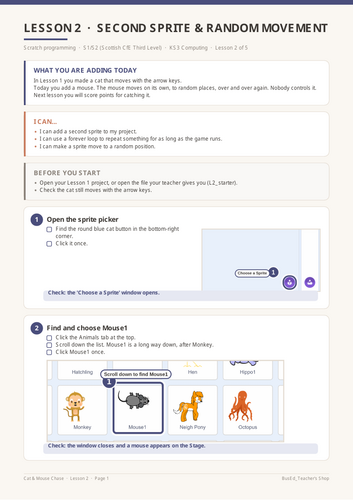
• Lesson 2 — Second Sprite & Random Movement: adding a second character that moves by itself using a forever loop
• 12 pages of pupil task sheets, printed A4
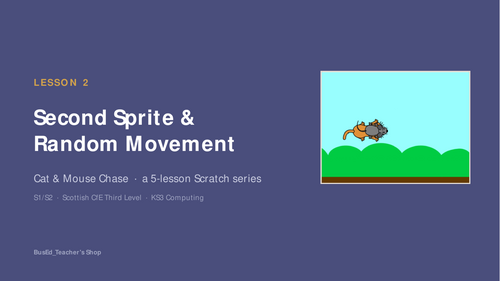
• 25 projector-ready slides with speaker notes for every slide
• 4 Scratch files — a starter and a finished solution for each lesson
Written for pupils who have never coded
Every single action has its own tick box. Not “add the movement blocks” but “hold the mouse button down on that block”, then “drag it into the Code area”, then “let go”. Sixteen steps in Lesson 1 alone, because that is genuinely how many actions it takes.
Each step ends with a Check line, so pupils know whether it worked before they carry on. Every screenshot is annotated with numbered callouts and highlight boxes showing exactly where to click.
Built for a real classroom
• Starter files mean pupils who are behind, absent or struggling can join at any step
• Solution files let a cover teacher or TA answer questions without knowing Scratch
• A “Stuck?” box on every sheet covers the errors pupils actually make
• Differentiation notes for support and stretch
• A vocabulary box that builds cumulatively — a pupil joining at Lesson 2 still gets Lesson 1’s words
• An optional challenge task for early finishers that needs nothing from the next lesson
No preparation needed
Scratch runs free in a browser at scratch.mit.edu. No accounts, no logins, no installs, no plugins. Open the slides, hand out the sheet, teach.
Curriculum links
England — National Curriculum Computing, Key Stage 3: design, use and evaluate computational abstractions that model the state and behaviour of real-world problems and physical systems; undertake creative projects that involve selecting, using and combining multiple applications to achieve challenging goals; create, reuse, revise and repurpose digital artefacts for a given audience.
Scotland — Curriculum for Excellence, Technologies, Third Level, Computing Science: TCH 3-15a “I can select appropriate development tools to design, build, evaluate and refine computing solutions based on requirements.” Benchmark: writes code which receives and responds to real world inputs (in a visual language).
Something went wrong, please try again later.
This resource hasn't been reviewed yet
To ensure quality for our reviews, only customers who have downloaded this resource can review it
Report this resourceto let us know if it violates our terms and conditions.
Our customer service team will review your report and will be in touch.
£0.00