


All-in-One Offline PDF Annotator & Educational Template Tool for Teachers —
No Install, No Login, No Subscription
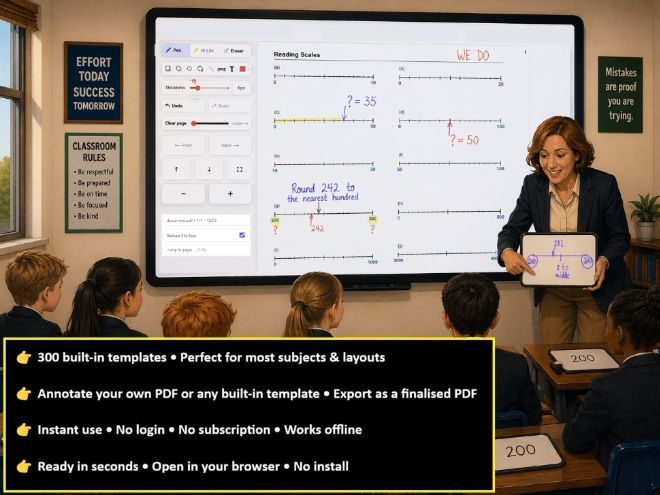
Scribentra is a standalone PDF annotation and classroom resource tool designed specifically for teachers. It runs entirely offline with no installation, login, subscription or internet connection required. Simply download the HTML file to your computer and open it in your browser.
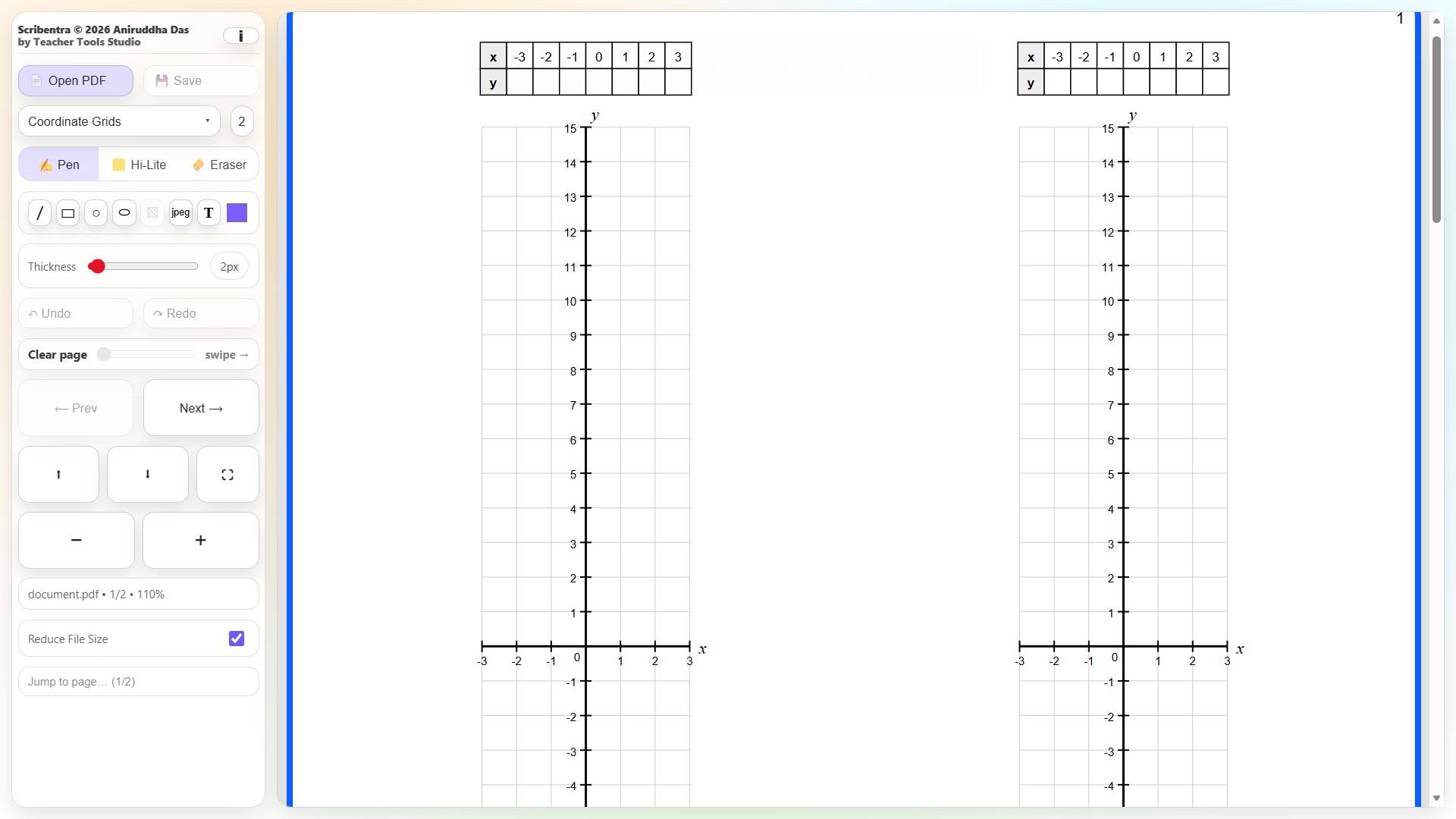
Open your own PDFs and annotate them directly using a comprehensive set of classroom-friendly tools, including pen, highlighter, eraser, straight lines, rectangles, circles, ellipses, shape fills, text and image insertion. Colour and line thickness can be adjusted, with Undo/Redo, page navigation, zoom and full-screen controls available for live classroom use.
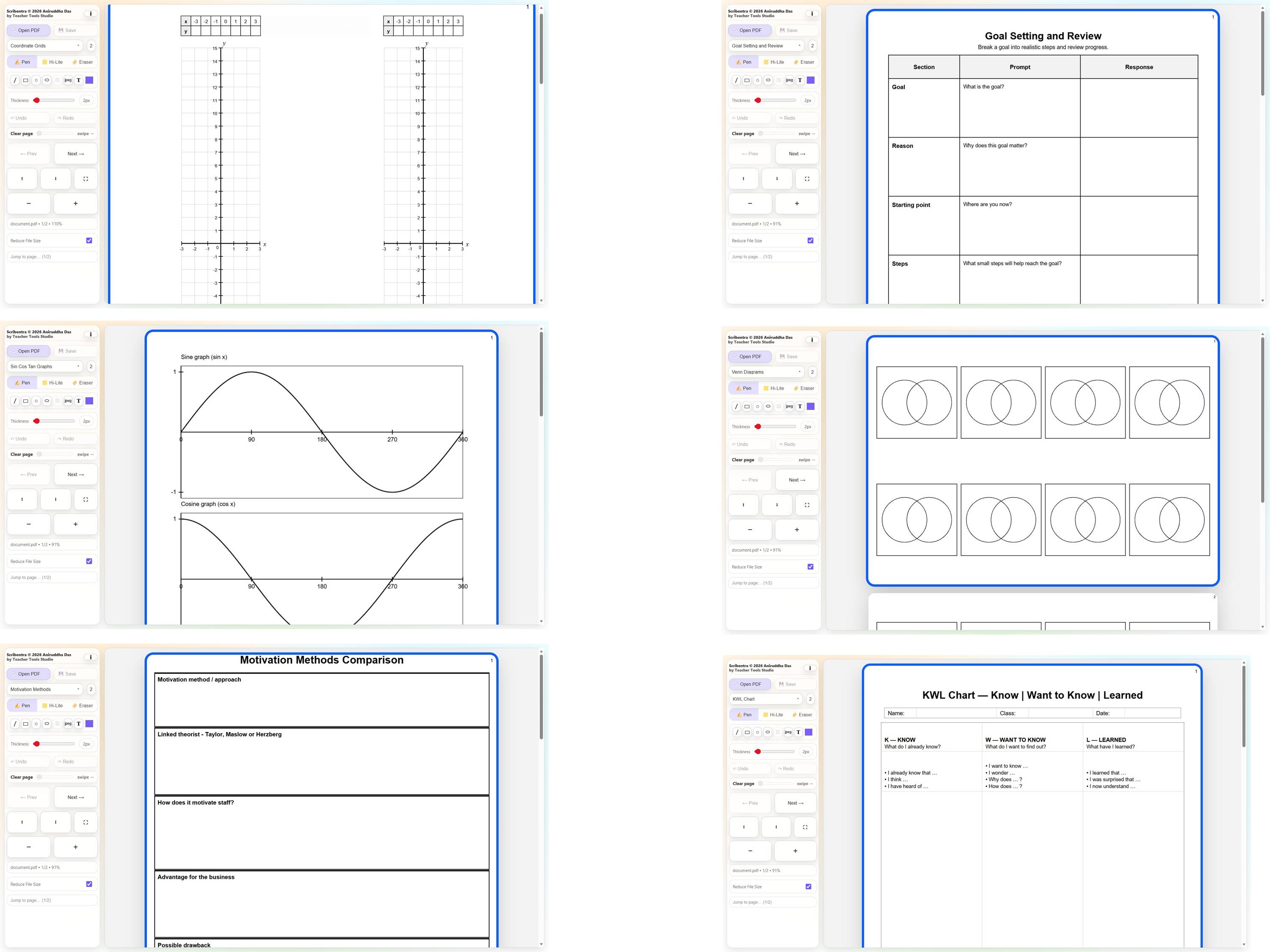
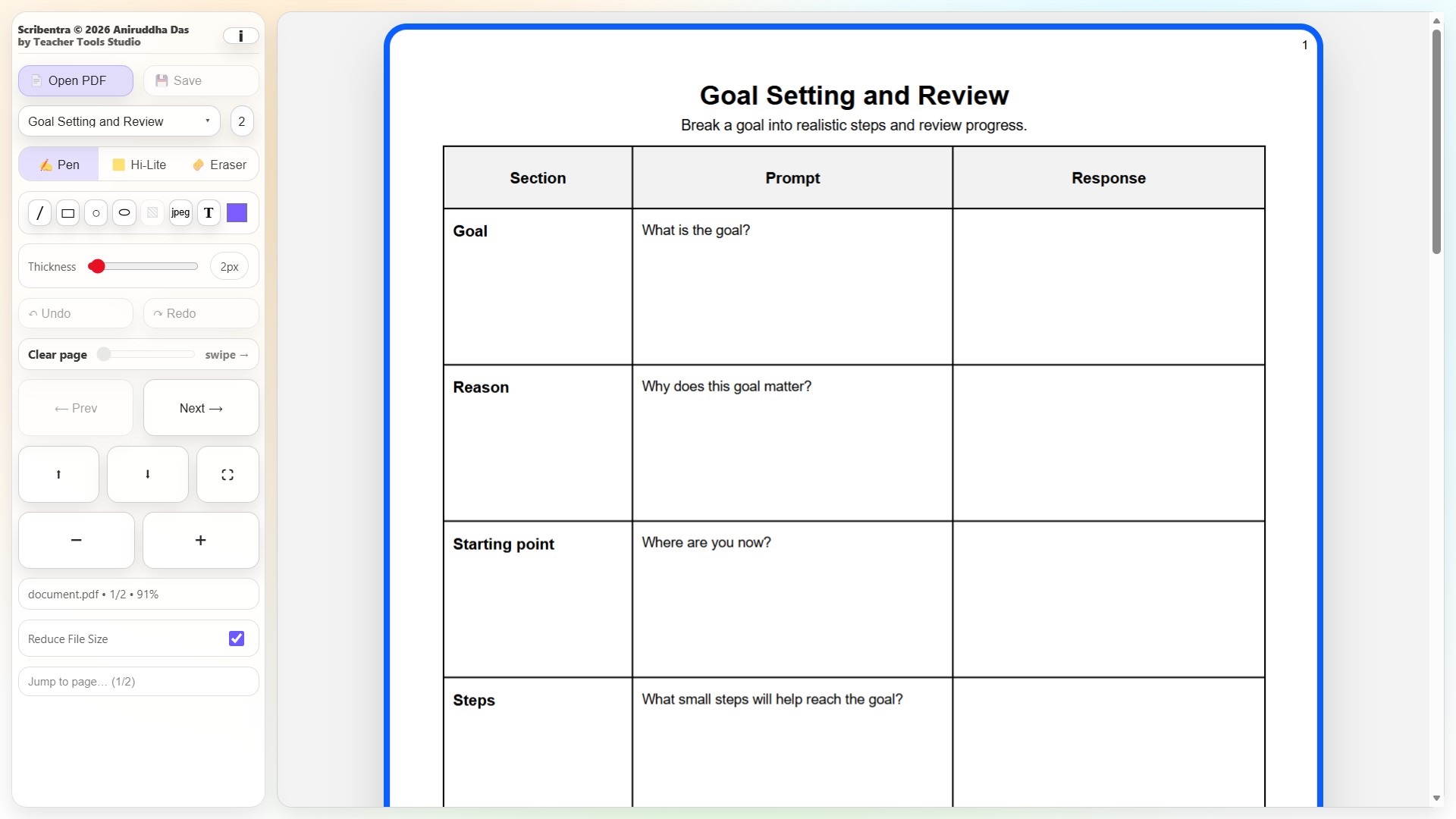
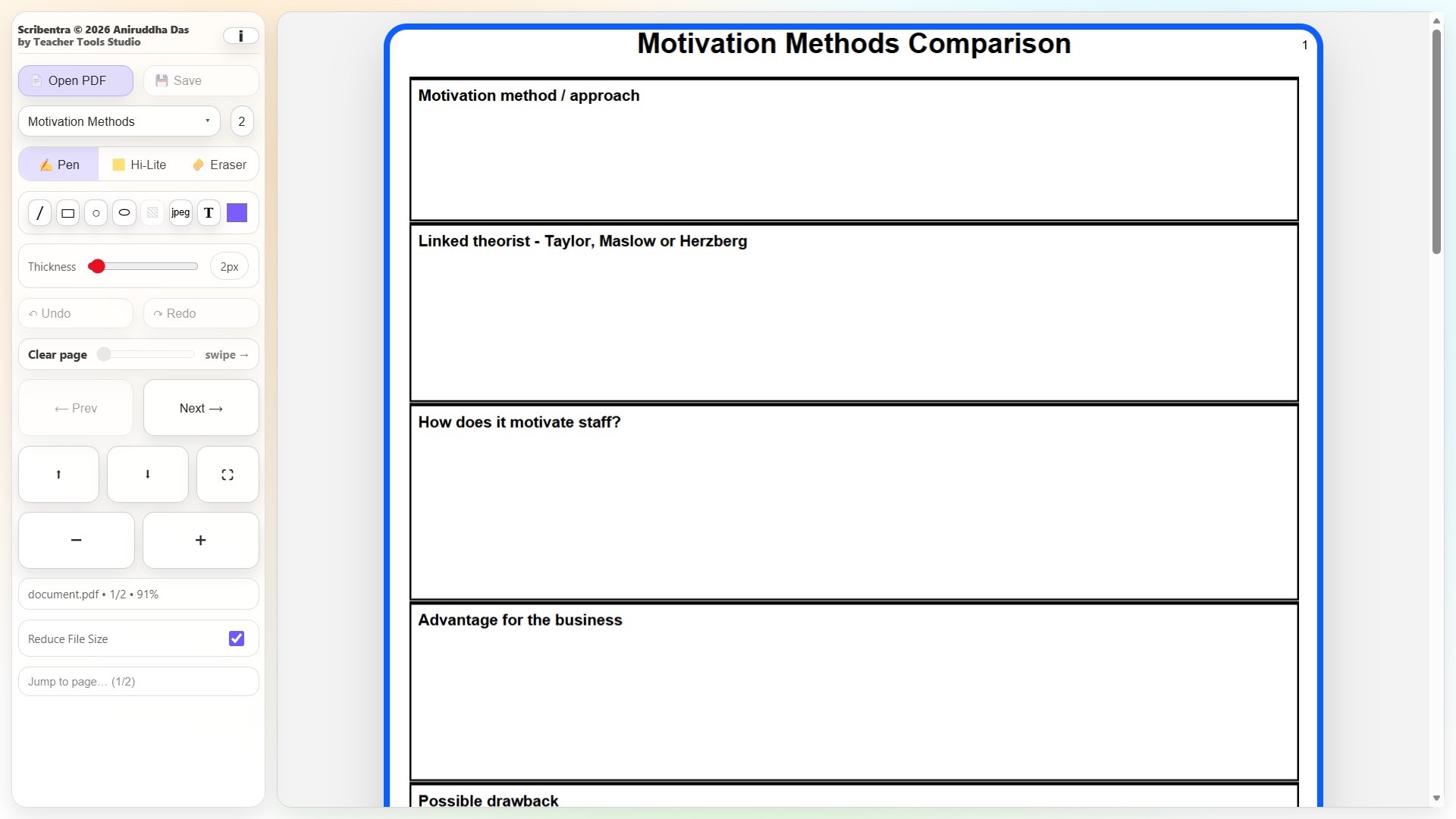
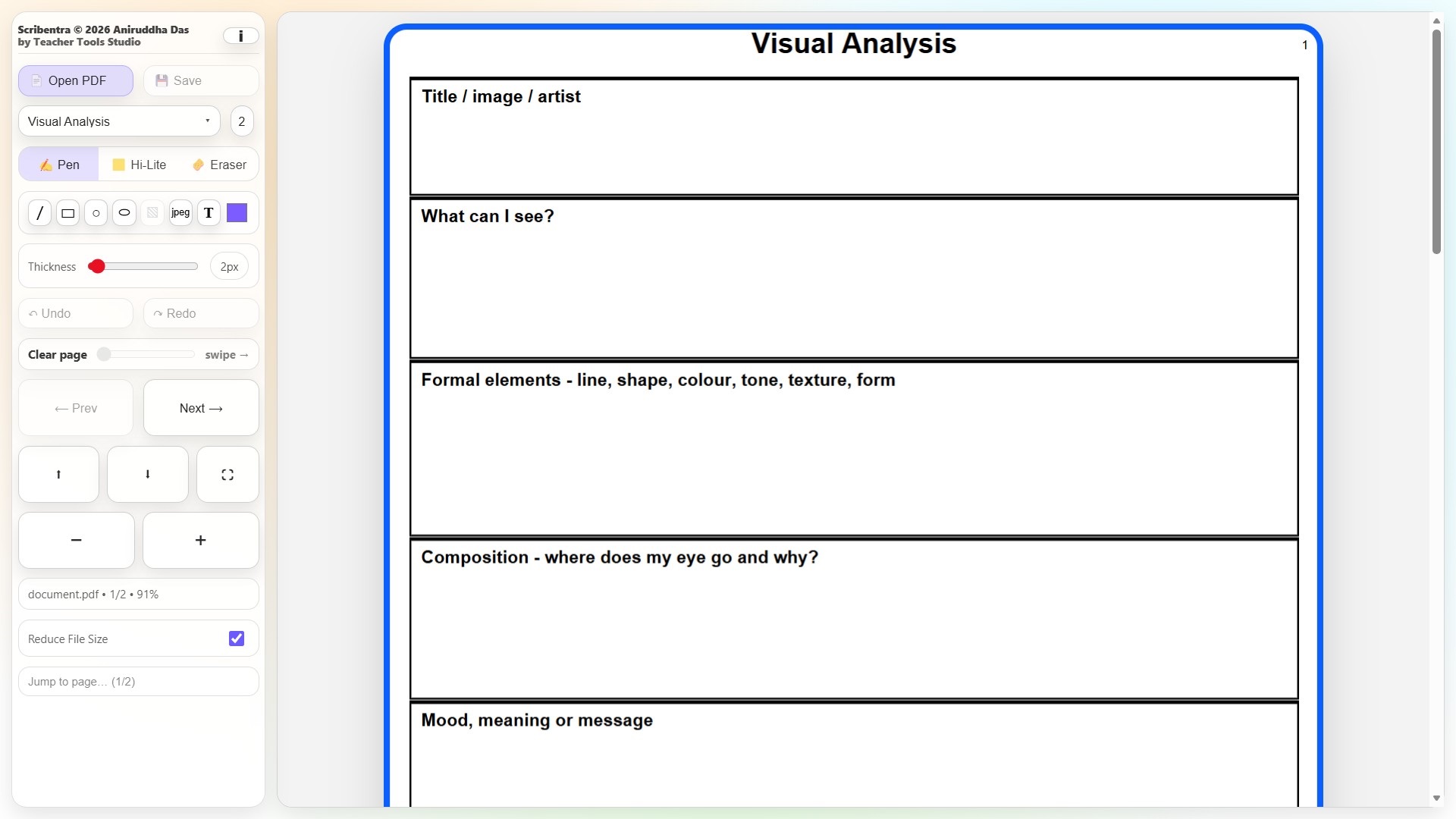
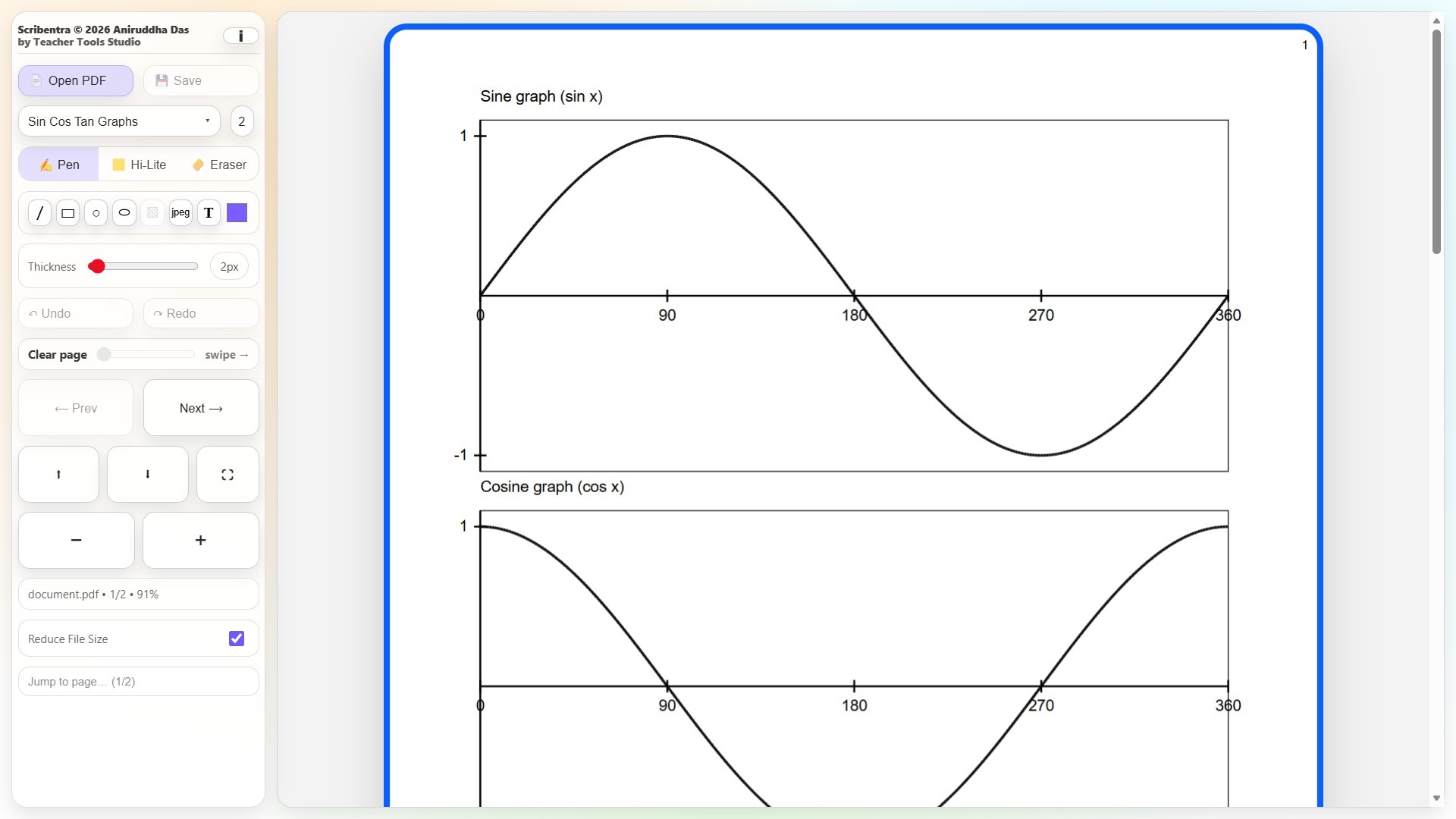
Scribentra also includes 300 ready-to-use educational templates, allowing teachers to create pages without needing a separate worksheet or presentation program. Templates cover a wide range of curriculum areas including Mathematics, English, Science, Geography, History, Computer Science, Business Studies, Citizenship, Languages, RE, PSHE, Sociology, Psychology, Art & Design, Drama, Music, PE, Design & Technology, Food Preparation, AI Literacy, Financial Literacy and more.
Resources include coordinate grids, graph paper, number lines, geometry diagrams, planning frameworks, revision organisers, source-analysis grids, writing scaffolds, concept maps, timelines, data tables and many other classroom structures.
Teachers can move seamlessly between their own PDFs, blank pages and structured templates, making Scribentra useful for whole-class modelling, worked examples, explanations, revision, intervention, resource creation and interactive-whiteboard teaching.
Completed work can be saved as a finalised PDF with annotations embedded, ready to print, store or share.
Important: Designed for desktop and laptop computers rather than mobile phones. Browser zoom may occasionally need adjusting (+/−) depending on screen size.
Something went wrong, please try again later.
This resource hasn't been reviewed yet
To ensure quality for our reviews, only customers who have downloaded this resource can review it
Report this resourceto let us know if it violates our terms and conditions.
Our customer service team will review your report and will be in touch.
£0.00