


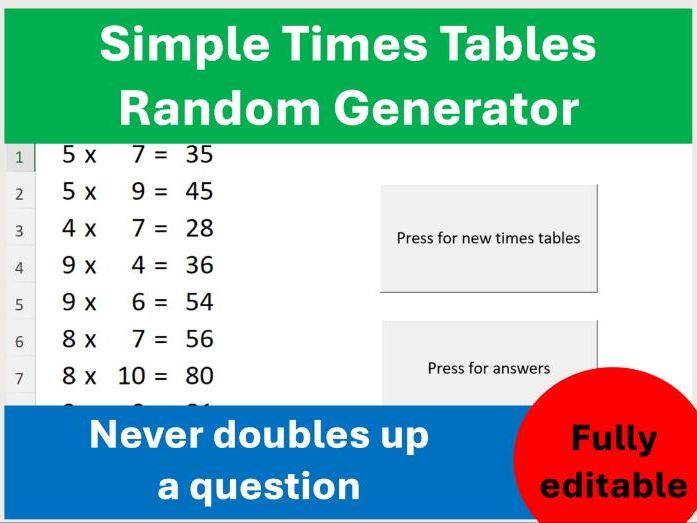

This Excel file can be used for any level Mathematics class and will create a list of times tables questions based on the numbers that you set for the lowest and highest to be used.
This spreadsheet can be used with any level of class that is needs to practice their times tables.
This spreadsheet functions that if you do not put the number 2 as lowest then there will be no questions with times 2. This is not a file that will select questions from a list of times tables. This file will use your chosen lowest and highest number and create questions that fit within your desired boundaries. If you select the highest number to be 10 then there will be no questions with 11 or 12 times anything. The same goes for your lowest value, if you choose 5 as the lowest number then there will be no questions with 4 or 3 or 2 times anything.
The spreadsheet can accept a highest value of whatever number you wish and a lowest value of Zero. Negative numbers are not allowed by the program – all numbers must be positive whole numbers.
There are no formulas to accidentally delete as the spreadsheet has embedded Macros (VBA) for each of the buttons you press and can be used without access to the internet.
The spreadsheet can be used to create an image (snipping tool is most useful) to place in your PowerPoint or other presentation or you can simply project the spreadsheet in real time for students to answer questions. You can change the font, colour or size of the text on the pages before creating the image for use on a data projector or interactive whiteboard or screen.
This file will only run on devices that can allow Macro enabled spreadsheets to function (sadly that means that Ipads are not going to allow this sheet to work).
#Times Tables #Random Times Tables #Times Table Practice
Something went wrong, please try again later.
This resource hasn't been reviewed yet
To ensure quality for our reviews, only customers who have downloaded this resource can review it
Report this resourceto let us know if it violates our terms and conditions.
Our customer service team will review your report and will be in touch.
£0.00