


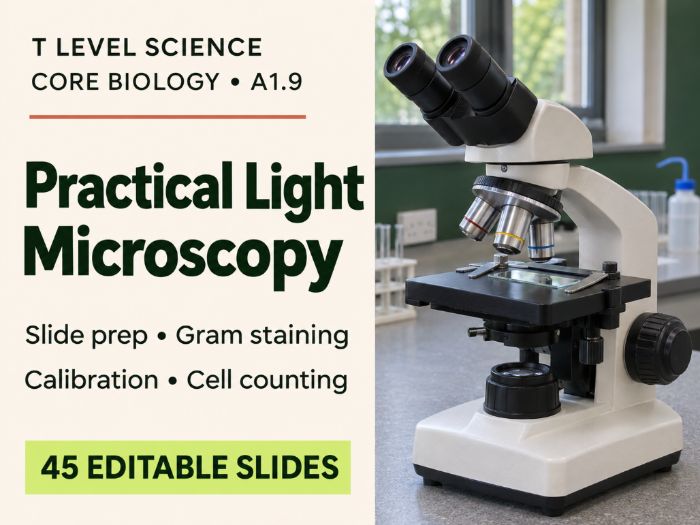
Editable T Level Science A1.9 PowerPoint on light microscopy: slide preparation, Gram staining, graticule calibration and haemocytometer cell counting.
This 45-slide PowerPoint covers A1.9: Using a Light Microscope for Level 3 T Level Science Core Biology. Students progress from preparing and focusing a slide to measuring specimens and calculating cell concentration. The deck is organised into three teaching sections, with suggested pause points and teacher notes to help you plan around equipment access.
What students will learn
- Microscope operation: identify key controls, calculate total magnification, focus at low power and troubleshoot common problems when changing objectives.
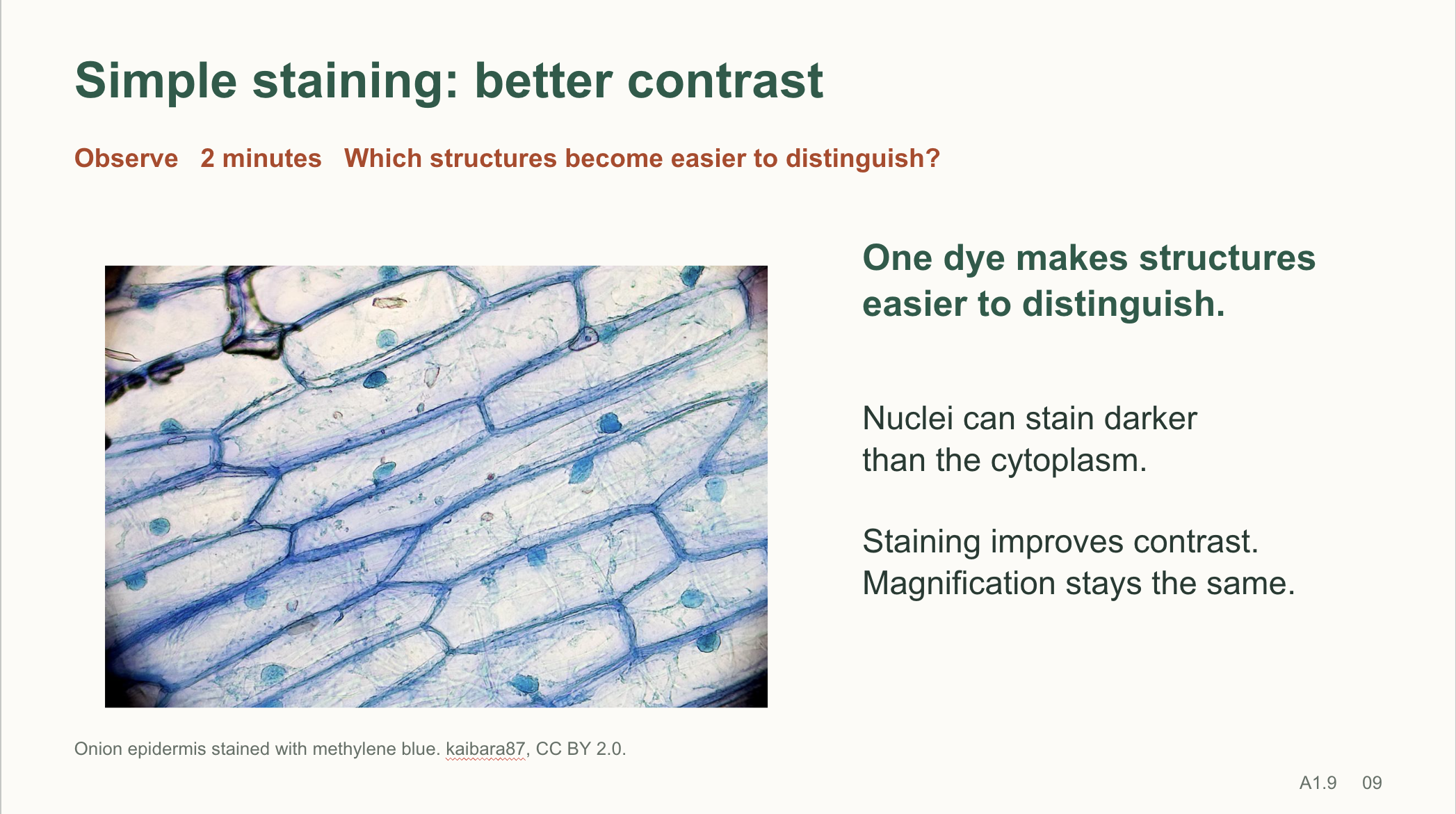
- Slide preparation and staining: prepare a stained onion wet mount, explain how simple stains improve contrast and compare simple staining with differential staining.
- Gram staining: explain the purpose of each reagent, interpret Gram-positive and Gram-negative results from a real micrograph and use controls to diagnose staining errors.
- Calibration and measurement: use a stage micrometre to calibrate an eyepiece graticule, calculate actual specimen size in micrometres and explain why each objective needs its own calibration.
- Haemocytometer counting: apply a consistent boundary rule, explain where the ×10⁴ conversion factor comes from for the stated chamber volume, correct for dilution and distinguish cell concentration from total cell number.
What’s included
- Real microscopy photographs and a labelled counting chamber illustration.
- Timed pair tasks, troubleshooting scenarios and an optional three-station practical circuit covering preparation and focus, calibration and measurement, and yeast cell counting.
- Worked calculations, practice data and selected click-to-reveal answers so students can attempt each task before seeing the method.
- An original six-mark practice question with marking points, plus an exit ticket and answers.
- Teacher notes, source credits and classroom alternatives using supplied images and data when specialist equipment is limited.
Use the editable PowerPoint for practical preparation, classroom teaching or revision. Subtle transitions and selected animations let you control the pace of demonstrations, worked examples and feedback.
Something went wrong, please try again later.
This resource hasn't been reviewed yet
To ensure quality for our reviews, only customers who have purchased this resource can review it
Report this resourceto let us know if it violates our terms and conditions.
Our customer service team will review your report and will be in touch.
£2.99