


FREE RESOURCE
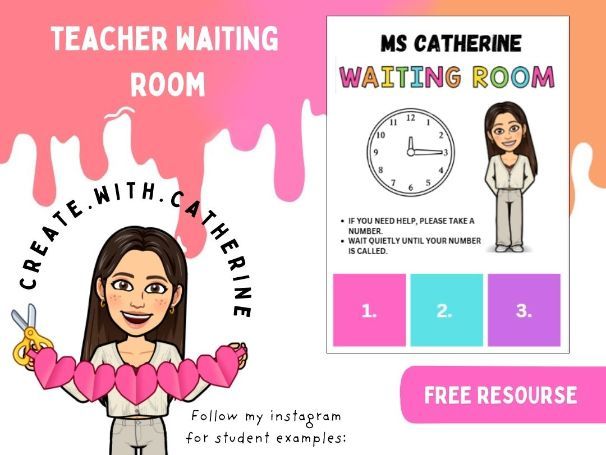
Teacher waiting room PDF. Edit on Canva.
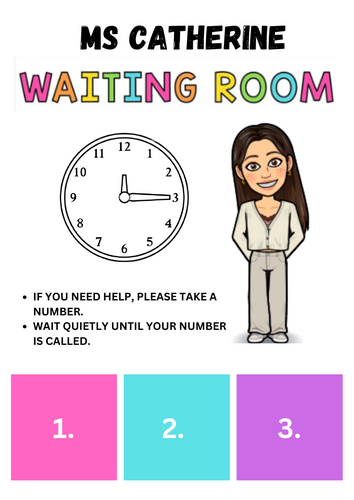
The purpose of this is to have pupils wait until you are ready to help them. Have it sitting on your desk. When pupils need help or even want a chat but your currenltly busy with another pupil or dealing with safeguarding, they can take one of the number squares and wait to be called.
INSTRUCTIONS
Upload PDF to Canva to edit.
Change bitmoji to your own.
Edit teacher name.
Print both pages.
Laminate first page. Cut out number squares from second page and laminate individually.
Stick velcro on the back of the single number squares and attach them to your waiting list page.
Pupils can remove a laminate to wait for teacher to call them for attention.
Something went wrong, please try again later.
This resource hasn't been reviewed yet
To ensure quality for our reviews, only customers who have downloaded this resource can review it
Report this resourceto let us know if it violates our terms and conditions.
Our customer service team will review your report and will be in touch.
£0.00