




OCR A Level Computer Science H446 – Binary Search Algorithm Interactive Visualiser + Worksheet
Make the Binary Search algorithm easier to understand with this step-by-step interactive visualiser.
Designed for OCR A Level Computer Science H446 – Topic 2.3.1: Algorithms, this resource helps students understand how binary search efficiently locates an item within an ordered list.
What can students explore?
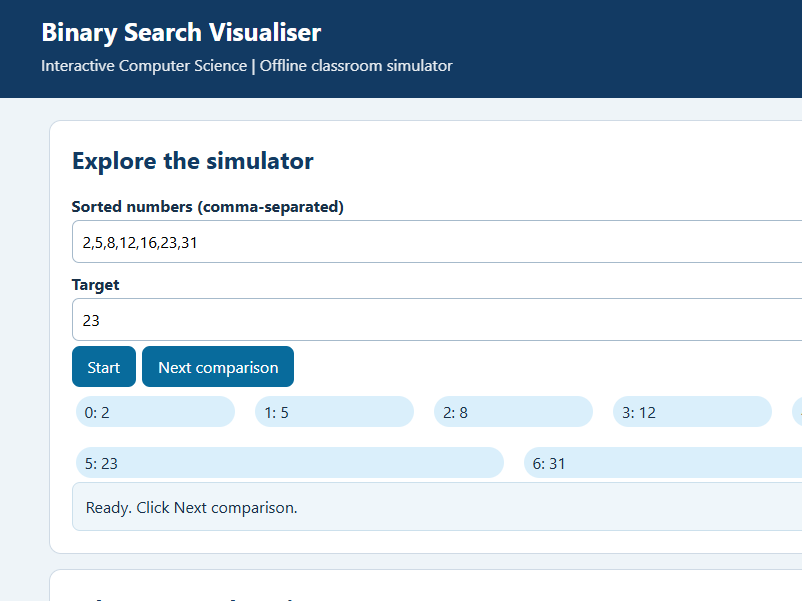
Students can step through the binary search process, track low, middle and high indices, and observe how the search range becomes smaller after each comparison.
They can also investigate searches where an item is not present and explain why the algorithm requires sorted data.
What’s included?
- Interactive offline Binary Search HTML simulator
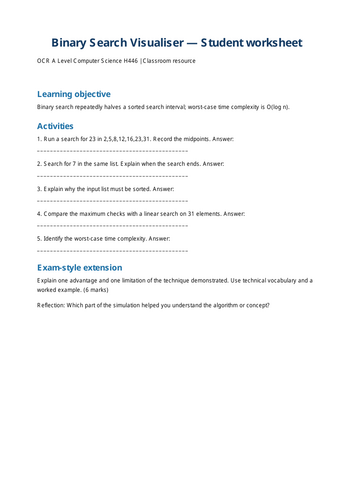
- Student activity worksheet (PDF)
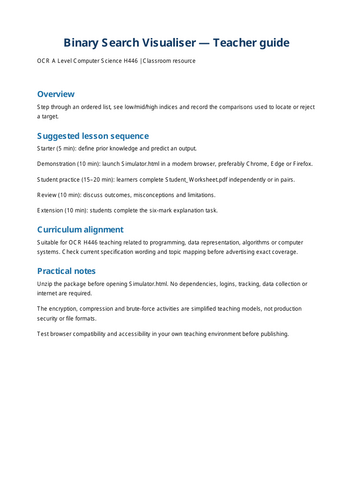
- Teacher guide with lesson suggestions (PDF)
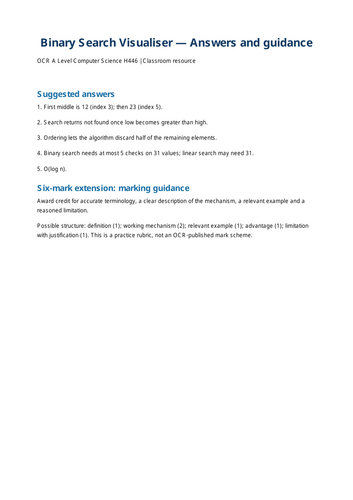
- Teacher answers and assessment guidance (PDF)
- Instructions and customisable licence template
Why use this resource?
An excellent visual aid for introducing binary search, helping students trace algorithms and preparing them for exam-style algorithm questions.
Suitable for classroom demonstrations, independent learning, retrieval practice and revision.
No programming knowledge or installation required to use the simulator. Simply open the HTML file in a modern web browser.
Independently developed teaching resource. Not endorsed by OCR.
Something went wrong, please try again later.
This resource hasn't been reviewed yet
To ensure quality for our reviews, only customers who have purchased this resource can review it
Report this resourceto let us know if it violates our terms and conditions.
Our customer service team will review your report and will be in touch.
£3.00