


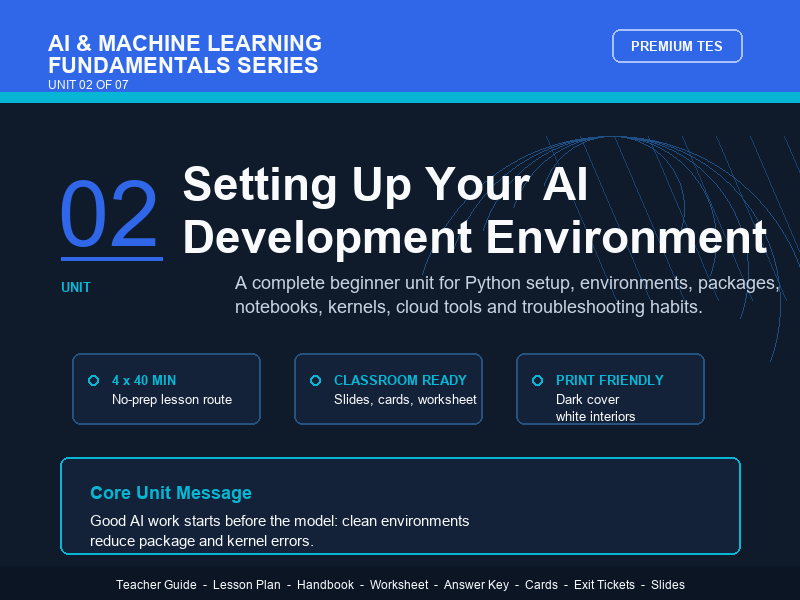
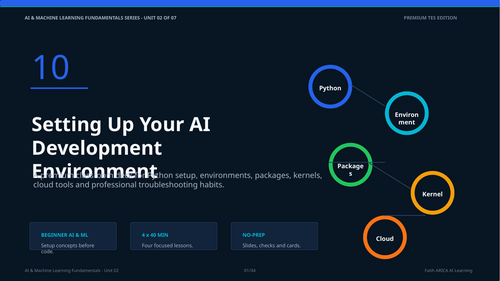
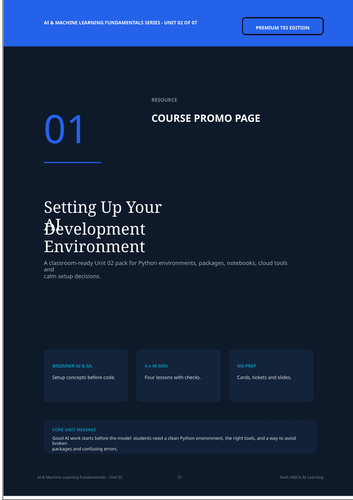
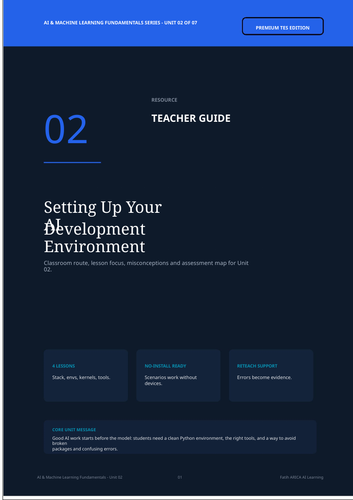
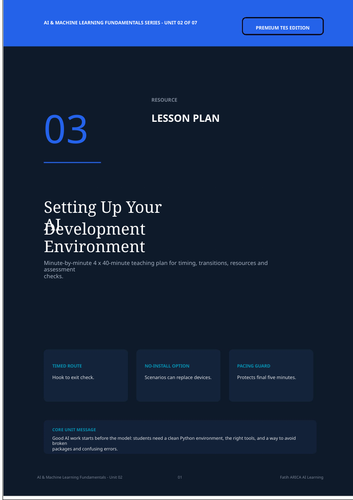
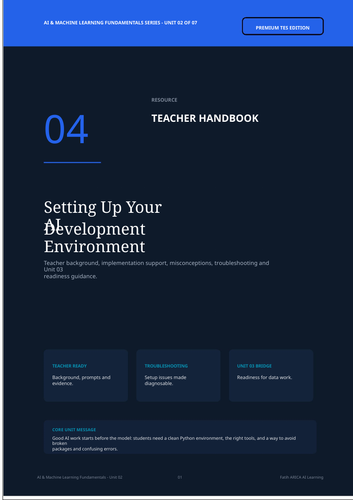
AI Development Environment Setup – Complete Teacher Resource Pack is Unit 02 of the AI & Machine Learning Fundamentals Series.
This complete no-prep teaching pack helps students understand the development environment behind beginner Artificial Intelligence and Machine Learning work. Students learn that AI projects are not only about writing code. They also depend on the correct Python environment, installed packages, notebook kernels, tool choice and a reliable workflow.
The unit introduces learners to the AI development stack, including Python, Anaconda, virtual environments, pip, conda, Jupyter Notebook, JupyterLab, Google Colab, Kaggle and VS Code.
Students explore how these tools fit together and learn how to diagnose common beginner setup problems such as missing packages, wrong notebook kernels, package conflicts, blocked installations and interpreter confusion.
This resource is designed for secondary computing, high school computer science, digital literacy, STEM, introductory AI and beginner machine learning lessons.
What students will learn:
By the end of this unit, students will be able to:
- explain why development environments matter in AI projects
- identify the main layers of an AI development stack
- describe the roles of Python, Anaconda, pip, conda and virtual environments
- explain Jupyter notebooks, kernels, cells and run order
- compare local tools, cloud notebooks and VS Code
- choose suitable tools for different classroom or project scenarios
- diagnose common beginner setup problems
- prepare for data handling work with NumPy and Pandas in the next unit
Lesson structure:
This unit is designed for 4 × 40-minute lessons:
- The AI Development Stack
- Anaconda, Virtual Environments and Package Management
- Jupyter Notebook and JupyterLab Workflow
- Cloud and Professional Tools: Colab, Kaggle and VS Code
Included files:
- Course Promo Page
- Teacher Guide
- Teacher Handbook
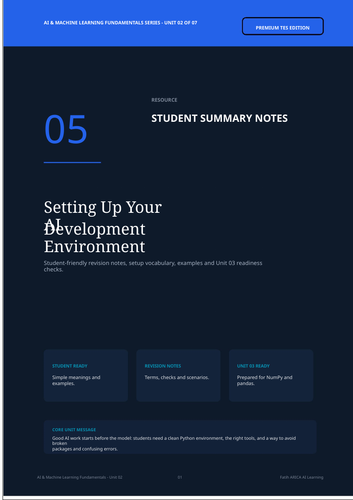
- Student Summary Notes
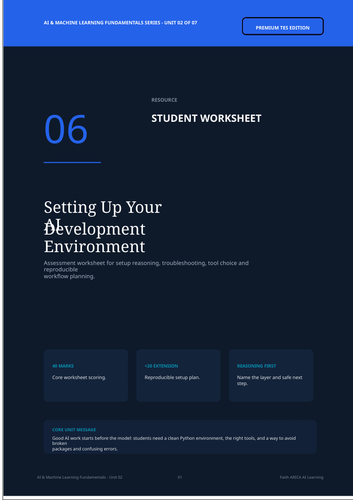
- Student Worksheet
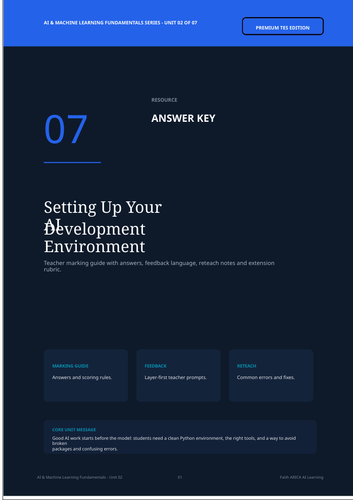
- Answer Key
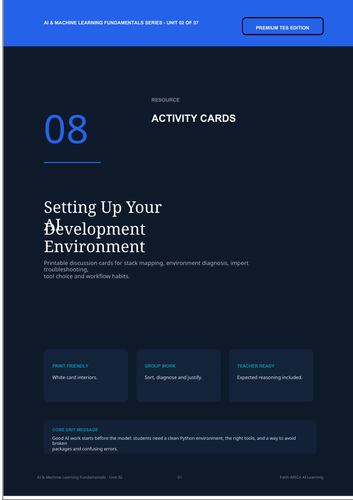
- Printable Activity Cards
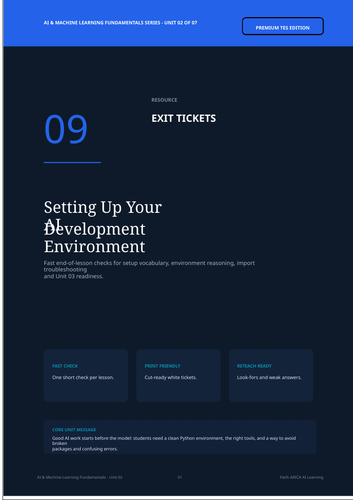
- Printable Exit Tickets
- Editable PowerPoint Slides
- Editable Word Files
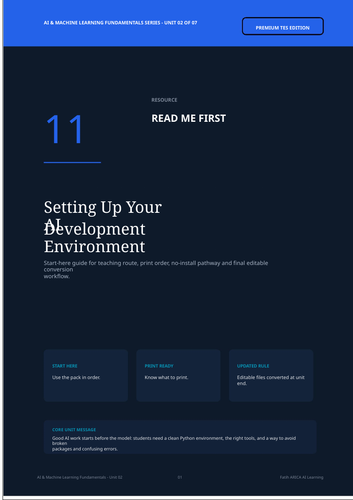
- Read Me First guide
- TES cover image
Ideal for:
- Artificial Intelligence lessons
- Machine Learning introduction units
- Python setup lessons
- Computer Science classes
- STEM lessons
- Digital literacy programmes
- Data science preparation
- No-prep cover or extension lessons
- Teachers introducing AI tools before practical coding
Teacher benefits:
This pack helps teachers:
- avoid losing class time to uncontrolled setup problems
- explain AI development tools clearly
- teach local and cloud setup routes
- support students using different devices
- introduce troubleshooting without overwhelming beginners
- prepare students for practical data work in later units
- assess readiness before moving to NumPy and Pandas
Core unit message:
A reliable AI project begins with a reliable development environment.
Something went wrong, please try again later.
This resource hasn't been reviewed yet
To ensure quality for our reviews, only customers who have purchased this resource can review it
Report this resourceto let us know if it violates our terms and conditions.
Our customer service team will review your report and will be in touch.
£1.50