


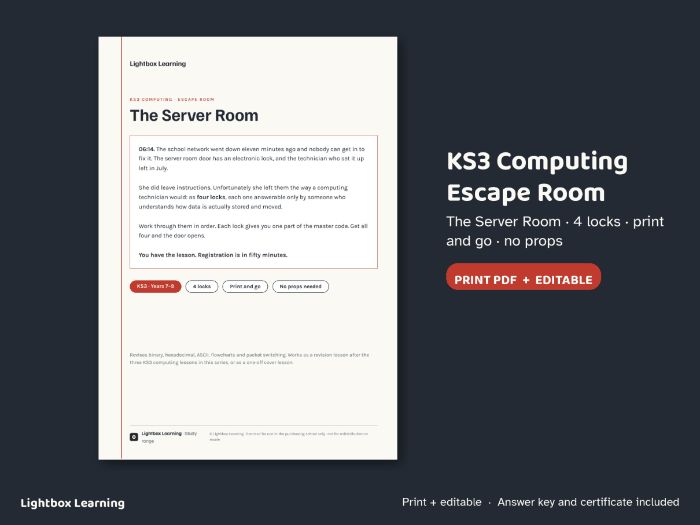
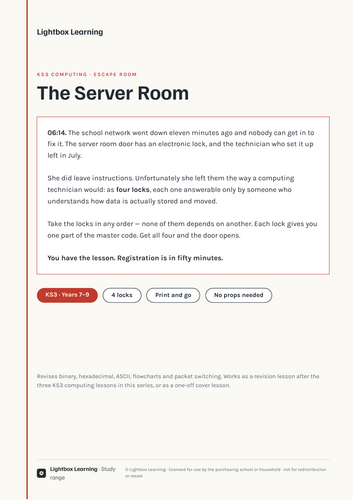
The school network has been down for eleven minutes, the server room door has an electronic lock, and the technician who set it up left in July. She did leave instructions — as four locks, each answerable only by someone who understands how data is actually stored and moved.
A KS3 computing escape room that revises binary, hexadecimal, ASCII, flowcharts and packet switching in one lesson. Print and go: no props, no padlocks, nothing to hide around the room.
Included (print PDF + fully editable PowerPoint, 9 pages):
- Teacher setup with timings and what each lock revises
- Lock 1 — The Keypad: binary to denary, with a working grid and a self-check panel
- Lock 2 — The Label: six hex bytes to decode as ASCII, with a character reference table
- Lock 3 — The Technician’s Note: trace a flowchart with a loop
- Lock 4 — The Captured Packets: reassemble a message by sequence number
- Master lock page, full answer key with the working for every lock, and a certificate
Nothing is gated. A team stuck on lock 2 can still do lock 3, so nobody sits idle — which is the usual way an escape-room lesson falls over.
Works as a revision lesson after the three KS3 computing lessons in this series, or as a one-off cover lesson. Every answer checked by machine. Each conversion, trace and calculation was generated programmatically and then checked back against the printed answer key.
Clear layout, generous spacing and dyslexia-aware design throughout, following British Dyslexia Association style guidance.
Get this resource as part of a bundle and save up to 19%
A bundle is a package of resources grouped together to teach a particular topic, or a series of lessons, in one place.
Something went wrong, please try again later.
This resource hasn't been reviewed yet
To ensure quality for our reviews, only customers who have purchased this resource can review it
Report this resourceto let us know if it violates our terms and conditions.
Our customer service team will review your report and will be in touch.
£3.00