


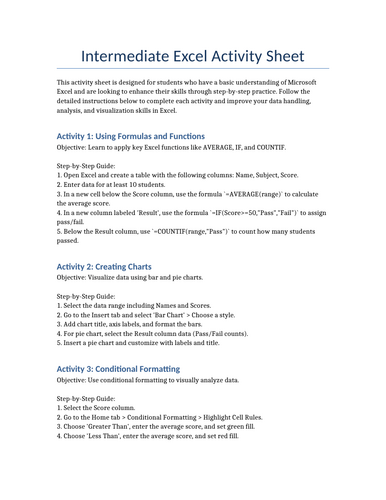
This Intermediate Excel Activity Sheet is designed for users who have a foundational understanding of Microsoft Excel and are ready to build on their skills. The activities focus on applying key features to solve real-world tasks, enhancing productivity and data management capabilities.
Key Topics Covered:
• Working with formulas and functions (IF, VLOOKUP, COUNTIF, etc.)
• Creating and formatting charts (bar, line, pie)
• Conditional formatting for data visualization
• Data validation and drop-down lists
• Sorting and filtering large datasets
• Basic PivotTables and summary reports
• Cell referencing (relative, absolute, and mixed)
This sheet encourages hands-on practice with guided tasks and challenges that promote critical thinking and practical application. Ideal for learners in office roles, academic settings, or preparing for Excel certification exams.
Something went wrong, please try again later.
This resource hasn't been reviewed yet
To ensure quality for our reviews, only customers who have purchased this resource can review it
Report this resourceto let us know if it violates our terms and conditions.
Our customer service team will review your report and will be in touch.
£7.00