



Python All-in-One Lesson 4.5 Data Types + Calculations - PowerPoint - Video - Lesson Plan
This is the lesson where students stop typing random inputs… and start writing programs that calculate correctly.
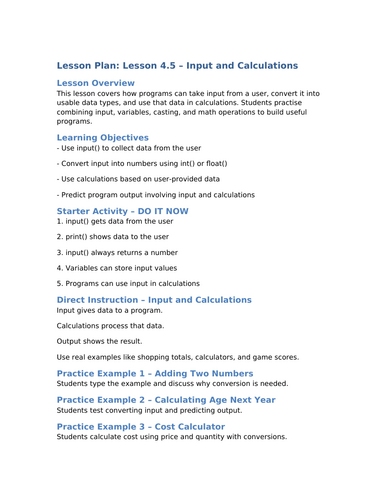
In Lesson 4.5, you’ll learn how Python handles user input, why input starts as text (string), and how to convert it into the correct data type so calculations work properly.
This lesson is built for:
GCSE Computer Science teachers (cover work, homework, in-class)
Students learning Python from scratch
Anyone who keeps getting errors like: “can’t add str and int”
SUBSCRIBE FOR THE YOU TUBE CHANNEL FOR FREE VIDEO LESSONS:
https://www.youtube.com/@clearcodeteaching
WATCH THE VIDEO LESSON HERE FOR FREE:
https://youtu.be/WdayiyK7Zd4?si=idjNnDAz1UGySJDk
In this lesson you’ll master
input() and how user input is stored
The 3 key data types you’ll use constantly: str, int, float
Type conversion: int() and float() (casting)
Calculations using + - * /
Common mistakes that lose marks in exams
Something went wrong, please try again later.
This resource hasn't been reviewed yet
To ensure quality for our reviews, only customers who have purchased this resource can review it
Report this resourceto let us know if it violates our terms and conditions.
Our customer service team will review your report and will be in touch.
£4.00