Word Processing Formatting Tasks
Resource Bundle


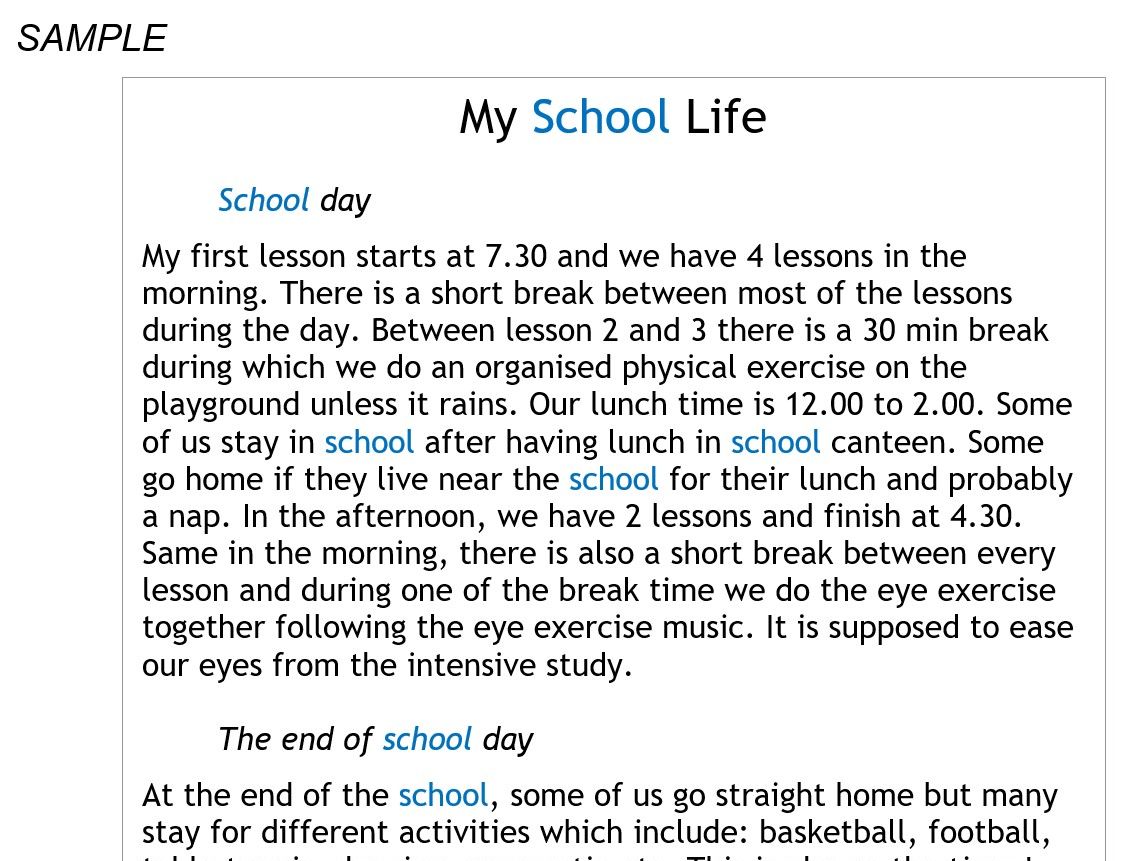

This collection of word processing exercises provides a step-by-step curriculum designed to build digital literacy for Key Stage 2 students or learners with disabilities.
By completing these tasks, students move from simple typing to producing professional, well-formatted documents.
Key Learning Outcomes:
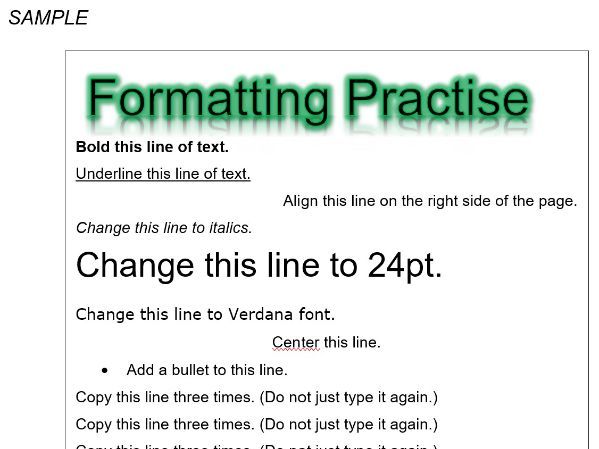
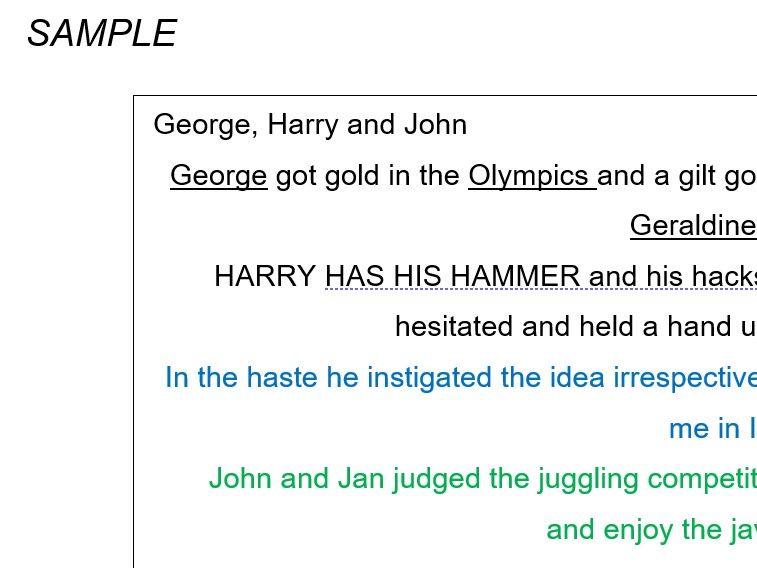
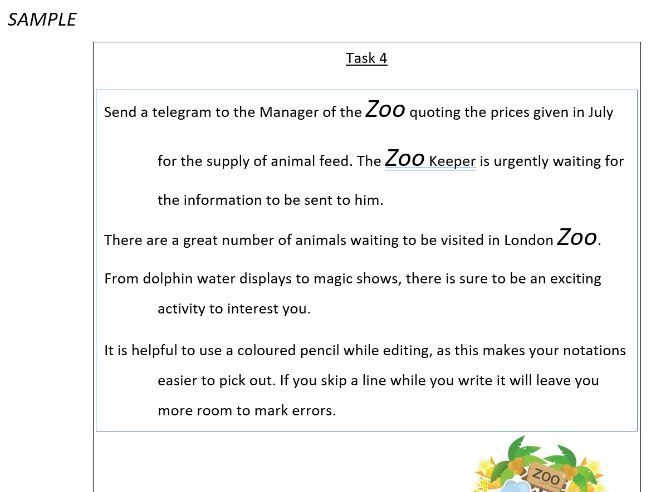
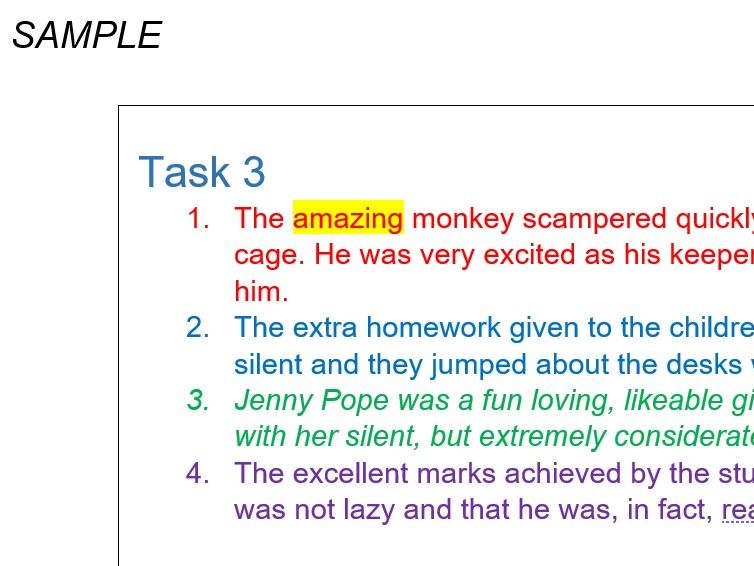
Fundamental Formatting: Students master essential tools such as font colors, highlighting, bold, italics, and text alignment to enhance document readability.
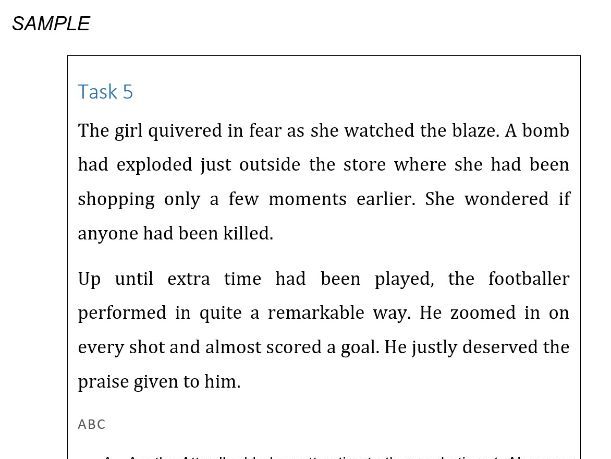
Structural Organization: The tasks teach the use of professional styles, bulleted and numbered lists, and line spacing to organize information logically.
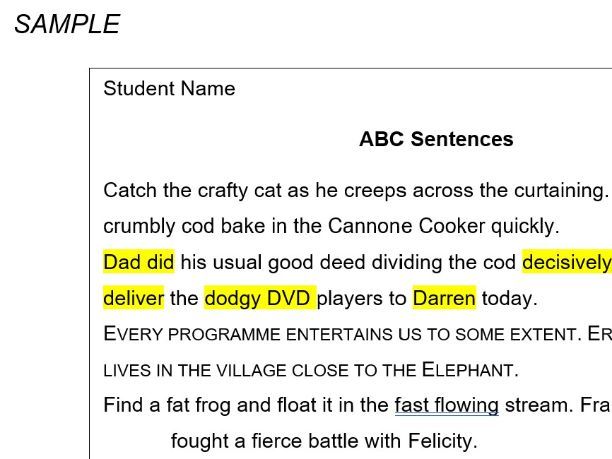
Advanced Editing Tools: Learners are introduced to features like “Find and Replace” for both text and formatting, as well as the “Format Painter” for consistency.
Layout & Graphic Design: Exercises include creating multi-column layouts, adding borders, inserting shapes, and managing images with custom effects.
Technical Accuracy: Advanced skills such as using the thesaurus, spell check, word count, and adding footers/page numbers are preparing the learners to build professional documentation.
Something went wrong, please try again later.
This resource hasn't been reviewed yet
To ensure quality for our reviews, only customers who have purchased this resource can review it
Report this resourceto let us know if it violates our terms and conditions.
Our customer service team will review your report and will be in touch.