


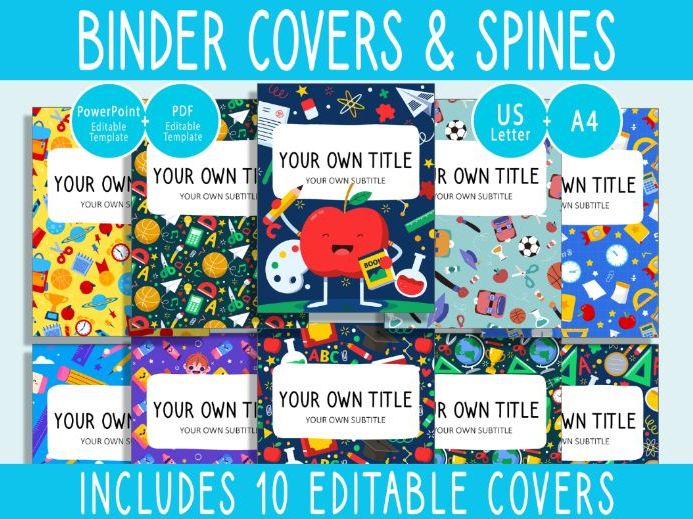

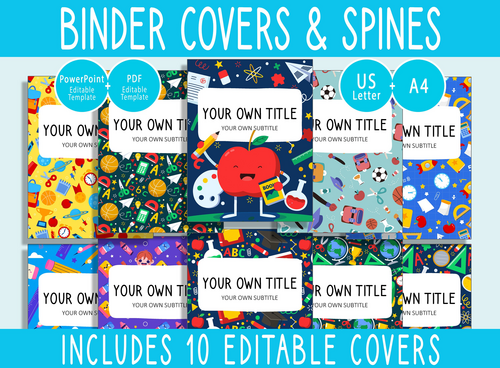
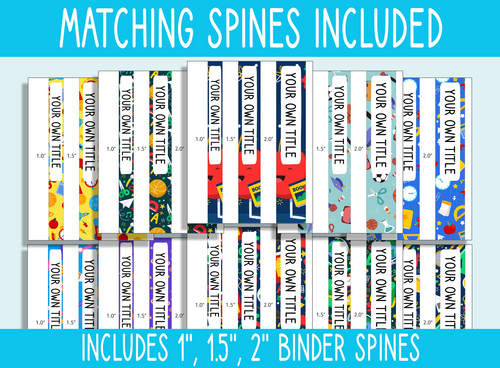
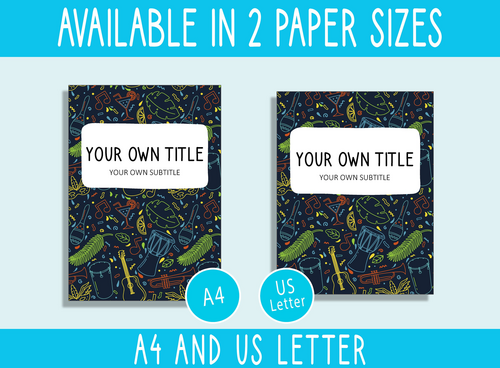
Get ready to head back to school in style with our Back To School Pattern Binder Covers. This comprehensive set includes covers perfectly fitted for 1-inch, 1.5-inch, and 2-inch binder spines, giving you flexible options for different organisational needs. These covers are thoughtfully designed in both A4 and US Letter formats, making them compatible with standard binders in multiple regions.
What sets these binder covers apart is their easy customisation. Using commonly available software such as Microsoft PowerPoint or a PDF reader, you can effortlessly personalise the covers. Add your own labels, titles, or creative touches to match your unique style.
The Back To School Pattern theme brings a sense of excitement and readiness for the new academic year. Whether you’re a student, teacher, or education enthusiast, these covers are an ideal choice for organising class notes, schedules, lesson materials, or personal documents.
Our Back To School Pattern Binder Covers not only help you stay organised, but also reflect your enthusiasm for the upcoming school season.
. . . . . . . . . . . . . .
WHAT IS INCLUDED?
- 10 Binder Covers Letter Size (8.5"×11"), including 1", 1.5", and 2" binder spines (PowerPoint Version)
- 10 Binder Covers Letter Size (8.5"×11"), including 1", 1.5", and 2" binder spines (PDF Version)
- 10 Binder Covers A4, including 1", 1.5", and 2" binder spines (PowerPoint Version)
- 10 Binder Covers A4, including 1", 1.5", and 2" binder spines (PDF Version)
. . . . . . . . . . . . . .
SPECIFICATIONS:
- File type — Microsoft PowerPoint and PDF
- Editable text
- High resolution
- Print ready
. . . . . . . . . . . . . .
REQUIREMENTS:
- A computer to open the files
- To use the editable resources, you will need an up-to-date version of Microsoft PowerPoint or the free version of Adobe Acrobat Reader installed on your computer.
- A4 or US Letter Size paper (card stock recommended)
- Paper trimmer, cutter, or scissors
- A binder with transparent pockets
. . . . . . . . . . . . . .
BINDER COVER INSTRUCTIONS:
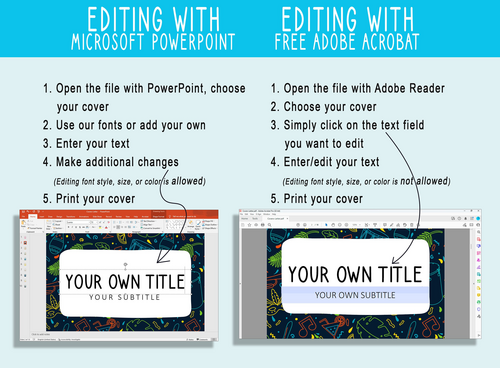
Editing with Microsoft PowerPoint:
- Open the file in PowerPoint and choose your cover
- Use our fonts or add your own
- Enter your text
- Make additional changes if desired (editing font style, size, or colour is allowed)
- Print your cover
Editing with Free Adobe Acrobat Reader:
- Open the file in Adobe Reader
- Choose your cover
- Click on the text field you would like to edit
- Enter or edit your text (editing font style, size, or colour is not available)
- Print your cover
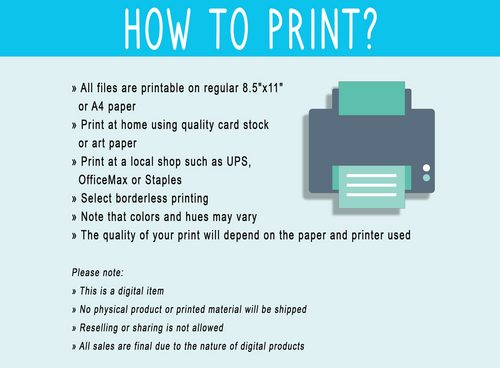
How to print?
» All files are provided in both Letter Size (8.5"×11") and A4 formats for flexible printing options
» Print at home using quality card stock or art paper
» Print at a local print shop such as UPS, OfficeMax, or Staples
» Select borderless printing
» Please note that colours and tones may vary slightly
» Print quality will depend on the paper and printer used
Something went wrong, please try again later.
This resource hasn't been reviewed yet
To ensure quality for our reviews, only customers who have purchased this resource can review it
Report this resourceto let us know if it violates our terms and conditions.
Our customer service team will review your report and will be in touch.
£4.29