


This is a simple, editable ICT resource that can be adapted to suit your school. You can add your own school logo and adjust the content depending on your learners.
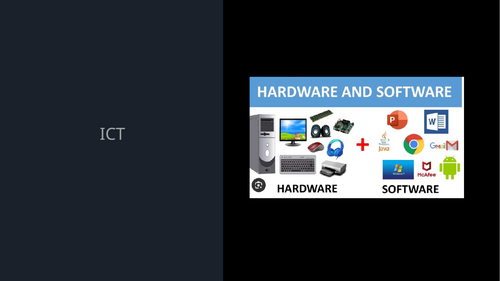
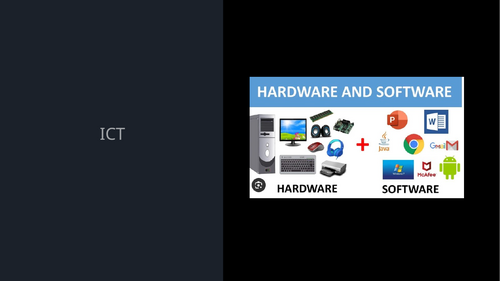
A clear and engaging PowerPoint covering key ICT topics including hardware and software, identifying different types of technology, and understanding sensors and how they are used in everyday life. The slides use simple language, visual examples and structured explanations to help pupils build understanding step by step.
The resource includes interactive activities where pupils identify whether items are hardware or software, as well as opportunities to give short answers and take part in class discussion. A short mini quiz is also included to check understanding and reinforce key learning in a simple and accessible way.
It also introduces sensors in a clear way, explaining how they work and giving real-life examples such as mobile phones, lights and everyday devices. Pupils are encouraged to make links to their own experiences.
The content is designed to be accessible for pupils with SEN, including ASD, MLD and SLD, with clear visuals, repetition and a consistent layout.
It can be used as a lesson, in small groups, or adapted for an assembly in the hall or delivered online.
Ready to use with no extra preparation needed. This resource also includes a simple explanation of primary storage, including RAM and ROM, using clear and relatable language to help pupils understand how computers store information and run programs.
Something went wrong, please try again later.
This resource hasn't been reviewed yet
To ensure quality for our reviews, only customers who have purchased this resource can review it
Report this resourceto let us know if it violates our terms and conditions.
Our customer service team will review your report and will be in touch.
£1.00