


KS2/KS3/Home-Ed/Home-school/Self-study/Computing/Coding/Computer Science
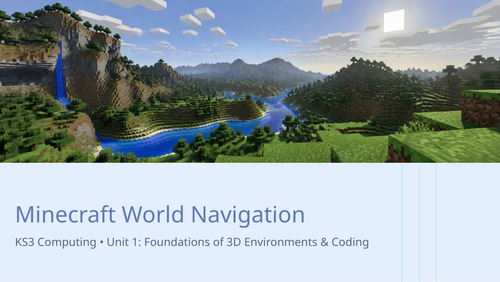
Lesson 1. Minecraft World Navigation
-
Introduction to KS3 Minecraft Education unit goals and digital safety expectations
-
Guided tour of the Minecraft interface and keyboard controls for movement
-
Demonstration of navigating virtual 3D space and managing camera perspectives
-
Teacher modelling of accessing the player inventory and selecting block types
-
Individual practice: basic spatial navigation challenge in a custom start world
-
Paired exercise testing movement precision and block selection speed
-
Explanation of digital footprint and responsible behaviour within shared virtual environments
-
Discussion on how computing abstractions model real-world spatial environments
-
Interactive check for understanding using quick digital quiz on controls
-
Independent activity placing test markers at designated coordinates
-
Feedback on movement accuracy and inventory management techniques
-
Wrap-up summary of basic controls and preview of next lesson on the Agent
Get this resource as part of a bundle and save up to 33%
A bundle is a package of resources grouped together to teach a particular topic, or a series of lessons, in one place.
Something went wrong, please try again later.
This resource hasn't been reviewed yet
To ensure quality for our reviews, only customers who have purchased this resource can review it
Report this resourceto let us know if it violates our terms and conditions.
Our customer service team will review your report and will be in touch.
£3.00