


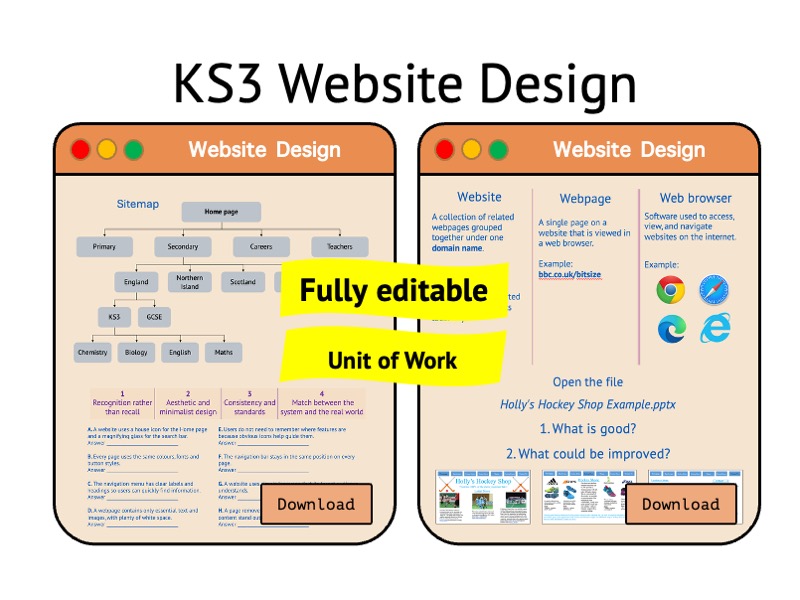

A complete unit of work introducing students to websites, website design principles and digital project organisation.
Students explore how website files are structured, evaluate effective design choices, learn to manage digital assets responsibly and create their own website prototype using PowerPoint.
Throughout the unit, learners develop their understanding of website purpose, audience and usability before designing a multi-page website with clear navigation, consistent styling and appropriate media. The unit culminates in an end-of-unit assessment and structured feedback lesson.
Included topics:
- Websites, webpages and web browsers
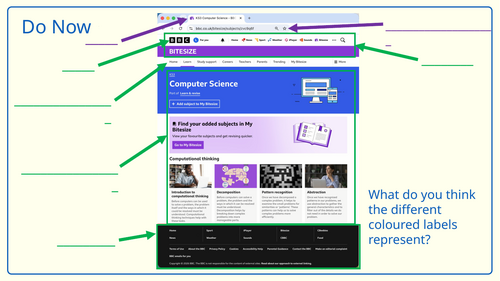
- Common website features (headers, footers, logos, navigation bars, hyperlinks)
- Website purposes and audiences
- Website categories (information, entertainment, communication and e-commerce)
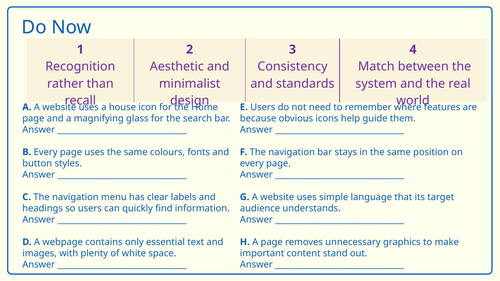
- Website usability and design principles
- Planning and creating sitemaps
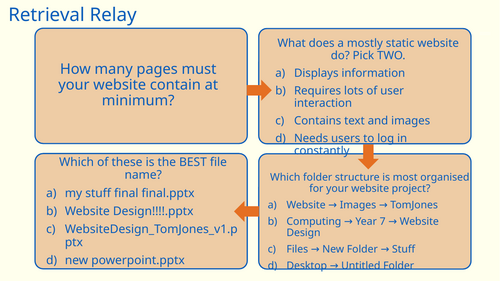
- File management and naming conventions
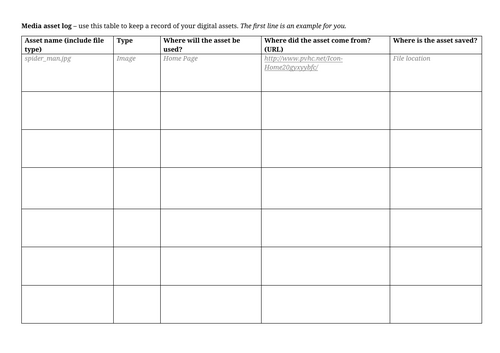
- Digital assets and recording sources
- Creating a website prototype in PowerPoint
- Peer assessment and design refinement
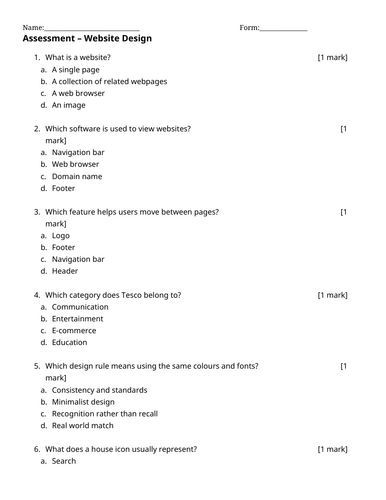
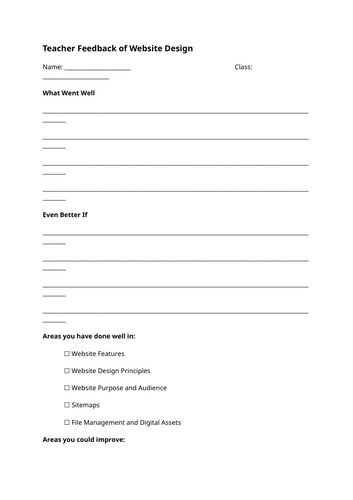
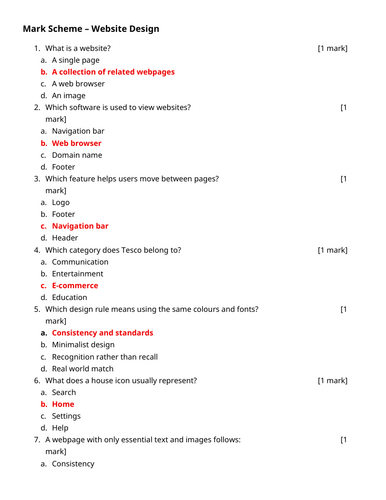
- End-of-unit assessment and feedback activities
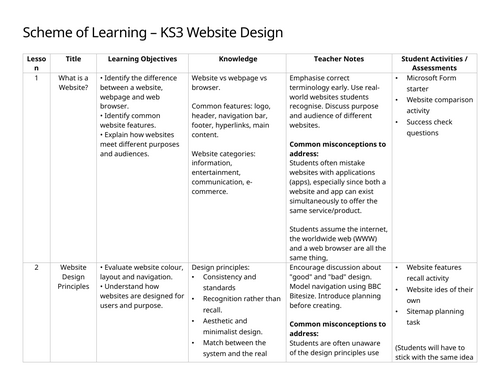
Unit Structure:
- What is a Website?
- Website Design Principles
- Media and File Structure
- Designing Your Website Part 1
- Designing Your Website Part 2
- Assessment
- Feedback and Improvement
Suitable for:
- KS3 Computer Science , ICT and Computing
- Non-specialist teachers
- Cover lessons
This fully planned unit provides approximately 7 lessons of content and supports the development of both digital literacy and creativity through a practical website design project.
NO CODING INCLUDED
Something went wrong, please try again later.
This resource hasn't been reviewed yet
To ensure quality for our reviews, only customers who have purchased this resource can review it
Report this resourceto let us know if it violates our terms and conditions.
Our customer service team will review your report and will be in touch.
£10.00