


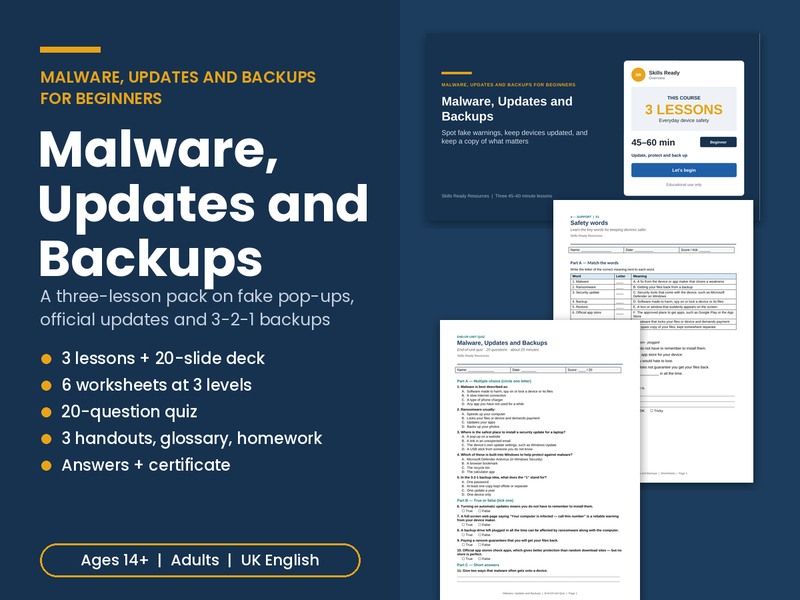
A generous, ready-to-teach Malware, Updates and Backups pack for beginners: three linked lessons, a 20-slide editable deck with full teacher notes, six differentiated worksheets, a 20-question quiz, three handouts, a glossary, homework and a certificate. For ages 14+, FE, adult and community learners, and staff awareness sessions.
The focus is everyday device protection in plain English: what malware is and how it gets in, telling real updates from fake pop-ups, the protection already built into Windows, Android, iPhone and Mac, 3-2-1 backups, and calm first steps if something looks wrong. All people, pop-ups and messages are fictional.
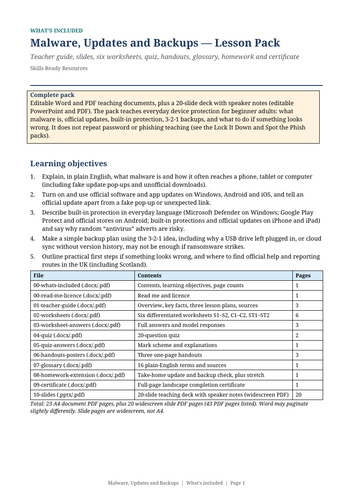
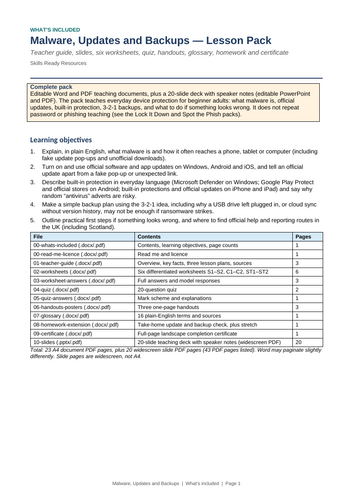
WHAT’S INCLUDED (23 A4 pages plus 20 slides)
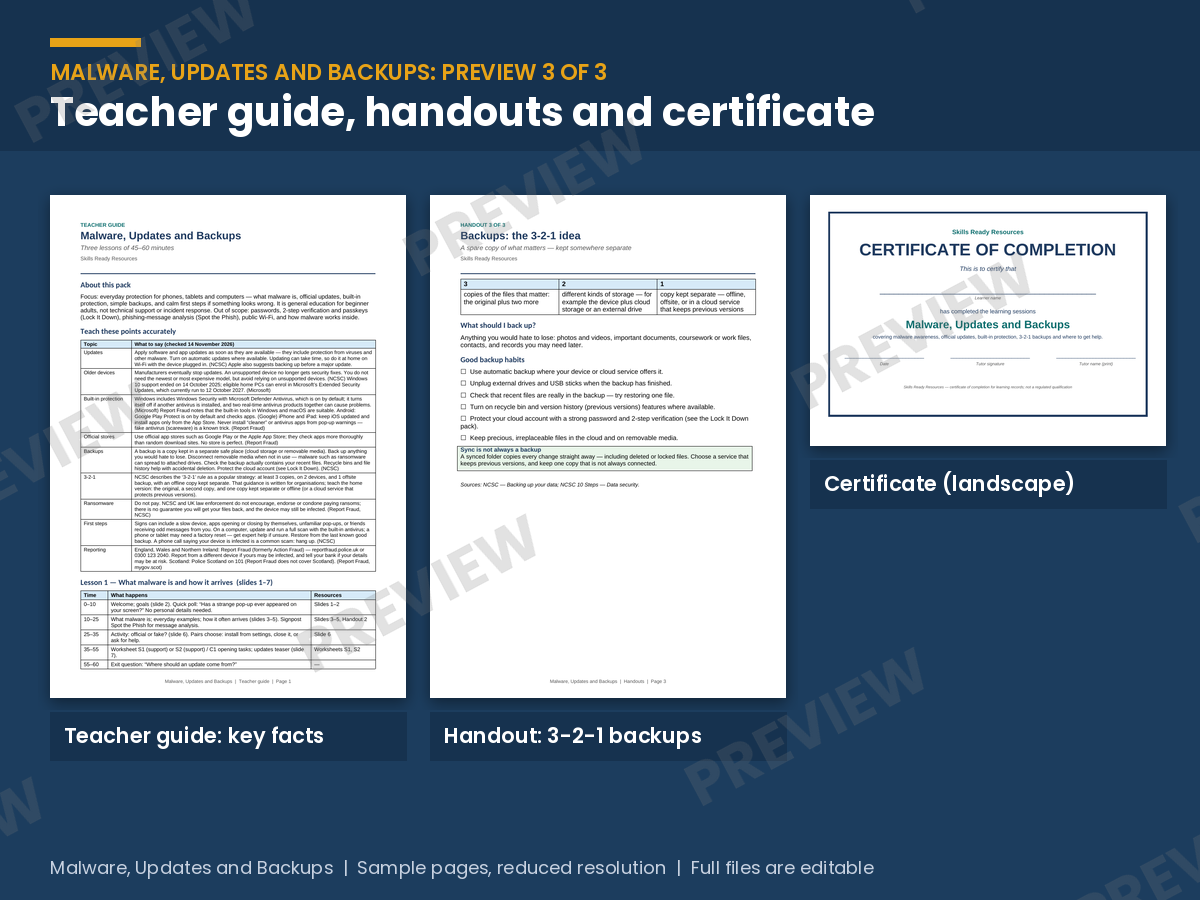
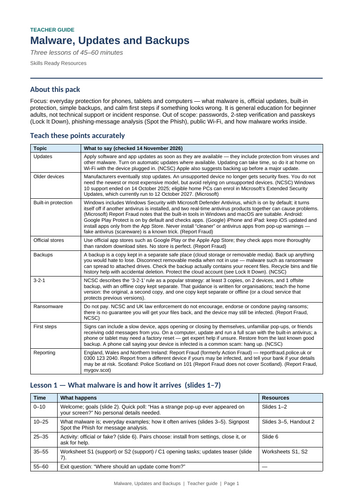
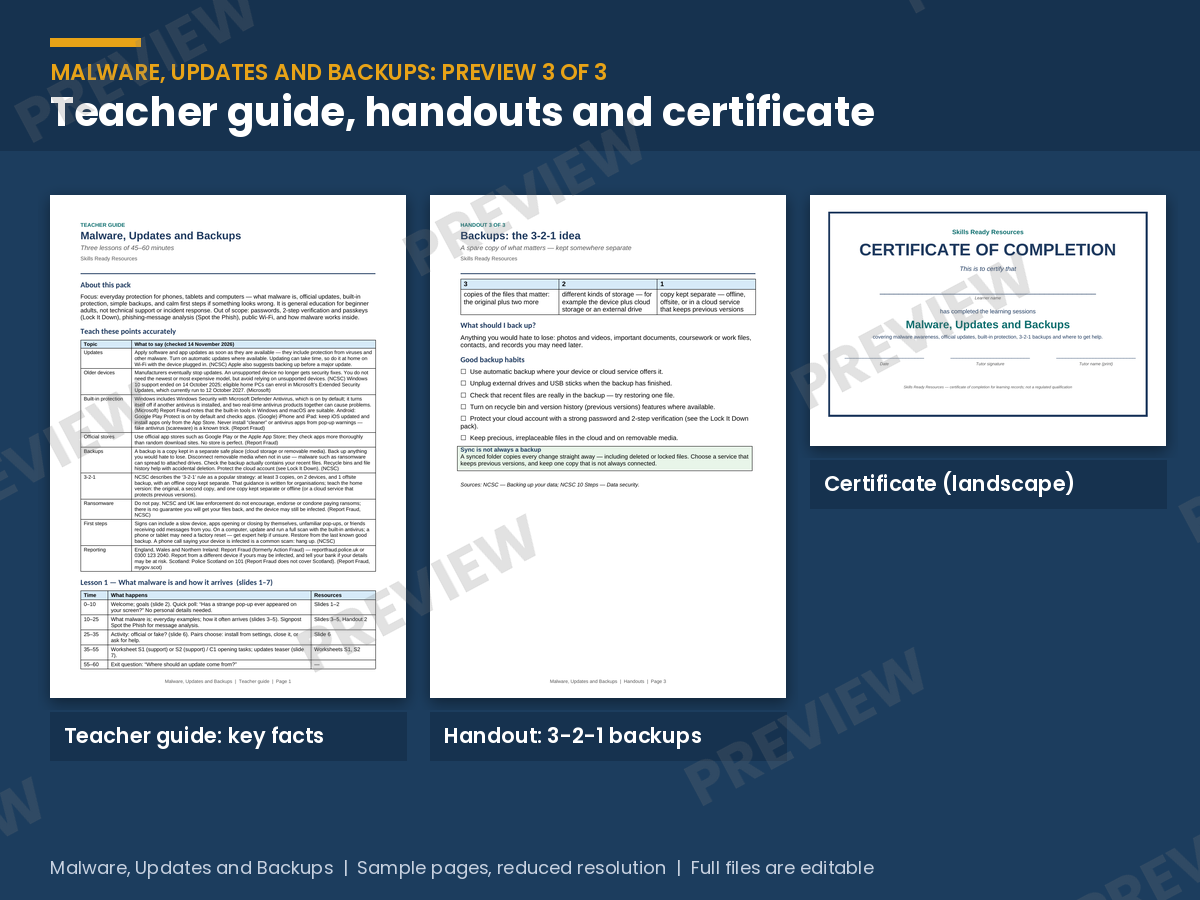
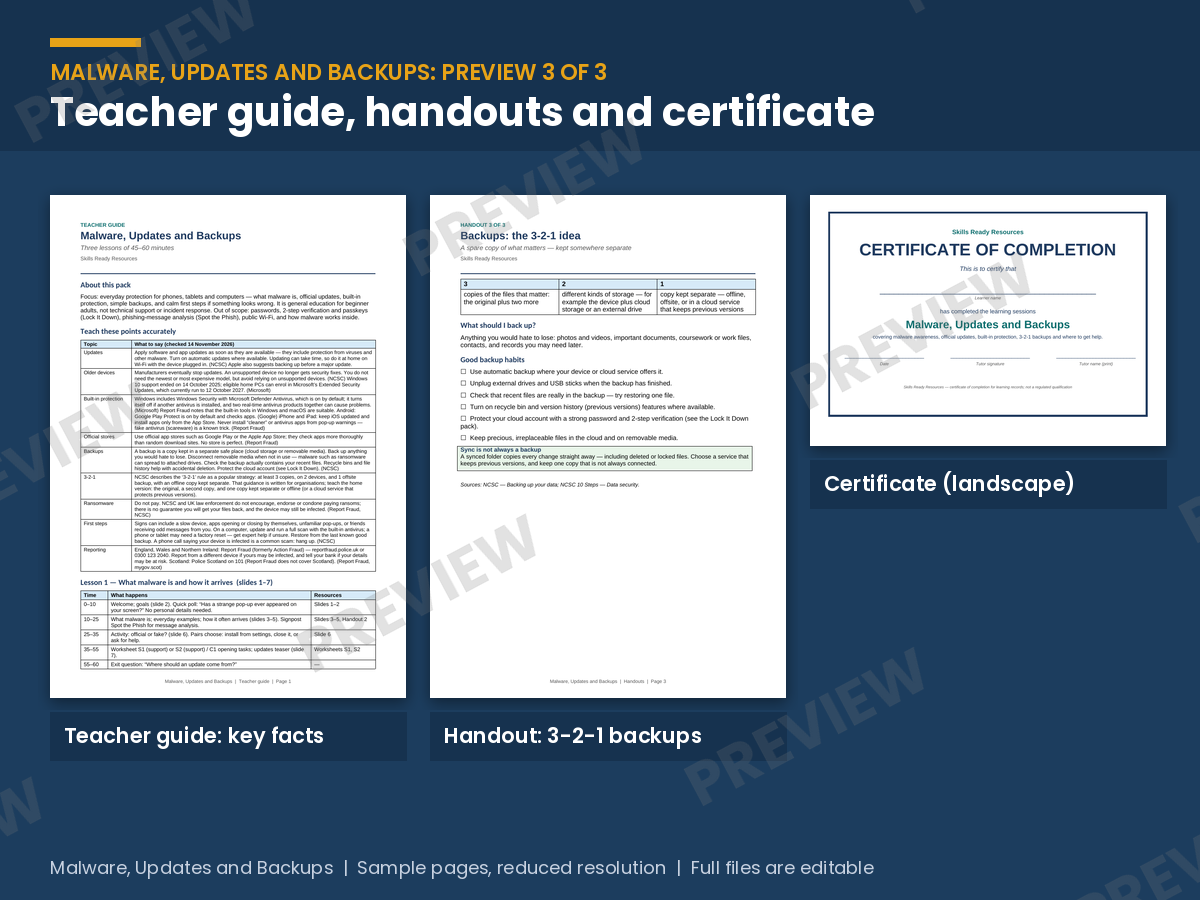
• Teacher guide (DOCX and PDF): key facts table and three 45 to 60-minute lesson plans with sources.
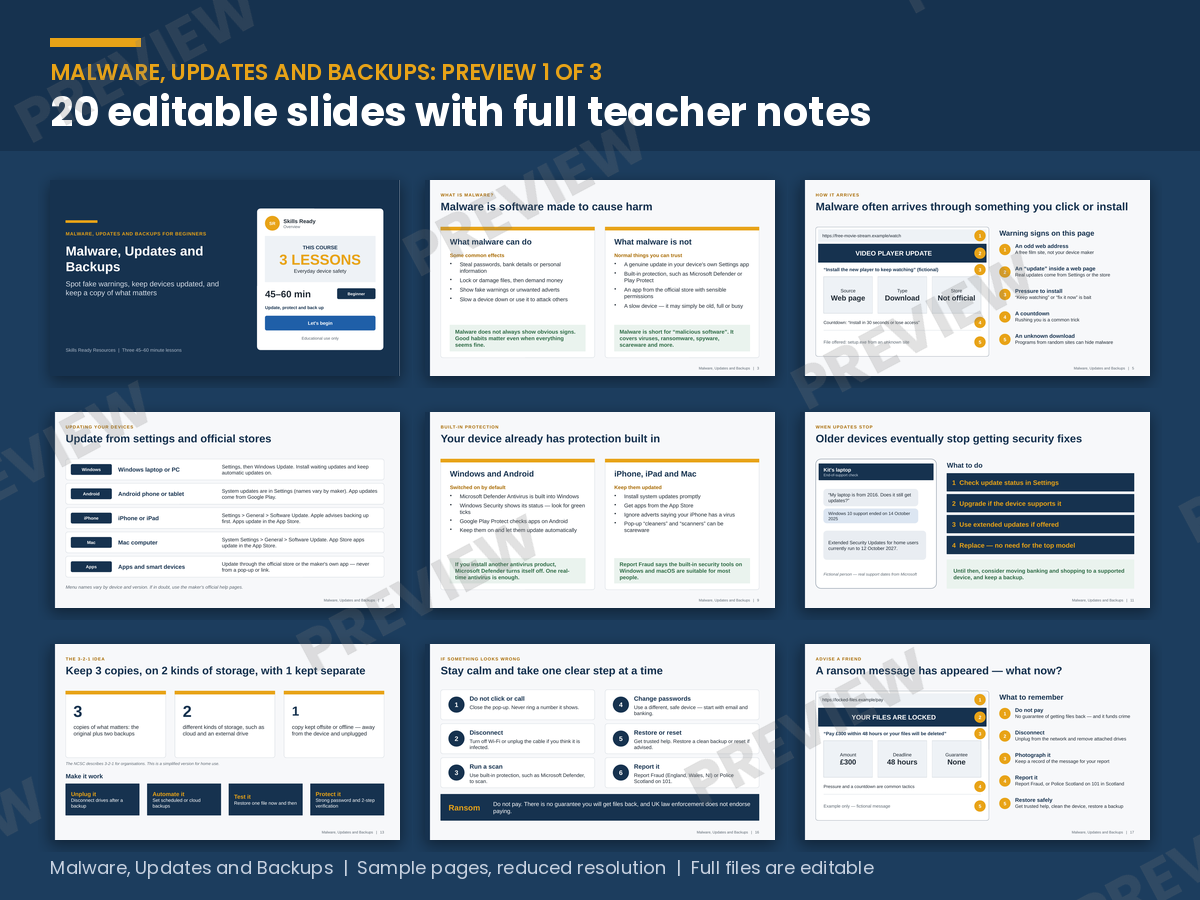
• Slide deck (editable PPTX and PDF): 20 widescreen slides with teacher notes, including three activities and a knowledge check.
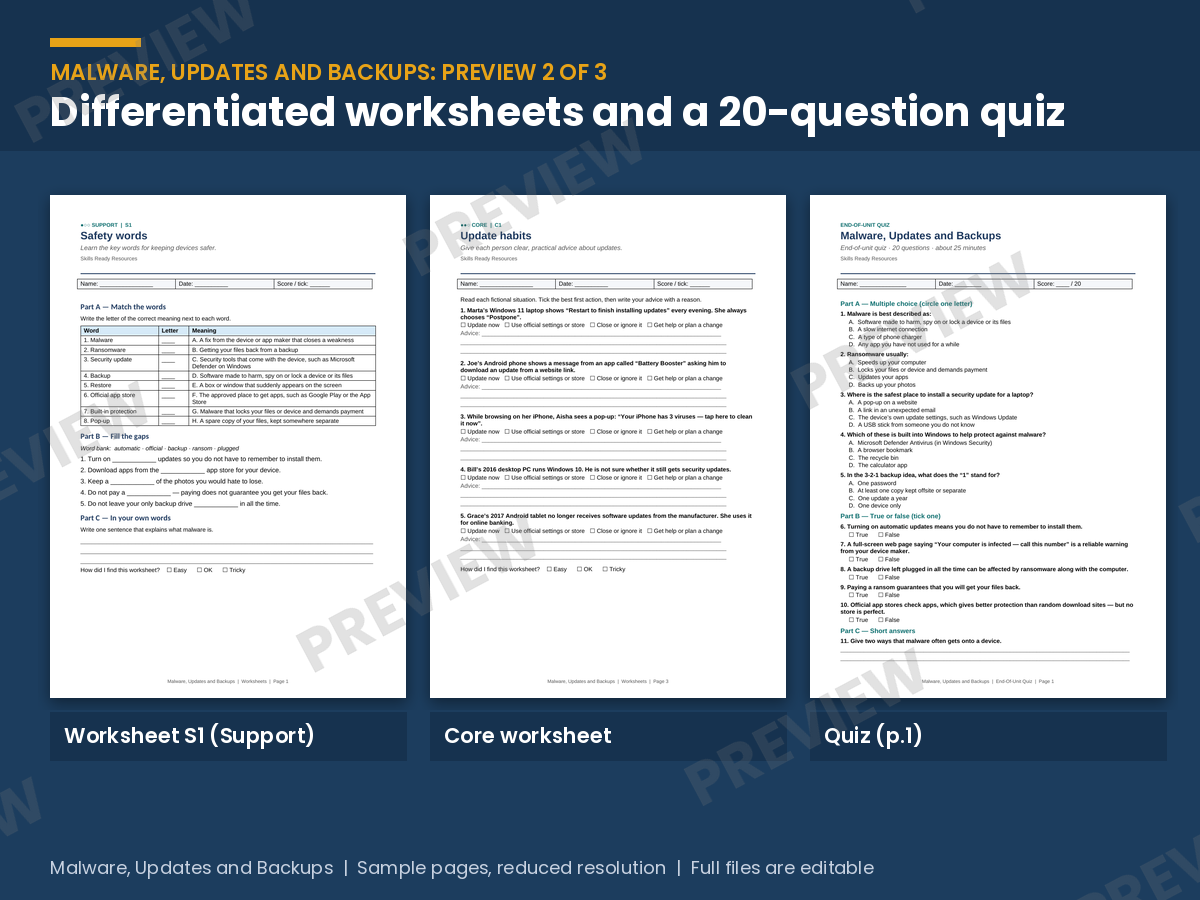
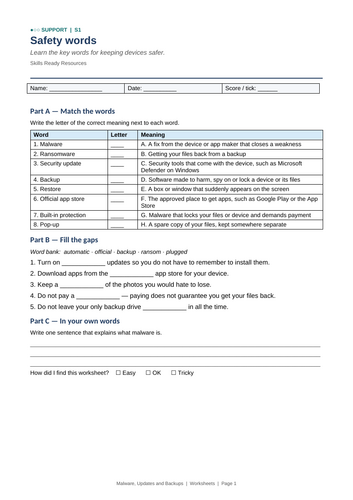
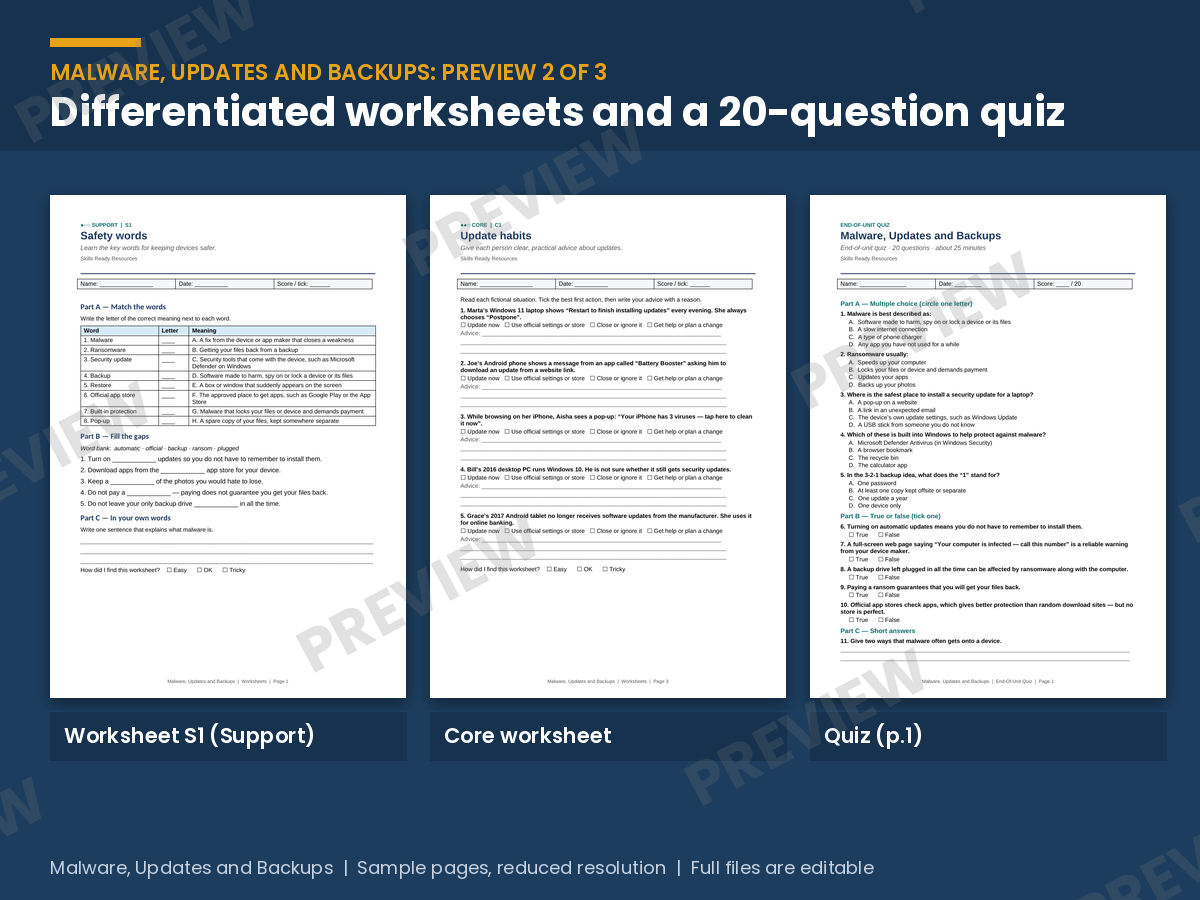
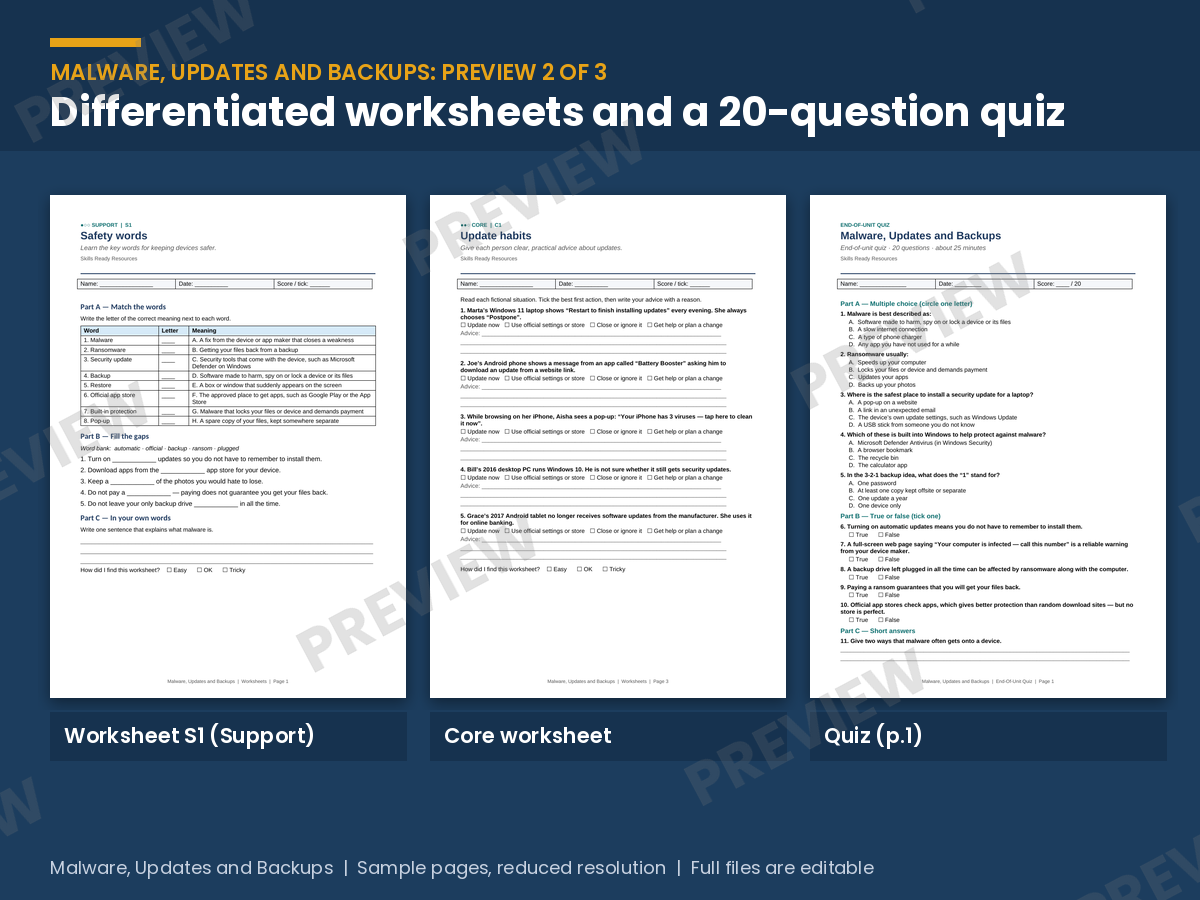
• 6 worksheets at three levels (DOCX and PDF): 2 Support, 2 Core and 2 Stretch.
• Worksheet answers (DOCX and PDF): full answers and model responses.
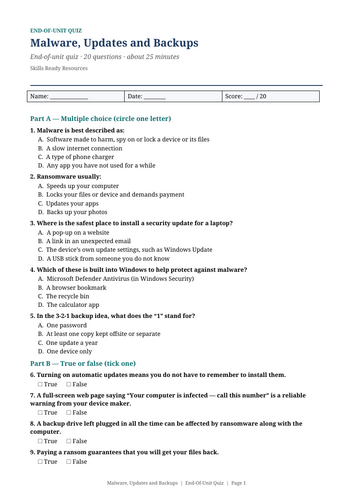
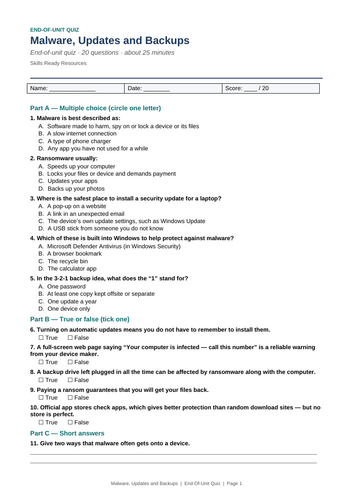
• End-of-unit quiz (DOCX and PDF): 20 questions, with a separate mark scheme and explanations.
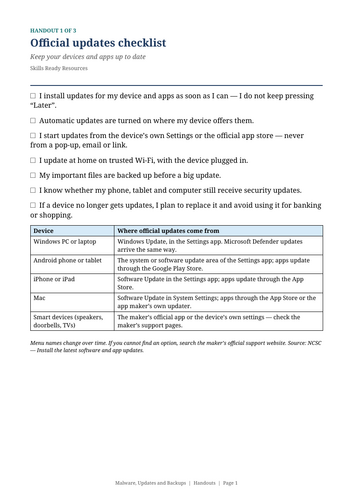
• 3 one-page handouts (DOCX and PDF): official updates checklist, spot a fake pop-up, 3-2-1 backups.
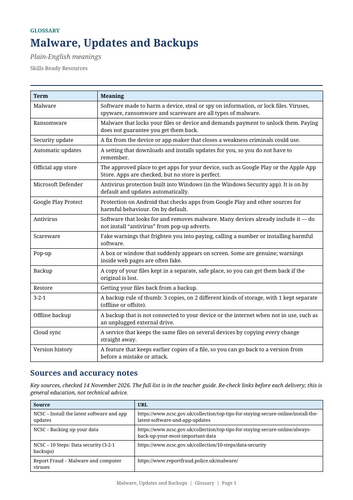
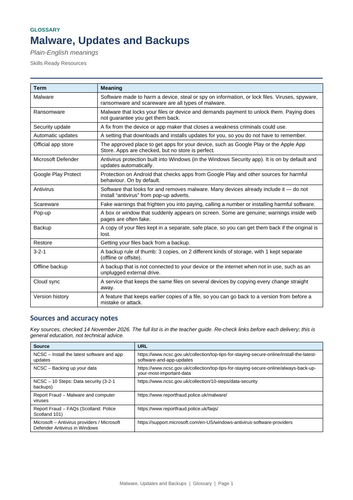
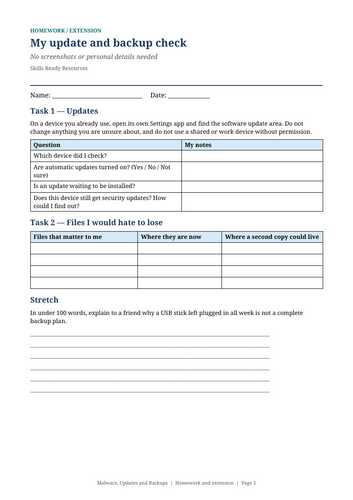
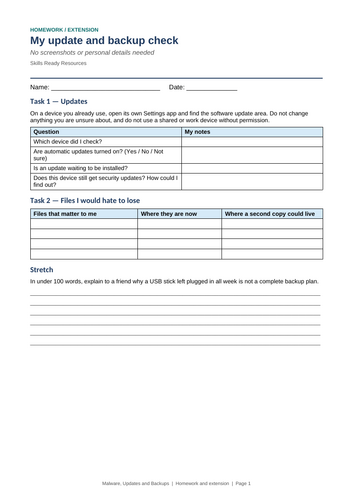
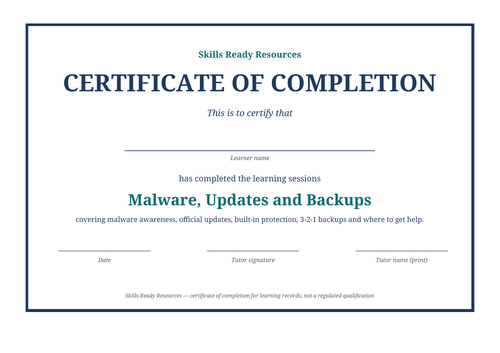
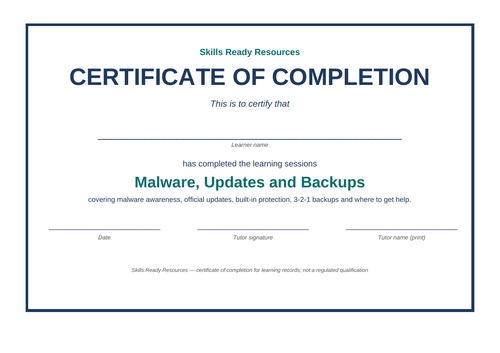
• Glossary, homework and certificate (DOCX and PDF).
• Contents page and read me (PDF).
WHAT LEARNERS WILL BE ABLE TO DO
• Explain what malware is and how it often reaches a device.
• Install updates from settings and official stores, and spot fake update prompts.
• Describe the built-in protection on their devices and why pop-up “cleaners” are risky.
• Make a simple 3-2-1 backup plan and check that a restore works.
• Know the first steps if something looks wrong, why not to pay a ransom, and where to report in each UK nation.
LESSONS: 1 what malware is and how it arrives; 2 updates and built-in protection; 3 backups, ransomware and getting help.
WHO IT’S FOR
• Secondary Computing, PSHE and online safety (ages 14 to 16)
• FE, post-16, adult and community learning and digital skills courses
• Staff awareness sessions
WHY TEACHERS USE IT
• Three lessons of material at a single-pack price
• Differentiation done for you, with answers for every worksheet
• Fully editable Word and PowerPoint files
• UK English; NCSC guidance and Report Fraud and Police Scotland routes checked in November 2026
HOW IT FITS
Passwords and 2SV are covered in Lock It Down, and suspicious messages in Spot the Phish; this pack does not repeat them.
LICENCE
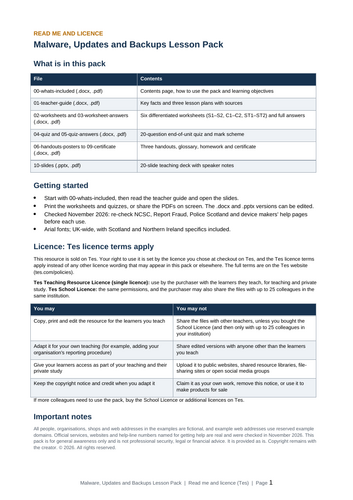
Sold under the Tes Teaching Resource Licence for use by the purchaser with their own learners. To share with colleagues in the same institution (up to 25), choose the School Licence option at checkout. Please do not upload the files to public websites or shared resource libraries.
Related: Malware, Updates and Backups: Practice & Assessment (10 more worksheets, two quizzes); also Spot the Phish, Lock It Down and the free Cyber Safety Quick Quiz.
Something went wrong, please try again later.
This resource hasn't been reviewed yet
To ensure quality for our reviews, only customers who have purchased this resource can review it
Report this resourceto let us know if it violates our terms and conditions.
Our customer service team will review your report and will be in touch.
£4.50