


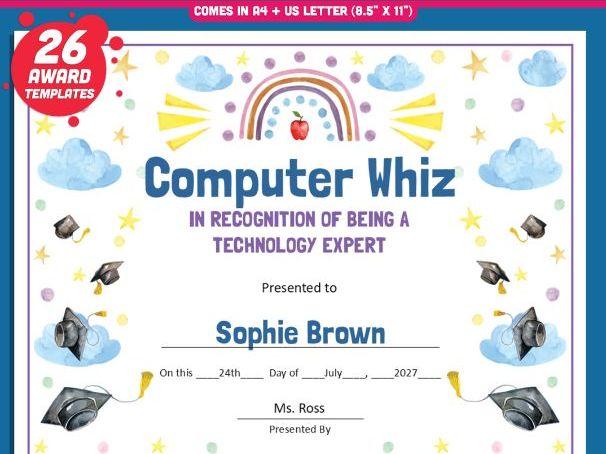

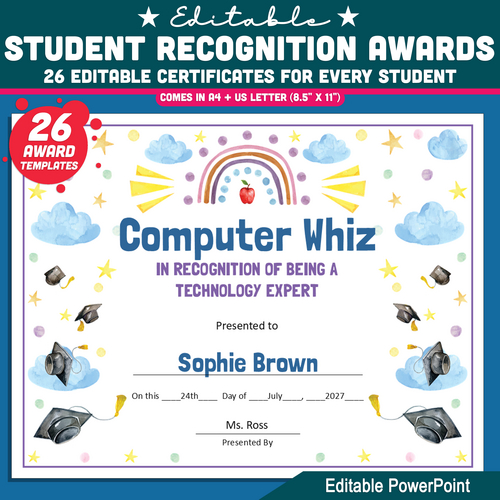
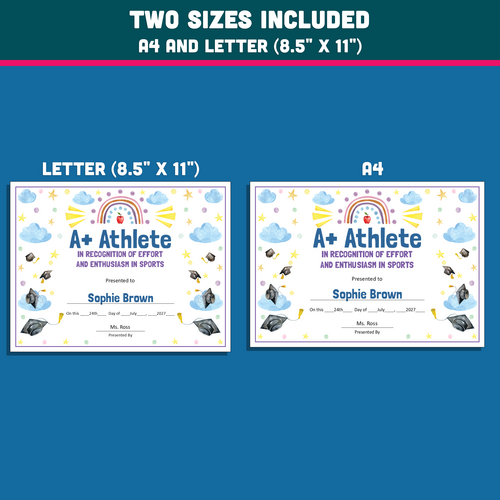
Celebrate every child with these Student Recognition Awards. This colourful collection includes 26 editable certificates designed to honour kindness, effort, creativity, academic growth, and positive behaviour. Each template is fully customisable in Microsoft PowerPoint, making it easy to add names, dates, and teacher signatures.
Both A4 and Letter Size (8.5" × 11") formats are included for flexible printing options. The bright and cheerful designs are perfect for classroom ceremonies, end-of-year celebrations, and everyday recognition. Every student receives a meaningful keepsake they will be proud to take home.
This resource helps teachers create polished, personalised awards in just minutes. Download today and make every learner feel seen, valued, and celebrated.
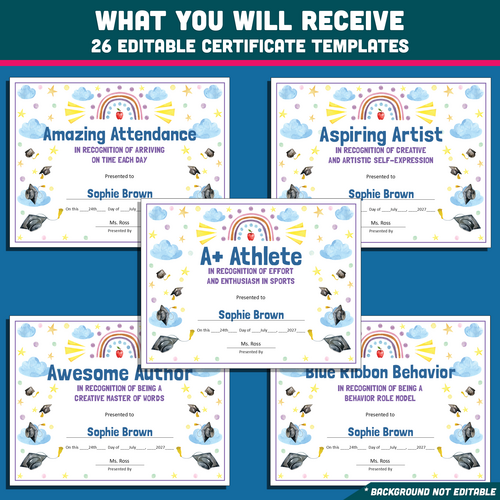
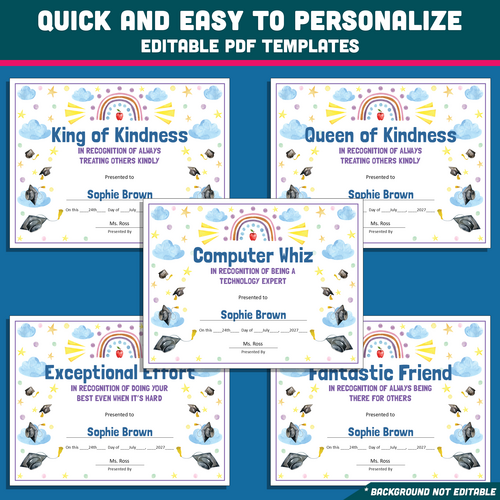
Included awards:
- A+ Athlete
- Amazing Attendance
- Aspiring Artist
- Awesome Author
- Blue Ribbon Behaviour
- Computer Whiz
- King of Kindness
- Queen of Kindness
- Exceptional Effort
- Fantastic Friend
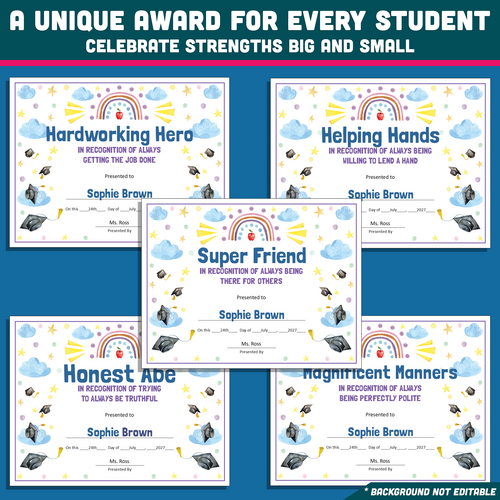
- Super Friend
- Hardworking Hero
- Helping Hands
- Honest Abe
- Magnificent Manners
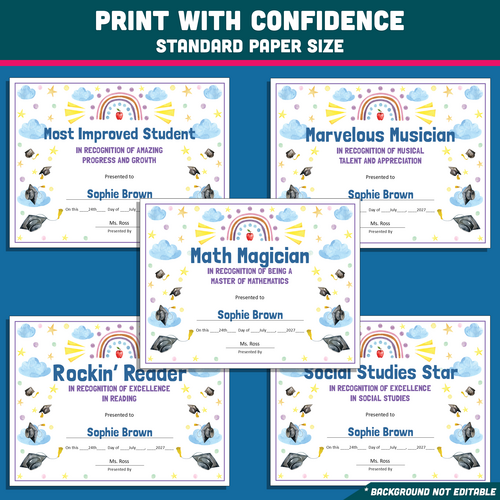
- Math Magician
- Most Improved Student
- Marvelous Musician
- Rockin’ Reader
- Social Studies Star
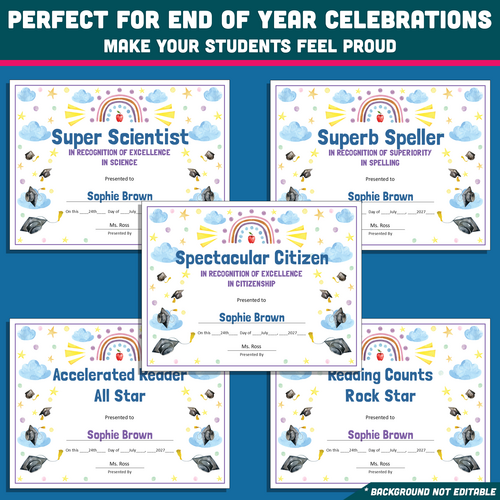
- Spectacular Citizen
- Super Scientist
- Superb Speller
- Accelerated Reader All-Star
- Reading Counts All-Star
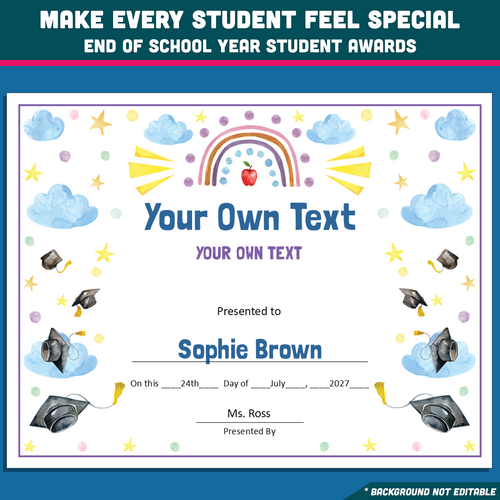
- Your Own Design
. . . . . . . . . . . . . .
WHAT YOU WILL RECEIVE
• 26 editable PowerPoint templates
• Includes both A4 and Letter Size (8.5" × 11") versions
• High-resolution files
. . . . . . . . . . . . . .
INSTRUCTIONS:
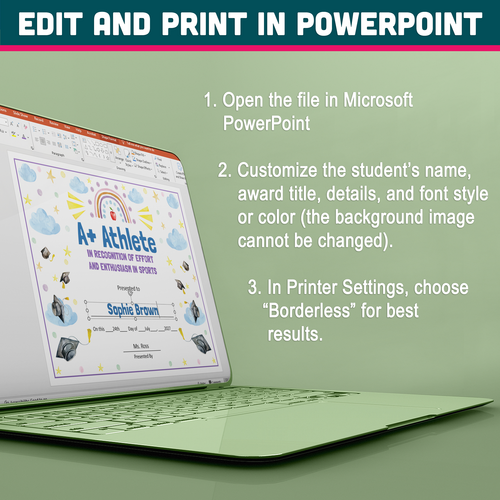
EDIT AND PRINT IN POWERPOINT
- Open the file in Microsoft PowerPoint.
- Personalise the student’s name, award title, details, and font style or colour (the background image cannot be changed).
- For printing, select “Borderless” in Printer Settings and choose either A4 or Letter Size (8.5" × 11") for the best results.
Something went wrong, please try again later.
This resource hasn't been reviewed yet
To ensure quality for our reviews, only customers who have purchased this resource can review it
Report this resourceto let us know if it violates our terms and conditions.
Our customer service team will review your report and will be in touch.
£3.99