


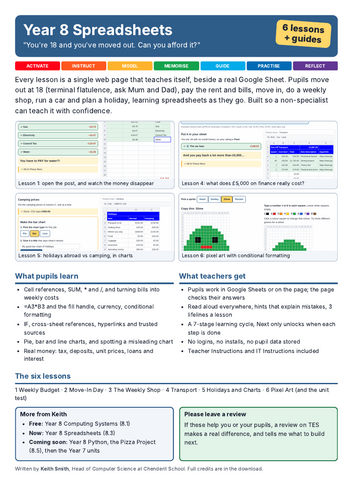

“You’re 18 and you’ve moved out. Can you afford it?”
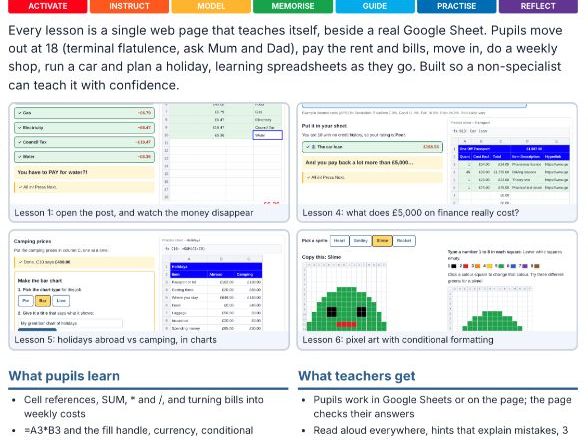
Mum and Dad have served a Notice to Quit (terminal flatulence) and gone on a cruise. Over six lessons, your pupils move into a flat in Banbury, pay the rent and bills, move in, do a weekly shop, run a car and plan a holiday. They learn spreadsheets the whole way through, in their own Google Sheets workbook.
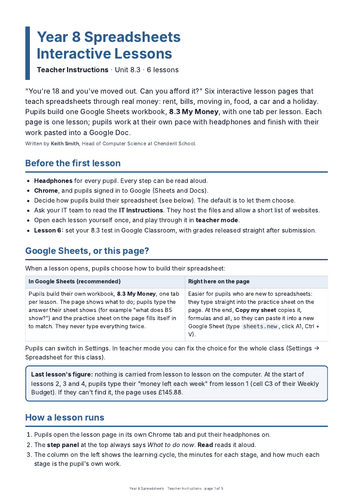
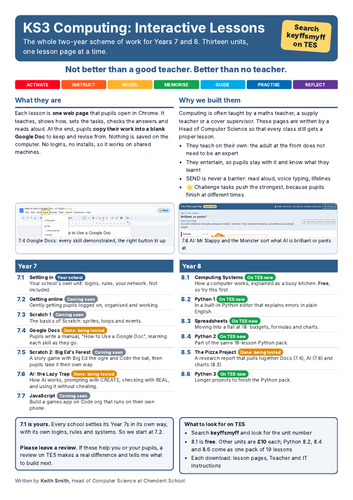
Each lesson is a single web page that teaches itself, beside a real Google Sheet. Pupils work at their own pace with headphones, and every step can be read aloud. Built so a non-specialist can teach it with confidence.
The six lessons
Weekly Budget: cell references, SUM, * and /, and turning bills into weekly costs
Move-In Day: =A3*B3, the fill handle, currency format and conditional formatting
The Weekly Shop: unit prices, part of a pack, IF, and linking sheets
Transport: hyperlinks, trusting gov.uk over adverts and AI, loans and interest, and “bangernomics”
Holidays and Charts: pie, bar and line charts, asking AI for ideas and checking its facts, and chart crimes
Pixel Art: conditional formatting turns numbers into 8-bit pictures (a short lesson, with room for your unit test)
What pupils get
Real prices: rent, council tax, energy, Tesco, car insurance and more
Games and challenges: Higher or Lower, Battleships, the post arriving one envelope at a time, loan sliders, chart crimes, pixel art
A choice: build in Google Sheets with the page checking their answers, or on the page and copy it across at the end
Read aloud, voice typing, hints that explain mistakes, 3 lifelines a lesson, and XP out of 100
Copy my work: everything they did, pasted into a Google Doc in one click
What teachers get
A full hour per lesson following a 7-stage learning cycle (Activate to Reflect), with the minutes for each stage shown
Next only unlocks when each step is really done
A “Go to Reflect” reminder 5 minutes before the end, and a two-part Reflect in every lesson
Teacher mode to jump to any step
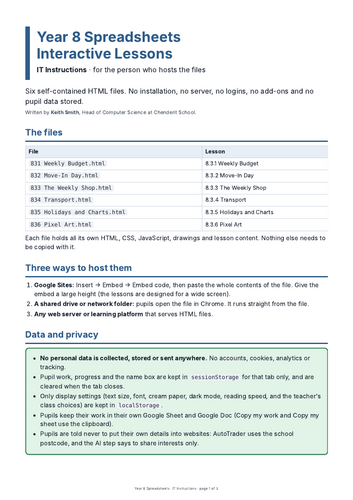
No logins, no installs and no pupil data stored
Teacher Instructions and IT Instructions (with the websites to allow) included
Also by me: Year 8 Computing Systems (8.1), free on TES. Coming soon: Year 8 Python and the Pizza Project (8.5).
If these help you or your pupils, please leave a review. It makes a real difference and tells me what to build next.
Written by Keith Smith, Head of Computer Science at Chenderit School.
Something went wrong, please try again later.
This resource hasn't been reviewed yet
To ensure quality for our reviews, only customers who have purchased this resource can review it
Report this resourceto let us know if it violates our terms and conditions.
Our customer service team will review your report and will be in touch.
£10.00