


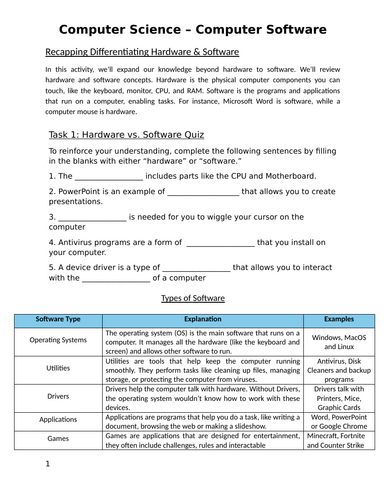
This worksheet introduces students to computer software, focusing on the differences between software types, common applications, and file formats used in everyday computing.
Students will learn about:
• The difference between hardware and software
• Types of software, including:
• Operating systems
• Utility software
• Drivers
• Application software
• Common applications within Microsoft 365
• How different file extensions are used and which programs open them
The worksheet includes:
• Fill-in-the-blank activities
• Software classification tables
• Real-world examples of application software
• Practical tasks choosing the correct software for a given scenario
• File extension matching activities
• GCSE-style short-answer questions to demonstrate understanding
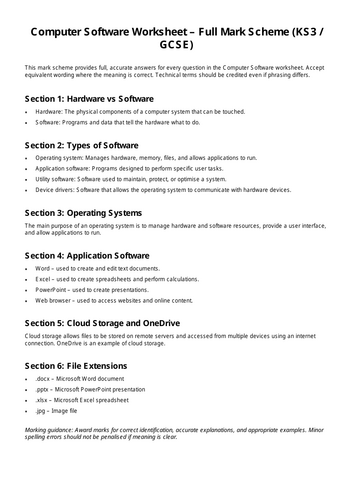
• Teachers marking guide
Suitable for:
• KS3 Computing lessons
• GCSE Computer Science foundations
• Classwork, homework, or cover lessons
• Introducing software concepts before systems architecture or exam revision
This resource is designed to build core software knowledge using structured tasks and clear examples, making it accessible for learners while remaining aligned with GCSE expectations.
Something went wrong, please try again later.
This resource hasn't been reviewed yet
To ensure quality for our reviews, only customers who have purchased this resource can review it
Report this resourceto let us know if it violates our terms and conditions.
Our customer service team will review your report and will be in touch.
£1.99