



ALSO AVAILABLE IN THE INTRODUCTION TO EXCEL 4 LESSON PACK!
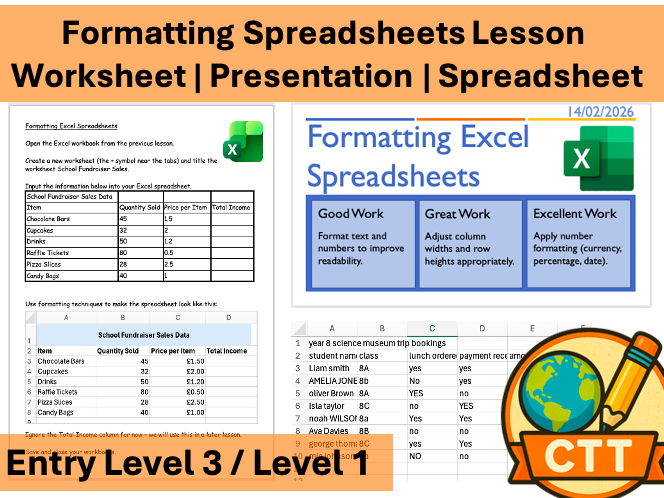
This fully resourced lesson introduces students to the formatting methods available in Excel and how to make spreadsheets look professional.
Perfect for Entry 3, Level 1, KS3 or KS4 ICT / Computing, this lesson is perfect for students who have been recently introduced to spreadsheets and are ready to make their spreadsheets professional and fit for purple.
Students will learn:
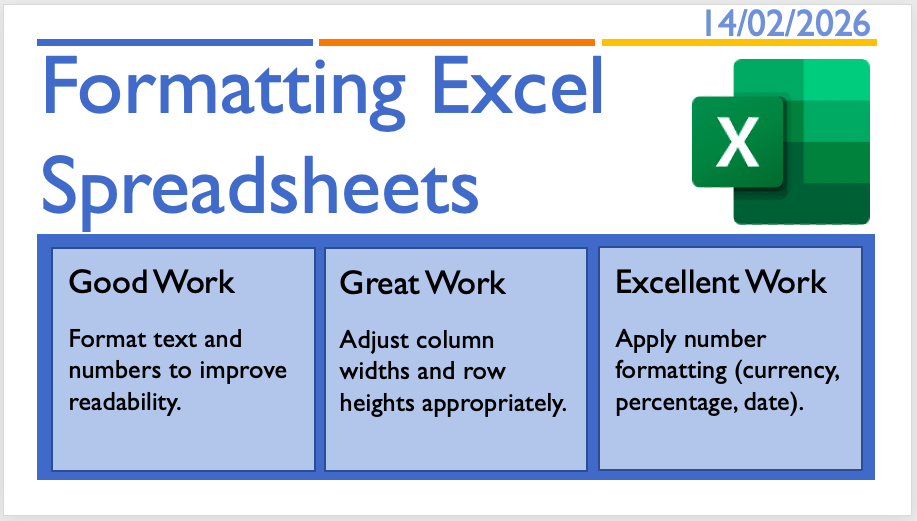
• How to change data to currency, date, etc…
• How to merge cells
• How to critique spreadsheet design
• How to format spreadsheets so they are fit for purpose
The lesson includes:
✔ PowerPoint
✔ Student task worksheet
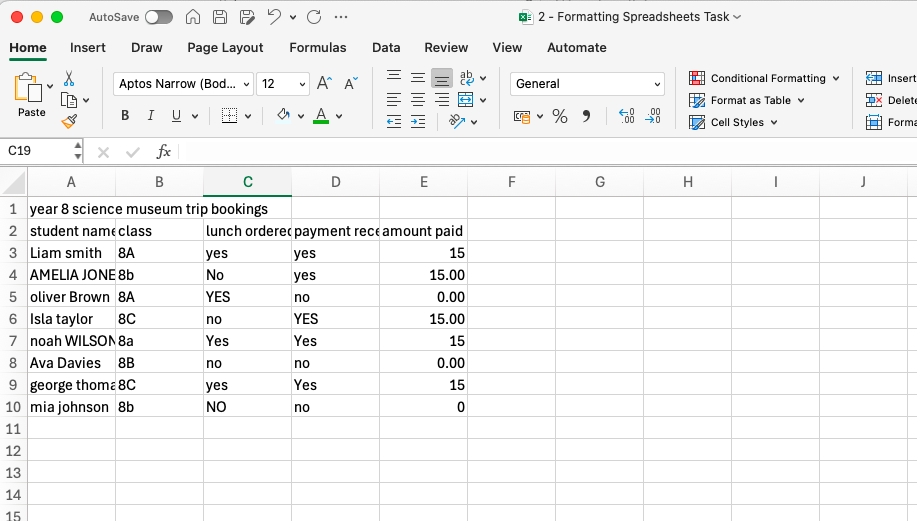
✔ Practical spreadsheet activity
✔ Model example
✔ Clear learning objectives and success criteria
This lesson forms part of a full Excel Skills Unit covering formulas, formatting, multi-sheet workbooks and real-world spreadsheet challenges.
Get this resource as part of a bundle and save up to 25%
A bundle is a package of resources grouped together to teach a particular topic, or a series of lessons, in one place.
Something went wrong, please try again later.
This resource hasn't been reviewed yet
To ensure quality for our reviews, only customers who have purchased this resource can review it
Report this resourceto let us know if it violates our terms and conditions.
Our customer service team will review your report and will be in touch.
£2.00