



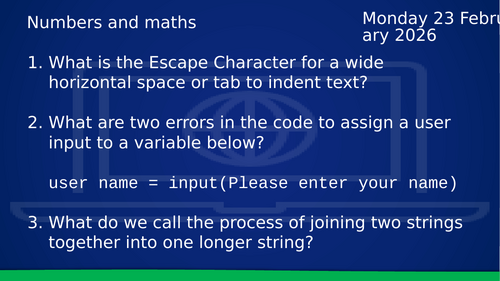
This lesson, titled “Numbers and Maths,” is the fourth installment in the Year 9 Python series. It transitions from basic data entry to using Python as a functional tool for solving mathematical problems and automating calculations.Core Learning Objectives The Three Pillars of Data: Students solidify their understanding of the three primary data types used in calculations: Strings (text), Integers (whole numbers), and Floats (decimal numbers).Mathematical Symbols: The lesson introduces the specific syntax required for Python arithmetic, including addition (+), subtraction (-), multiplication (*), and division (/).Input Conversion (Casting): Students practice the essential skill of converting user input from a string into a number type (Integer or Float) to enable mathematical processing.Dynamic Output: The session teaches how to combine text and calculated results within a single print() statement to create user-friendly programs.Lesson Structure Starter Activity: A “Data Type Challenge” where students must identify whether specific values (e.g., “15.5”, 42, or “Hello”) are Strings, Integers, or Floats. Practical Programming Tasks:The Age Calculator: A program that calculates how many years a user has left until they reach 100.The Rectangle Tool: A script that requests the width and height of a rectangle and outputs both the Area and the Perimeter.Extension Challenge: Students are tasked with creating a “Circle Calculator” that finds the area of a circle, requiring them to use floating-point numbers and the formula $Area = \pi r^2$.
Something went wrong, please try again later.
This resource hasn't been reviewed yet
To ensure quality for our reviews, only customers who have purchased this resource can review it
Report this resourceto let us know if it violates our terms and conditions.
Our customer service team will review your report and will be in touch.
£4.00