




This engaging lesson builds on students’ introduction to GIMP and focuses on essential editing skills for manipulating images. Pupils learn how to resize, move, flip, rotate, shear, and use transparency tools while working through guided projects.
The lesson includes:
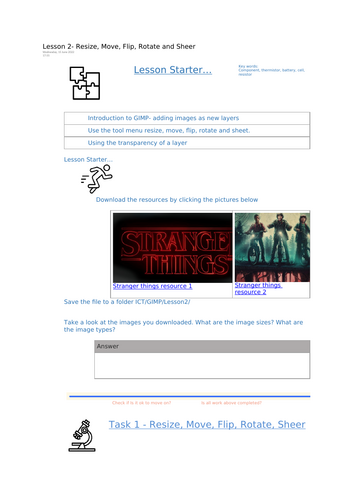
Starter activity – encourages students to explore image file types and sizes.
Key vocabulary – introducing terms such as Resize, Transparency, Flip, Rotate, Shear.
Video demonstrations – step-by-step walkthroughs showing how to manipulate images and layers.
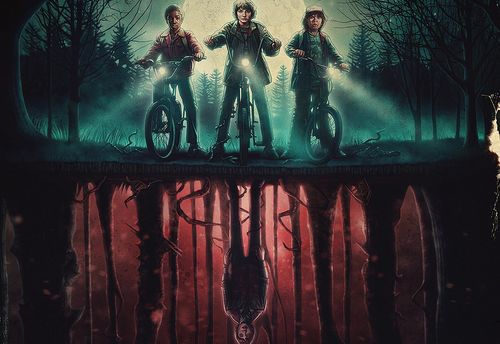
Stranger Things Project – pupils download provided resources and practise resizing, flipping, and rotating images to create their own scene.
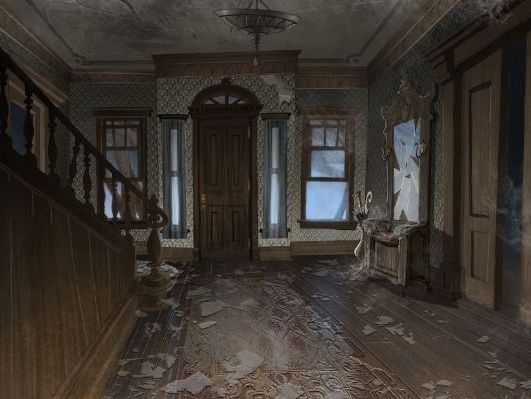
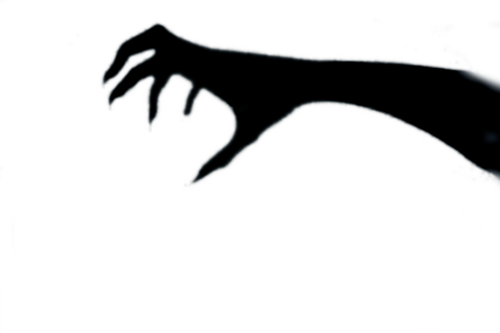
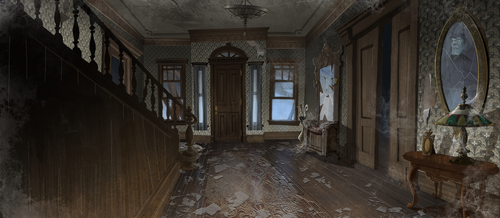
Haunted House Project – students combine multiple images using the transparency tool to layer and create eerie, ghostly effects.
Checkpoints – “Is it ok to move on?” sections ensure pupils reflect on progress before continuing.
Challenge tasks – creative extensions, such as making a ghost ship, creating fog effects in a graveyard, or designing an original haunted scene.
Reflection questions & screenshots – students capture evidence of their work and explain the function of each new tool.
By the end of the lesson, students will:
✔ Understand how to resize, flip, move, rotate, and shear images in GIMP
✔ Use transparency to blend images and create layered effects
✔ Apply image manipulation tools creatively in themed projects
Perfect for:
KS3 ICT / Computer Science / Creative iMedia
Practical lessons in digital creativity and photo manipulation
Ideal for spooky seasonal projects or as a fun introduction to layer-based editing
Includes student worksheets, teacher guidance, video walkthroughs, and project challenges.
Something went wrong, please try again later.
This resource hasn't been reviewed yet
To ensure quality for our reviews, only customers who have purchased this resource can review it
Report this resourceto let us know if it violates our terms and conditions.
Our customer service team will review your report and will be in touch.
£2.50