










Frogger Scratch Game – 3-Lesson Coding Project | KS2 Computing
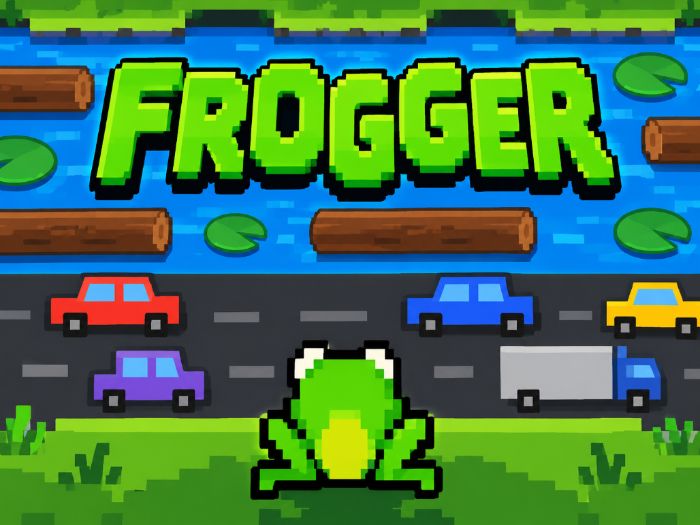
Create your very own Frogger-style arcade game using Scratch!
Bring coding to life with this fun, colourful and engaging 3-lesson Scratch project, designed for Key Stage 2 pupils (ages 7–11).
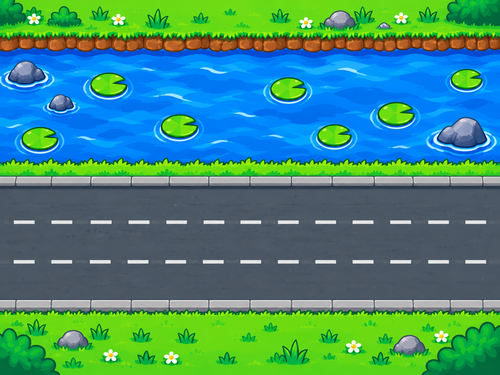
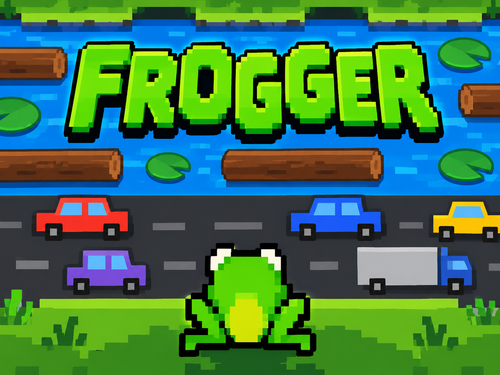
Children will build their own playable arcade game, guiding a frog across busy roads, avoiding moving cars, jumping onto floating logs and crossing a dangerous river to reach safety!
Perfect for primary computing lessons, coding clubs and teachers with little or no Scratch experience.
What will pupils learn?
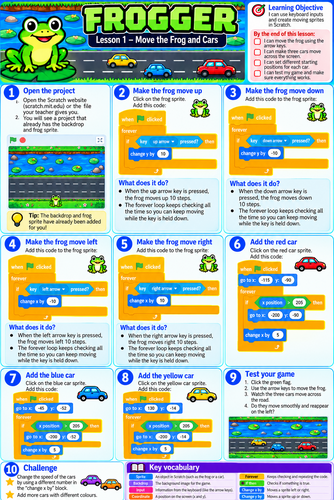
Lesson 1 – Build the Game
Create a Frogger-style game using Scratch.
Program the frog to move using the arrow keys.
Make cars move across the road.
Learn about coordinates, movement and forever loops.
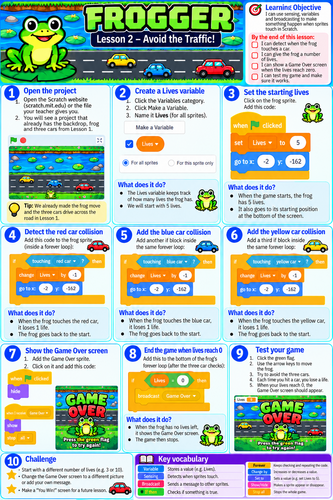
Lesson 2 – Avoid the Traffic!
Detect collisions between the frog and moving cars.
Create a Lives variable.
Make the frog lose a life and return to the starting position.
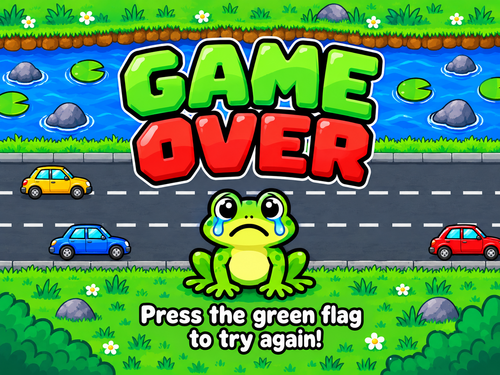
Display a Game Over screen when all lives are lost.
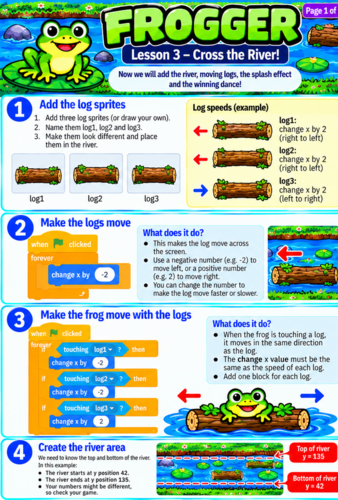
Lesson 3 – Cross the River!
Add moving logs to the river.
Program the frog to travel along with the logs.
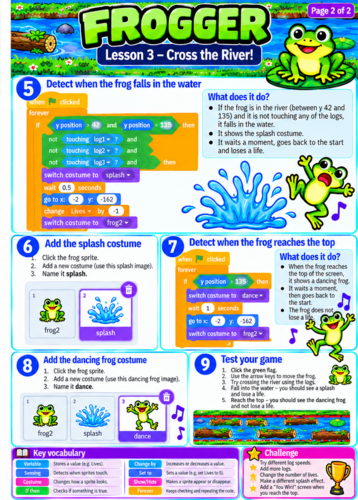
Detect when the frog falls into the water.
Create a splash animation and deduct a life.
Make the frog celebrate with a dancing animation when it reaches safety!
Computing skills covered
Sequencing and algorithms
Loops and repetition
Selection using IF statements
Variables and scoring systems
Sensing and collision detection
Coordinates and movement
Debugging and problem-solving
Why choose this resource?
Step-by-step visual worksheets with colourful Scratch code blocks.
Child-friendly instructions that pupils can follow independently.
Engaging arcade-style project with a playable end result.
Ideal for both specialist and non-specialist computing teachers.
Opportunities for pupils to personalise and improve their games.
Supports computational thinking, creativity and problem-solving.
Suitable for
KS2 Computing | Years 3–6 | Scratch Beginners and Improvers | Coding Clubs
Turn your computing lessons into an exciting arcade-game challenge as pupils learn essential programming skills while creating a game they can actually play!
Code it. Test it. Play it!
Something went wrong, please try again later.
This resource hasn't been reviewed yet
To ensure quality for our reviews, only customers who have purchased this resource can review it
Report this resourceto let us know if it violates our terms and conditions.
Our customer service team will review your report and will be in touch.
£3.00