


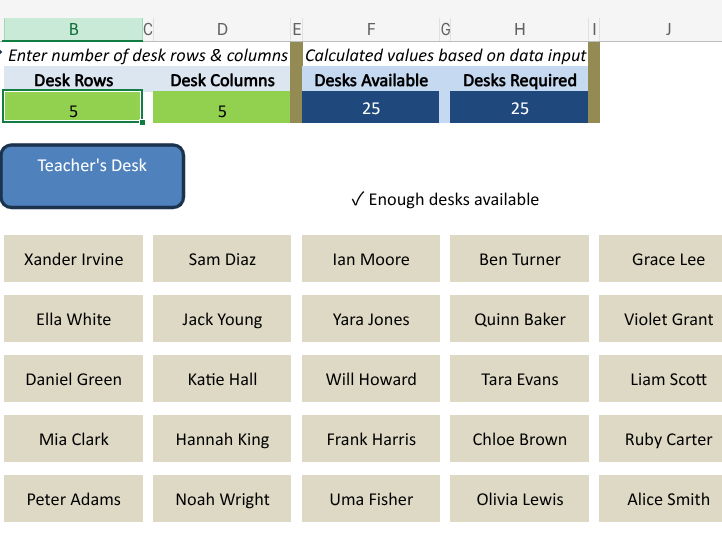
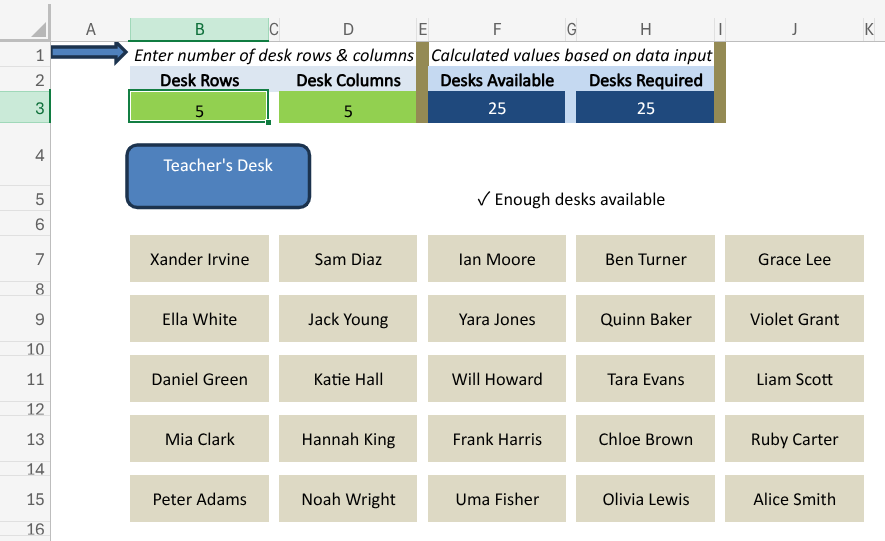
Take the stress out of arranging classroom seating with this easy to use random seating plan generator. Perfect for busy teachers, this Excel spreadsheet instantly creates a clear seating layout for your class so you don’t have to spend time deciding who sits where.
Key Benefits
Save time & effort. No more manually moving names around a plan. Simply enter your student list and the number of desk rows and columns. Then let the spreadsheet do the rest.
Impartial & fair. Removes bias and avoids difficult conversations about who should sit next to who.
Flexible design. Works with any class size or seating arrangement. Adjust the number of rows and columns to match your classroom layout.
Automatic desk count. Instantly tells you if the number of desks is less than the number of students, so you will never have a mismatch.
Clear visual layout. Generates a professional seating grid which is easy to project, print, or keep for your records.
No specialist software needed. Runs in Microsoft Excel (desktop or online) making it simple and accessible.
How it works
Enter your student names into the class list.
Specify the number of desk rows and columns to match your classroom.
Switch Excel’s auto calculate on to generate a brand new random seating plan instantly.
To “lock” a plan, simply switch auto calculate off and your seating stays fixed.
Why teachers love it
Removes the hassle of planning seating manually.
Provides an instant fresh start for lessons, exams or when mixing up groups.
Keeps lessons moving with less time wasted on seating disputes.
This ready to use spreadsheet is a simple but powerful classroom tool that gives you one less thing to worry about so you can focus on teaching.
Something went wrong, please try again later.
This resource hasn't been reviewed yet
To ensure quality for our reviews, only customers who have purchased this resource can review it
Report this resourceto let us know if it violates our terms and conditions.
Our customer service team will review your report and will be in touch.
£1.00