


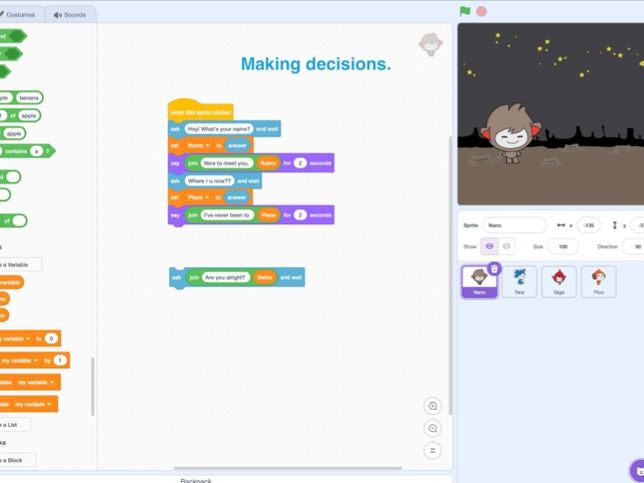
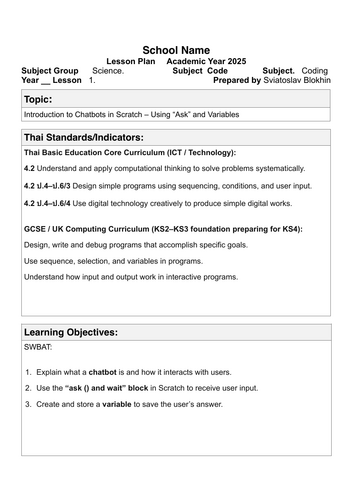
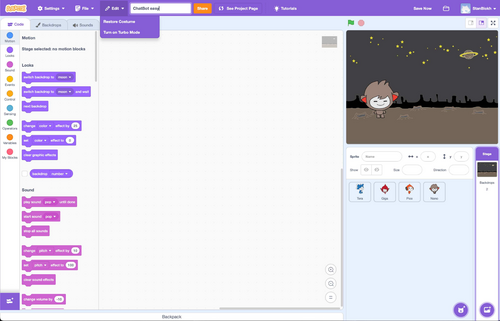
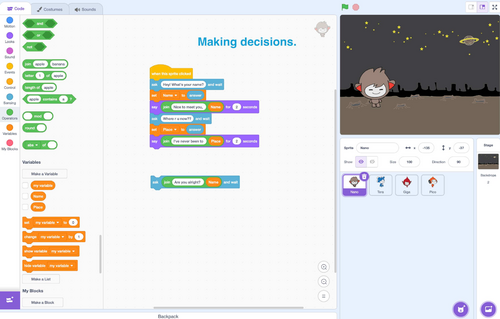
This resource includes a three-lesson Scratch programming project where primary school students design and build a simple interactive chatbot.
Students learn key computational thinking skills by creating a chatbot that asks questions and responds to user input.
The lessons introduce fundamental programming concepts including:
• Variables
• User input using ask and wait
• If / If–Else conditional statements
• Repeat loops
• Interactive dialogue design
The project follows a step-by-step progression:
Lesson 1 – Introduction to chatbots and user input
Students learn how to use the ask block and store answers in variables.
Lesson 2 – Conditional logic
Students improve the chatbot using IF and IF-ELSE statements so the chatbot responds differently depending on user answers.
Lesson 3 – Loops and completing the chatbot
Students add repeat loops to create a continuous conversation and finalize their chatbot project.
The resource includes:
• 3 detailed lesson plans
• Step-by-step Scratch coding instructions
• Presentation slides with block examples
• A complete chatbot project for students to build
This project supports computational thinking, problem solving and creativity, while helping students understand how interactive programs work.
It is suitable for primary computing classes or introductory programming lessons.
Something went wrong, please try again later.
This resource hasn't been reviewed yet
To ensure quality for our reviews, only customers who have purchased this resource can review it
Report this resourceto let us know if it violates our terms and conditions.
Our customer service team will review your report and will be in touch.
£5.00