


Try before you buy — Lessons 1 and 2 are available FREE in my shop. This bundle is the complete five-lesson unit.
For access to the actual Scratch Files please E-Mail me (Email address is in shop description!)
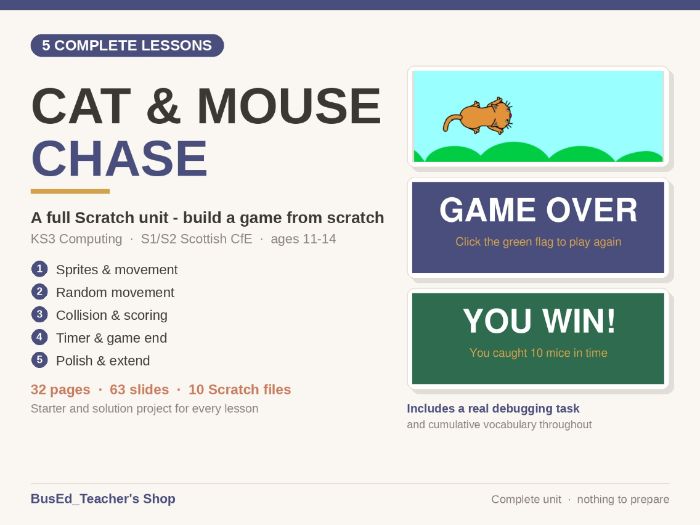
A complete Scratch unit. Five lessons, and at the end every pupil has a game they can actually play.
Pupils start with an empty Scratch project and finish with a working chase game: a cat they steer, a mouse that runs away, a score, a countdown timer, a game-over screen and a high score. Nothing is a toy exercise — every lesson adds something the pupil can see working on screen.
The five lessons
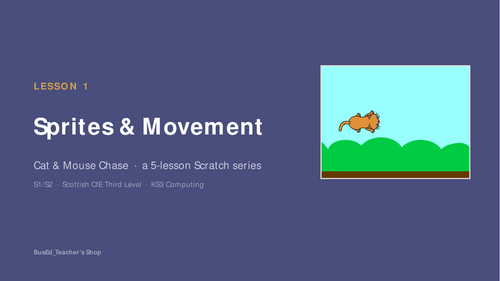
- Sprites & Movement — adding a sprite and backdrop, moving with the arrow keys
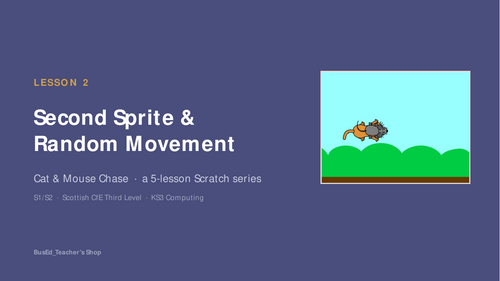
- Second Sprite & Random Movement — a second character that moves by itself, using a forever loop
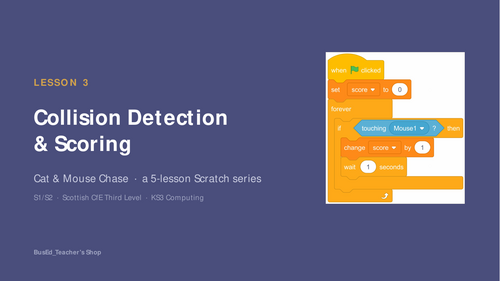
- Collision Detection & Scoring — the touching block, a score variable, if…then
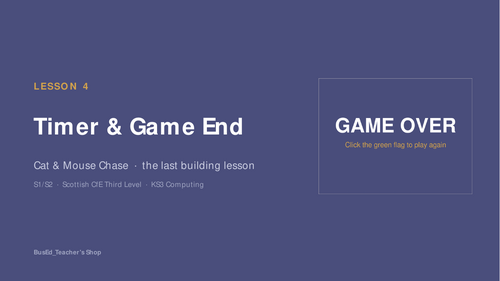
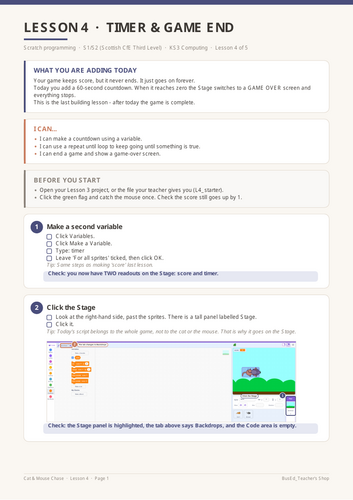
- Timer & Game End — a countdown, repeat until, and a GAME OVER screen
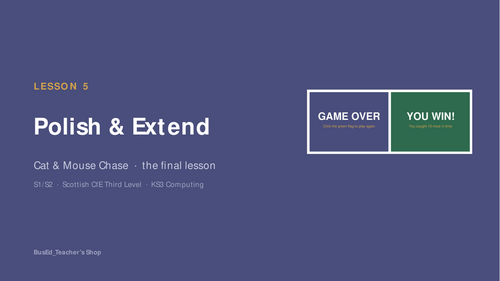
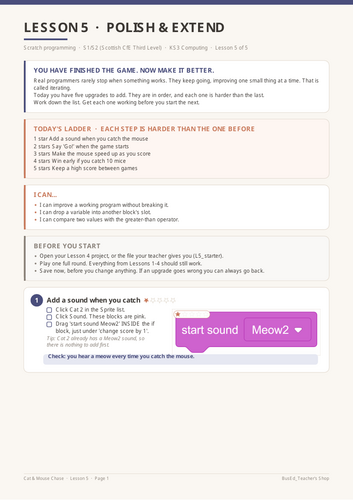
- Polish & Extend — five graded upgrades, from a sound effect to a high score
What you get
• 32 pages of pupil task sheets, printed A4
• 63 projector-ready slides with speaker notes on every slide
• 10 Scratch files — a starter and a finished solution for every lesson
• Everything ready to teach, in order, with no preparation
Written for pupils who have never coded
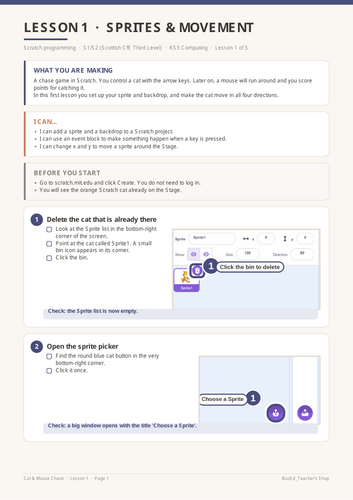
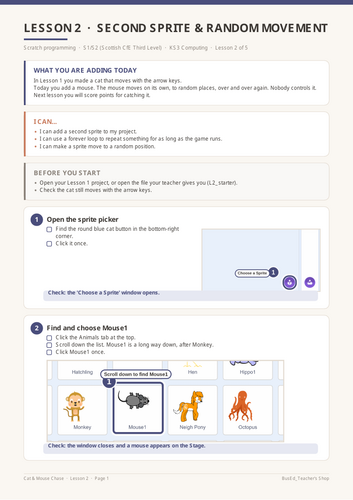
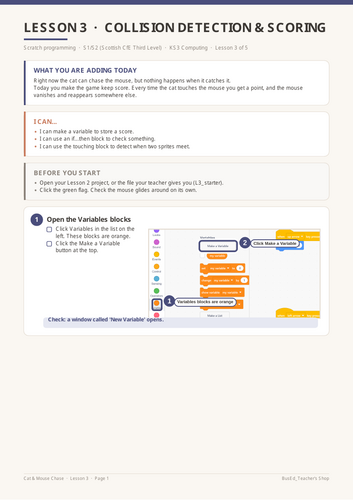
Every single action has its own tick box. Not “add the movement blocks” but “hold the mouse button down on that block”, then “drag it into the Code area”, then “let go”. Sixteen steps in Lesson 1 alone, because that is genuinely how many actions it takes.
Every step ends with a Check line so pupils know whether it worked before carrying on. Screenshots carry numbered callouts and highlight boxes showing exactly where to click, and the block diagrams are drawn at full print resolution rather than being blurry screen grabs.
Lesson 5 is a difficulty ladder, and it says so
Rather than a menu of optional extras, the final lesson is five upgrades in a fixed order, each visibly harder than the last and marked with a star rating pupils can see:
★ Add a sound when you catch the mouse
★★ Say “Go!” when the game starts
★★★ Make the mouse speed up as you score
★★★★ Win early if you catch ten
★★★★★ Keep a high score between games
Everyone starts at one star and goes as far as they get. Nobody needs a different worksheet and nobody runs out of work.
A real bug to find
Lesson 5 finishes with a genuine flaw in the supplied solution: winning early stops the game before the high score is saved. It is flagged as a “Spot the flaw” task with hints, not hidden. Pupils who fix it have done real debugging, on real code, with more than one right answer available.
Built for a real classroom
Get this resource as part of a bundle and save up to 29%
A bundle is a package of resources grouped together to teach a particular topic, or a series of lessons, in one place.
Something went wrong, please try again later.
This resource hasn't been reviewed yet
To ensure quality for our reviews, only customers who have purchased this resource can review it
Report this resourceto let us know if it violates our terms and conditions.
Our customer service team will review your report and will be in touch.
£2.00