


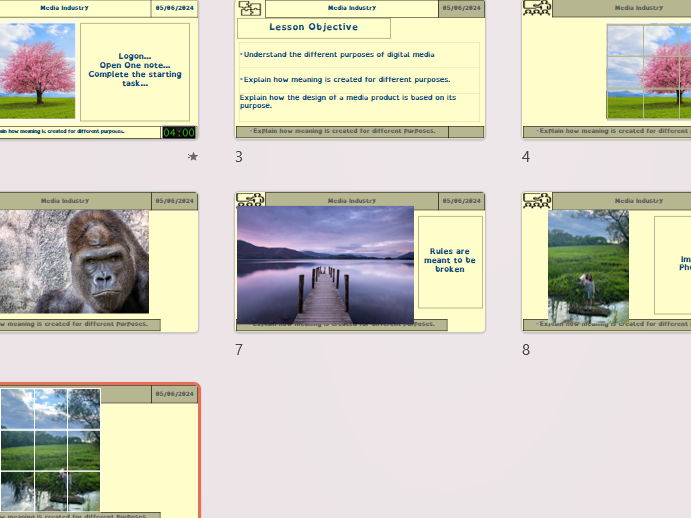
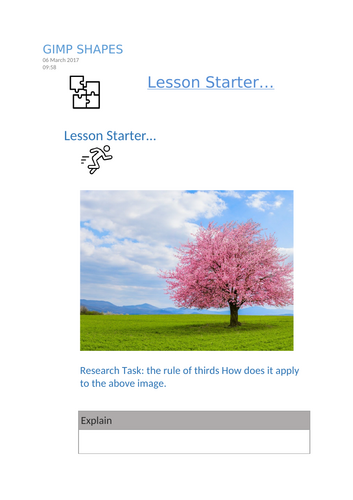

An engaging practical lesson introducing students to digital graphics design conventions using free software (e.g. GIMP or Photopea). Learners explore how to create shapes from scratch, apply visual design rules such as the rule of thirds, and finish by designing a professional poster for a new product launch.
Includes:
- Editable lesson PowerPoint
- Step-by-step guided tasks
- Student worksheet with “Quick Query” reflection questions
- Screenshot task for evidence of progress
- Stretch challenges for more advanced learners
Lesson objectives:
Understand the rule of thirds and how it applies to composition
Create shapes from scratch using selection and shape tools
Merge and resize layers correctly using Merge Down and Layer to Image Size
Apply focus blur for creative effect
Design a poster following layout and style conventions, including typography, colour scheme, and logo design
Task Highlights:
- Task 1 – Creating Shapes: Follow a video tutorial to create a love-heart shape, experiment with blur, and reflect on tools used.
- Main Task – ROBO Poster Design: Create a pre-release promotional poster for a luxury robot toy. Students apply layout conventions, branding, and suitable imagery.
- Plenary: Understanding systems – Inputs, Processes, and Outputs.
Ideal for:
KS3 / KS4 Creative iMedia or Digital Graphics units
Practical introduction to composition, design principles, and image editing tools
File format:
Editable PPTX & Word DOCX / PDF student worksheet
Something went wrong, please try again later.
This resource hasn't been reviewed yet
To ensure quality for our reviews, only customers who have purchased this resource can review it
Report this resourceto let us know if it violates our terms and conditions.
Our customer service team will review your report and will be in touch.
£2.50