




These resources have been created for those delivering the Digital Functional Skills Qualification at Level 1, which replaces the current Functional Skills ICT Qualification.
The DFS qualification’s main purpose is to provide reliable evidence of a learner’s achievements against content that is relevant to the workplace and real life.
These resources provide a structured assessment in workbook form to evidence learner knowledge and skills, as well as their ability to apply these in different contexts and demonstrate that all learning outcomes have been met.
The qualification itself is made up of five main skill areas (Modules), each with its own series of units.
The unit workbooks include various challenges, activities and tasks to prove learners’ understanding. Each page has a header that includes the individual outcomes covered and can be assessed easily and signed off.
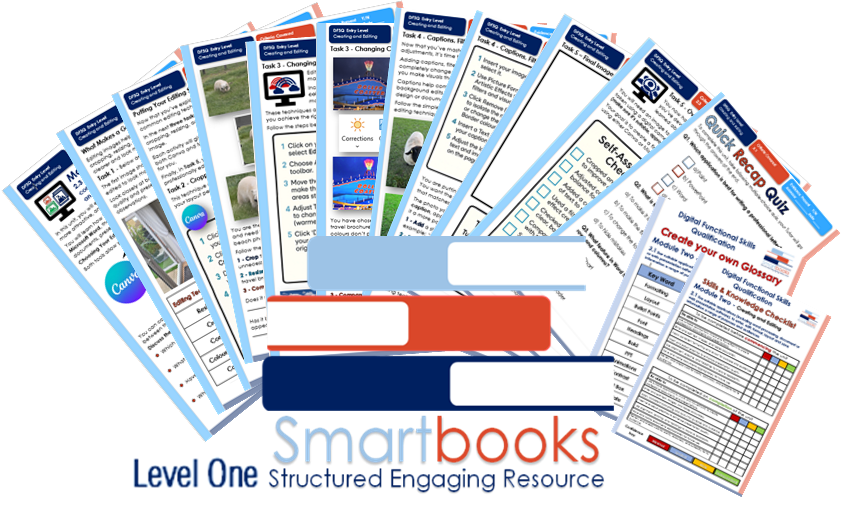
This resource covers:
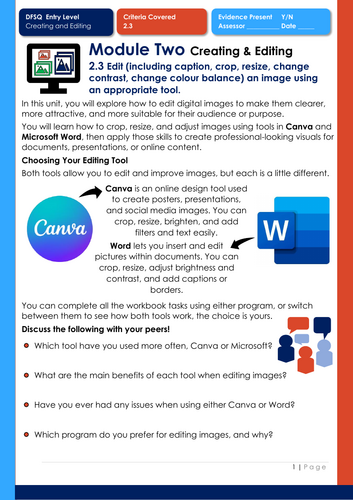
Module 2 - Creating and Editing - 2.3 - Edit (including caption, crop, resize, change contrast, change colour balance) an image using an appropriate tool.
This resource includes:
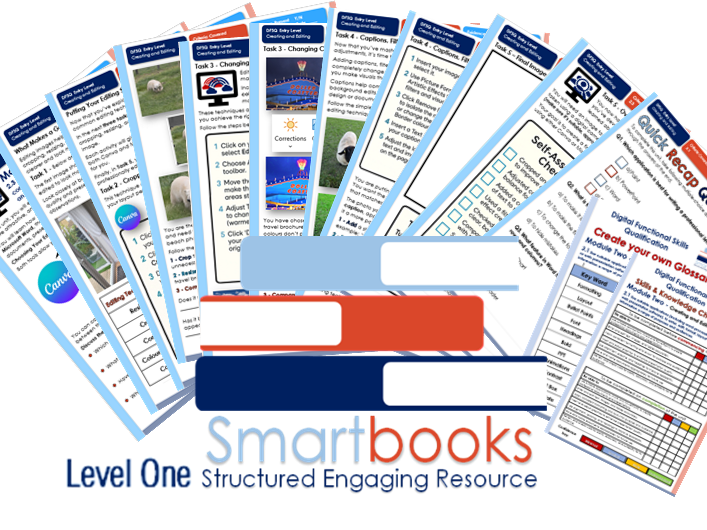
Task 1 – What Makes a Good Image?
Learners explore how small edits such as cropping, resizing, and adjusting colour or contrast can improve image quality and presentation. They compare two versions of the same image and record what changes have been made and why.
Task 2 – Cropping and Resizing
Learners practise cropping and resizing images using Canva and Microsoft Word. Through a travel brochure scenario, they learn how to focus on key details, improve composition, and make images fit specific layouts.
Task 3 – Changing Contrast and Colour Balance
Learners develop their technical editing skills by adjusting brightness, contrast, and colour balance to enhance tone and visibility. They compare before-and-after versions to see how lighting and warmth affect image mood.
Task 4 – Captions, Filters, and Backgrounds
Learners build on previous skills by adding captions, experimenting with filters, and adjusting backgrounds. They apply creative editing techniques to make images look polished and professional within a real-world design scenario.
Task 5 – Over to You!
Learners put everything they’ve learned into practice by creating a final edited image using either Canva or Word. They are encouraged to take or source an appropriate image, apply all editing techniques, and submit their final design with a self-assessment checklist and tutor feedback section.
True or False Recap Quiz
A 10-question Level 1 quiz helps learners review and consolidate their understanding of image editing tools.
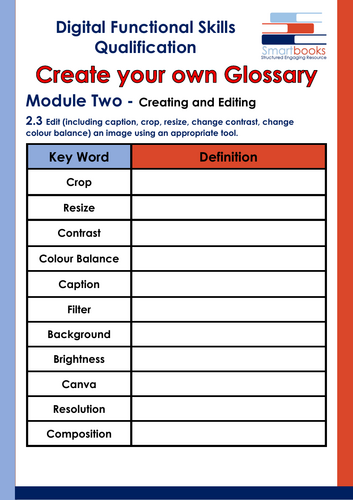
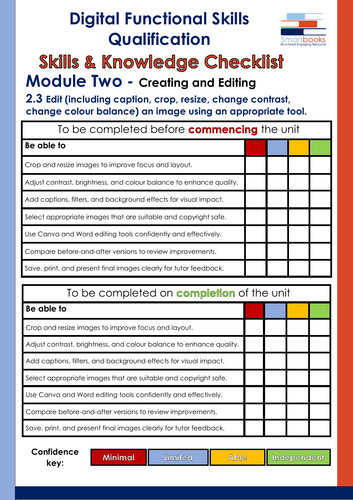
Also included is a Glossary for learners to complete and a Skills and Knowledge Checklist to be filled in before and after delivery of this unit.
Guided Tutor Answers for relevant tasks are also included.
This resource is currently in a PDF file format. Word versions are available for free upon purchase of the PDF – please message me directly for these at SmartbooksEd@outlook.com.
Something went wrong, please try again later.
This resource hasn't been reviewed yet
To ensure quality for our reviews, only customers who have purchased this resource can review it
Report this resourceto let us know if it violates our terms and conditions.
Our customer service team will review your report and will be in touch.
£3.79