


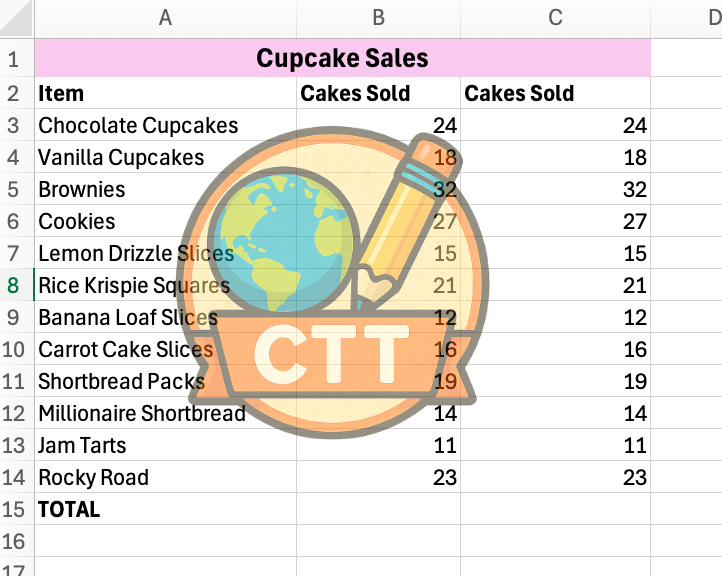
*Watermarks not present when resources are purchased
Overview:
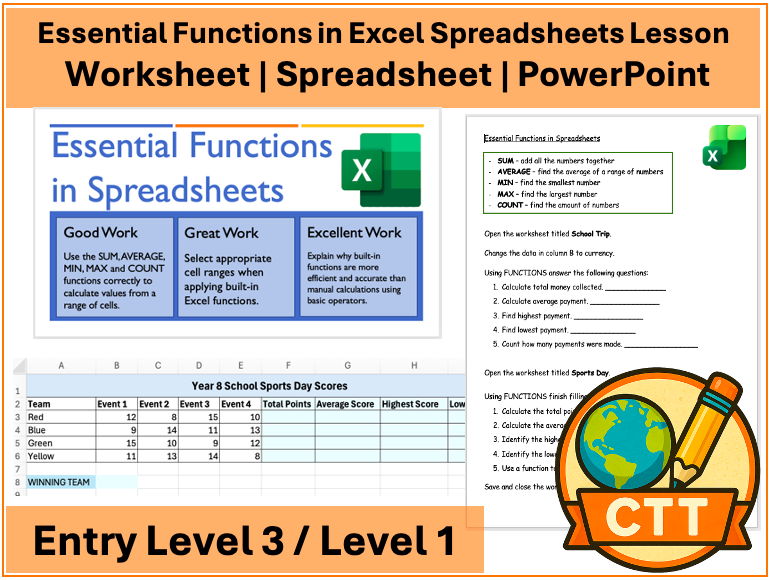
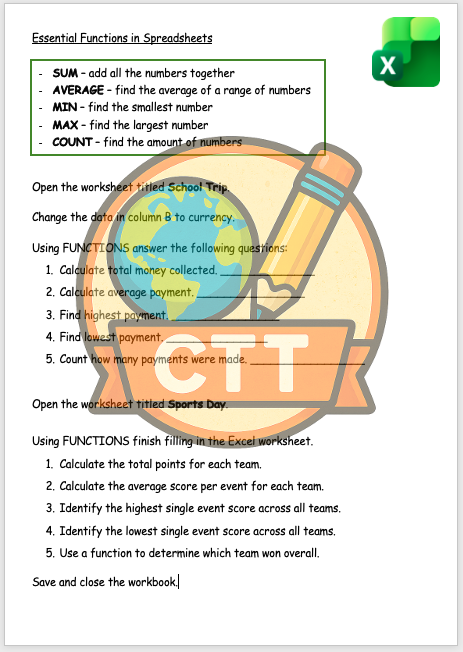
This resource is designed for Entry Level 3 / Level 1 ICT students and KS3 learners and focuses on the essential functions in Excel spreadsheets. It will introduce students to SUM, AVERAGE, MIN, MAX and COUNT.
Suitable for:
• Entry Level 3 ICT students
• Level 1 ICT students
• KS3 learners looking to extend their knowledge beyond the exam
What’s included:
• PowerPoint - includes screenshots, discussion points and helpful hints
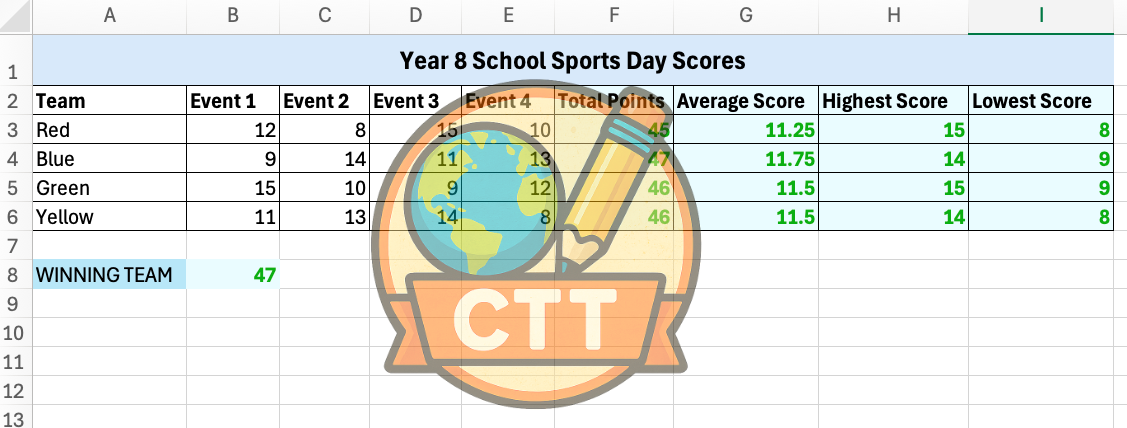
• Spreadsheet - a spreadsheet with multiple tabs and functions tasks
• Worksheet - instructions for the students on how to use functions in their spreadsheets
• Answer sheet for marking
Skills covered:
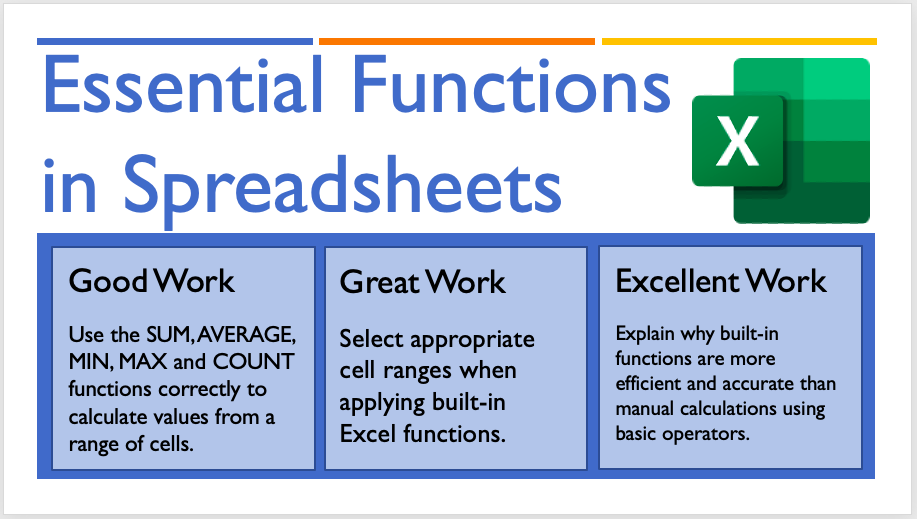
• Use the SUM, AVERAGE, MIN, MAX and COUNT functions correctly to calculate values from a range of cells.
• Select appropriate cell ranges when applying built-in Excel functions.
• Explain why built-in functions are more efficient and accurate than manual calculations using basic operators.
Ideal for classroom teaching, intervention, revision, or independent practice.
Please see the preview images to view sample pages before purchasing.
This resource is also available in a Bundle in my shop titled ‘Essential Functions and Formulae’ which includes 3 lessons and an assessment activity.
If you find this resource helpful, a review is always appreciated — it really helps small creators grow.
Something went wrong, please try again later.
This resource hasn't been reviewed yet
To ensure quality for our reviews, only customers who have purchased this resource can review it
Report this resourceto let us know if it violates our terms and conditions.
Our customer service team will review your report and will be in touch.
£2.00