


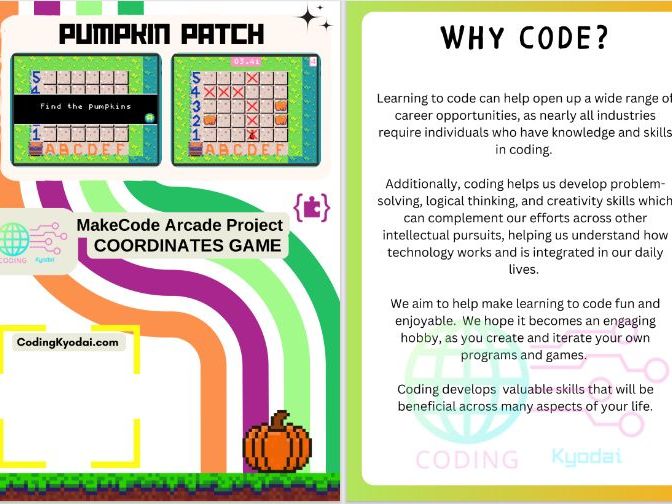
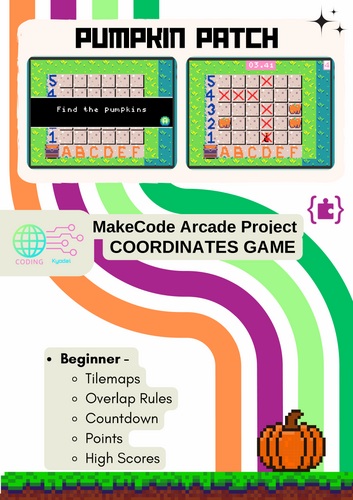
Bring coding and math together with this fun Pumpkin Patch Game complete coding guide! Students use Microsoft Make Code Arcade to build a game where a shovel moves across a grid to find hidden pumpkins. Along the way, they learn about coordinates, events, loops, and conditionals in a hands-on, block-based coding environment.
What is Included:
- Step-by-step student-friendly coding guide (blocks & Python convertible)
- Clear screen-shots and instructions for building the game in Make Code Arcade
- Explanations of key coding concepts (variables, events, rows/columns, sequences)
- Opportunities for testing, debugging, and extending the game
- Ideas for classroom discussion and student challenges
Skills Students Will Learn:
- Using row and column coordinates to move a sprite on a grid
- Writing simple event-driven code (move with arrow keys, dig with A button)
- Applying conditional logic (if pumpkin is found → score point; else → lose life)
- Debugging and improving their own code
- Making cross-curricular links between math (coordinates) and computer science
Perfect For:
- KS2 Primary Learners (Y2-Y6)
- Computer Science, Technology, or STEM classes
- Cross-curricular Maths + Coding activities
- After-school clubs or enrichment projects
Why Teachers Love It:
- Ready-to-use guide that is easy to follow, even for beginners
- Encourages problem-solving, critical thinking, and creativity
- Students can customize their game (tile maps, sprites, effects)
- Aligned with key coding concepts for primary school children
- Give your students the excitement of coding their own video game while mastering coordinate grids!
File Types PDF walk through + student tasks
Something went wrong, please try again later.
This resource hasn't been reviewed yet
To ensure quality for our reviews, only customers who have purchased this resource can review it
Report this resourceto let us know if it violates our terms and conditions.
Our customer service team will review your report and will be in touch.
£10.00