


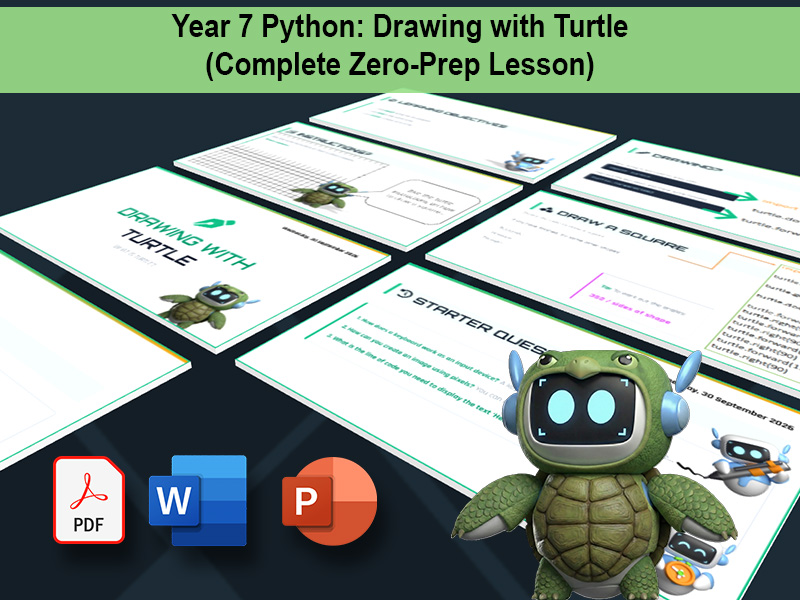
Introduce your Year 7 students to text-based programming with maximum engagement and zero planning.
(OCR J277 GCSE / KS3 Computer Science)
This complete, fully resourced lesson introduces “Byte” the Turtle, guiding students smoothly from Scratch-style algorithmic thinking into real Python syntax.
Built specifically for non-specialist teachers and busy computing departments, this download includes a slide-by-slide Teacher Crib Sheet. You don’t need to be a coding expert—the script tells you exactly how to explain the concepts, what questions to ask, and how to troubleshoot common student errors.
What is included in this lesson?
Premium Presentation Deck: Clean, modern “3D Robot” visuals (PDF format to guarantee compatibility on any school network).
Zero-Prep Teacher Crib Sheet:
A complete delivery script and lesson plan mapped directly to the slides.
Pre-Written .py Demo Files: Ready-to-run Python scripts (Colours.py, line.py, turtle fill.py) for live board demonstrations without the typing.
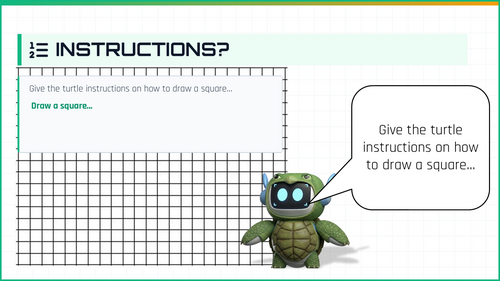
Student Support Assets: Printable Turtle Cheat Sheet (PDF) and Graph Paper template for visual shape planning.
Learning Outcomes:
Students will learn to import the turtle library, write sequential commands to draw shapes using pixels, and use basic geometry (dividing 360 degrees) to program triangles, squares, and hexagons.
Want the full 6-week unit?
This is Lesson 2 from our premium Y7 Computing: Python Unit & Assessment.
If you want to eliminate your planning for the entire half-term, you can grab the complete 6-lesson bundle—including the Intro to Python, Iteration, Variables, a Formal Written Assessment, and a structured DIRT feedback lesson.
Something went wrong, please try again later.
This resource hasn't been reviewed yet
To ensure quality for our reviews, only customers who have purchased this resource can review it
Report this resourceto let us know if it violates our terms and conditions.
Our customer service team will review your report and will be in touch.
£5.30