


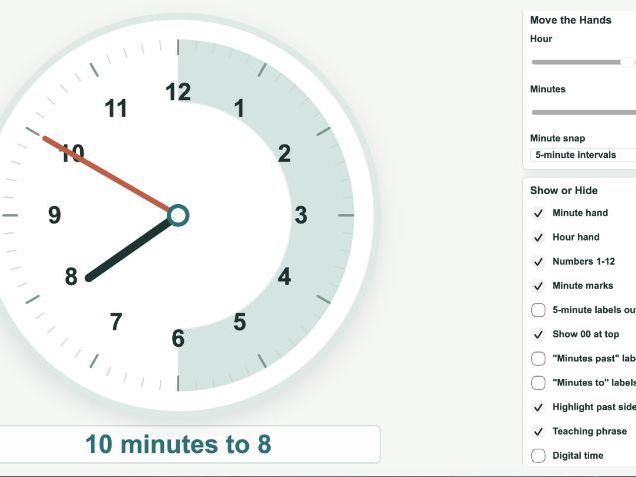
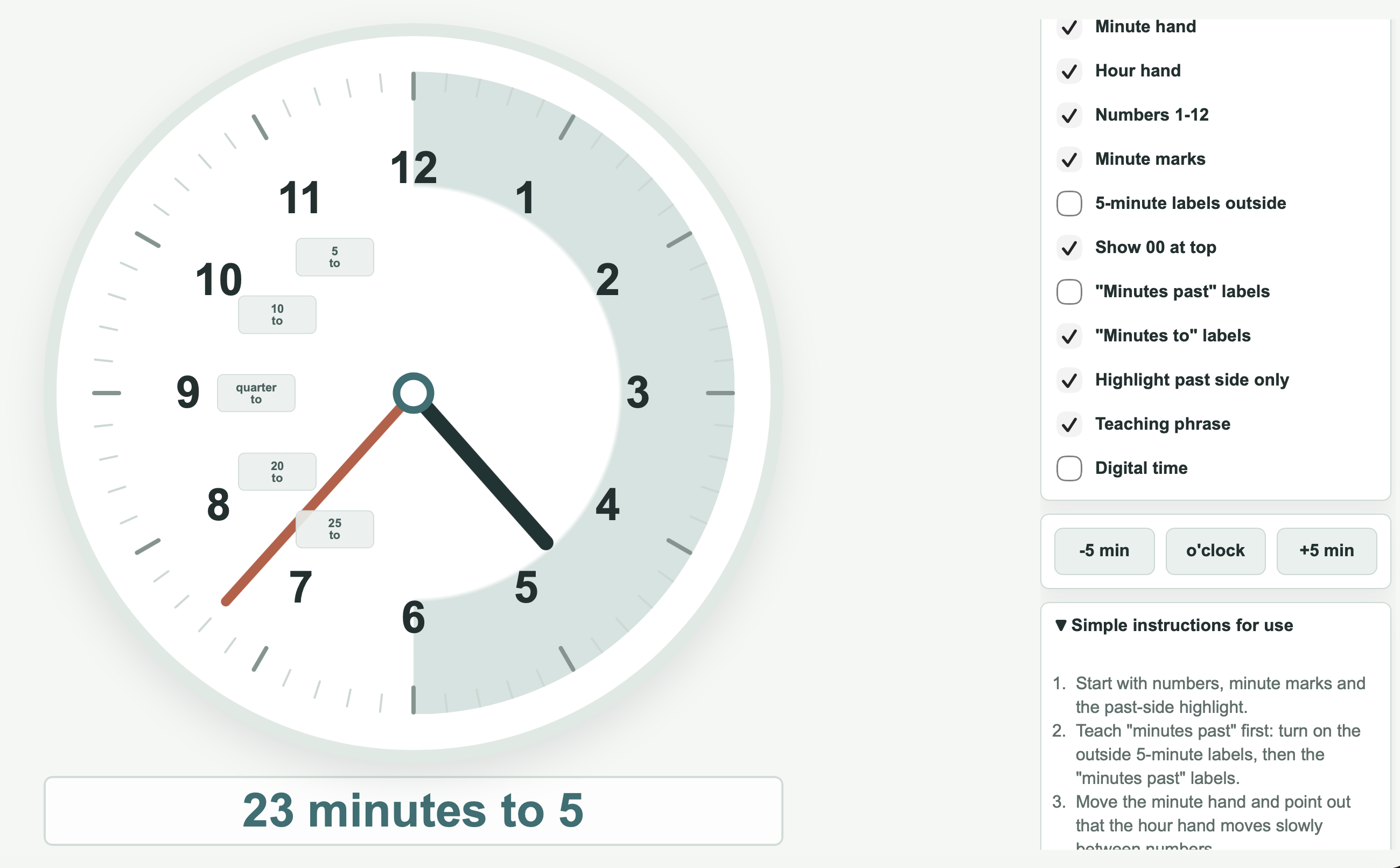
I made this clock during Year 3/4 teaching because I kept finding that existing online clocks didn’t quite match the way analogue time is actually introduced in KS2 classrooms.
Most tools give you a clock. What I actually needed was a clock I could strip back or build up depending on exactly where a child was in their understanding — without clicking through menus or losing the pace of the lesson.
This tool was designed to make that easy.
Almost every element can be turned on or off instantly. For example, you can:
• show or hide minute markers
• reveal or hide the hour hand or minute hand independently
• toggle “past” and “to” labels for the relevant half of the clock
• highlight only the past side to support the past/to distinction
• switch between 5-minute and 1-minute intervals
• show 5-minute numbers around the outside of the clock face
• compare analogue and digital time side by side
• generate random times for quick whole-class questioning, with options to limit to past times, to times or both
The controls are large and permanently visible — designed for use on an interactive whiteboard while you’re also talking to a class.
You can build the clock up gradually as children’s confidence grows, from o’clock and half past through to quarter past, quarter to, five-minute intervals and finally individual minutes.
There is a PDF in the ZIP folder which contains a link and a QR code to access the tool. No installation. Opens in any browser.
I use it in my own classroom. It was built because nothing else did exactly this.
Something went wrong, please try again later.
This resource hasn't been reviewed yet
To ensure quality for our reviews, only customers who have purchased this resource can review it
Report this resourceto let us know if it violates our terms and conditions.
Our customer service team will review your report and will be in touch.
£4.50