






A first unit for Year 7 that sets up good habits for the next five years: classroom routines, secure log-ins, organised files and knowing what to do when something online goes wrong.
7 complete 55-minute lessons for Year 7, ready to teach.
The lessons
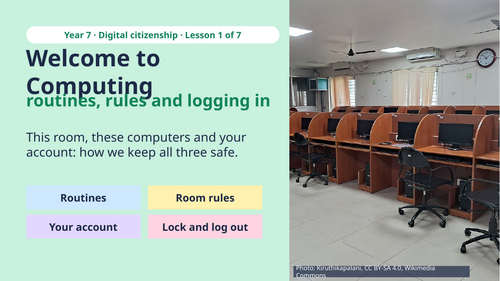
- Routines, rules and logging in: how the computing room works and why.
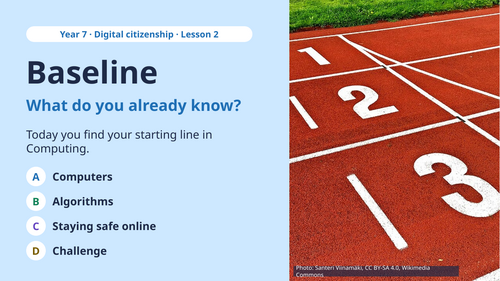
- A baseline check of what pupils already know about computers and algorithms.
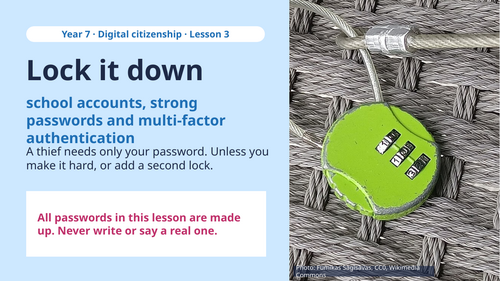
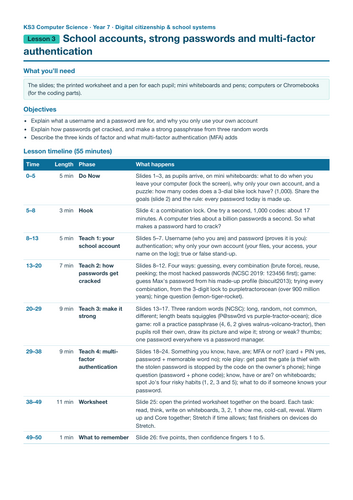
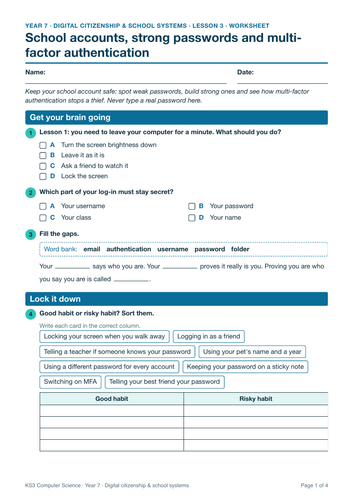
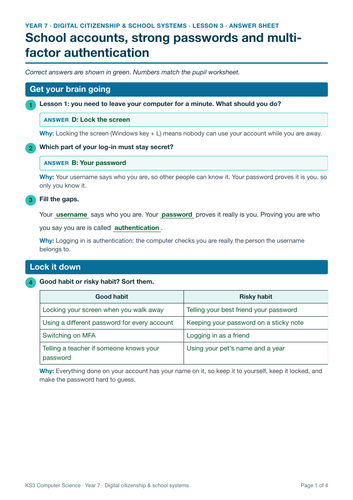
- Usernames, strong passwords, how passwords get cracked and multi-factor authentication.
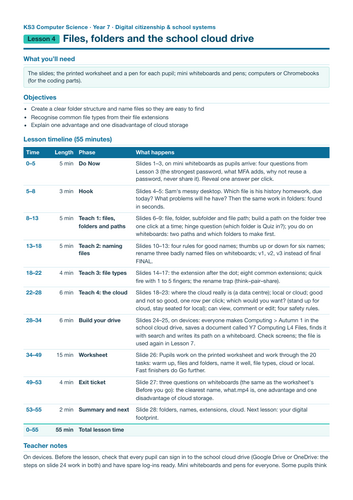
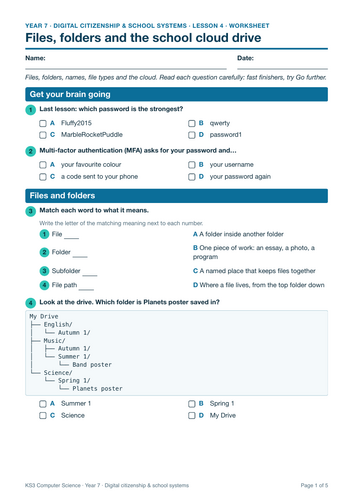
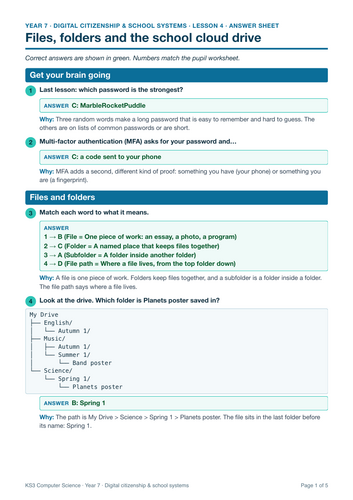
- Files, folders and file paths, good file names, extensions and cloud versus local storage.
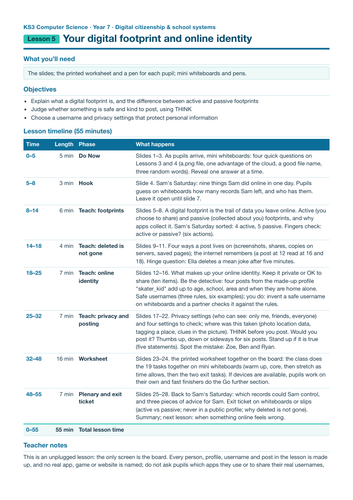
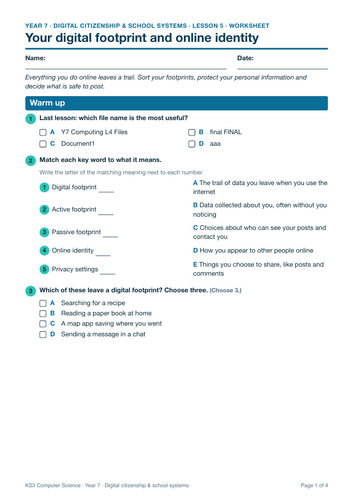
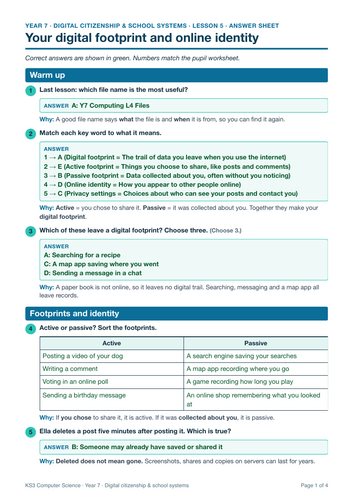
- Digital footprint and online identity: what stays online and who can see it.
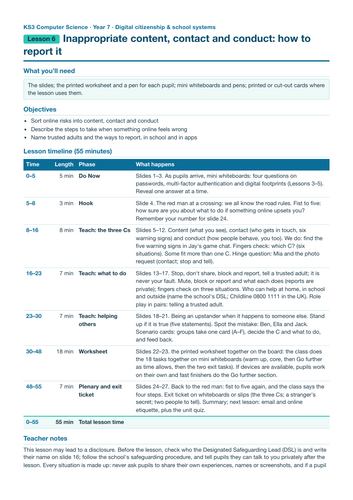
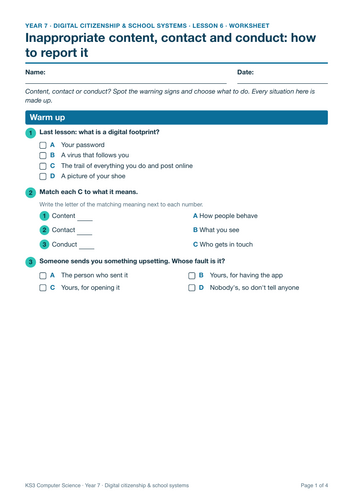
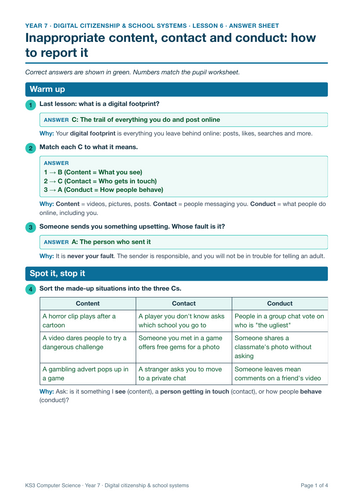
- Inappropriate content, contact and conduct, and how to report concerns.
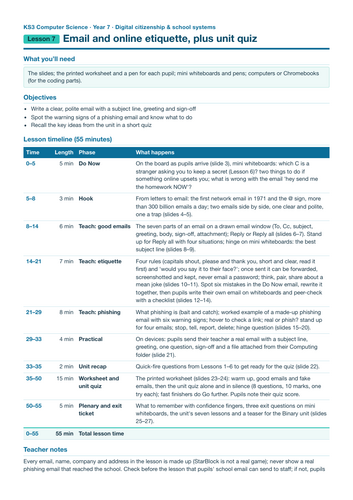
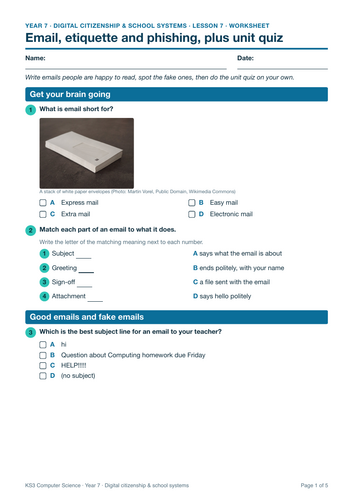
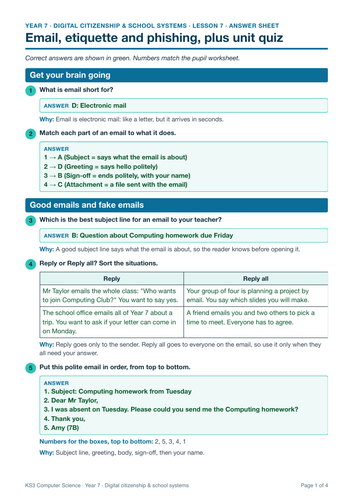
- Email and online etiquette, finished with a unit quiz.
What is included for every lesson
- A PowerPoint deck of 26 to 33 slides with speaker notes on every slide and click animations for reveals
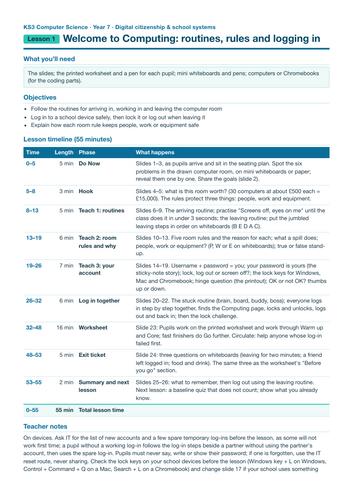
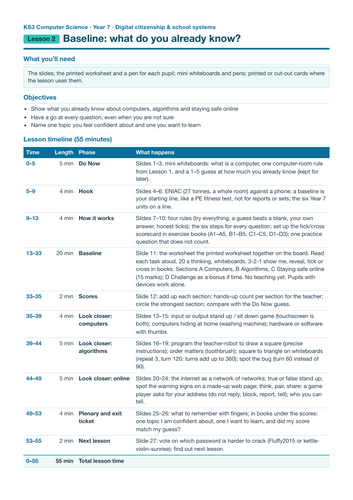
- A 55-minute lesson plan with timings
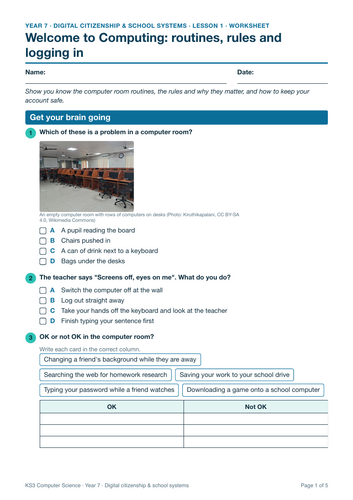
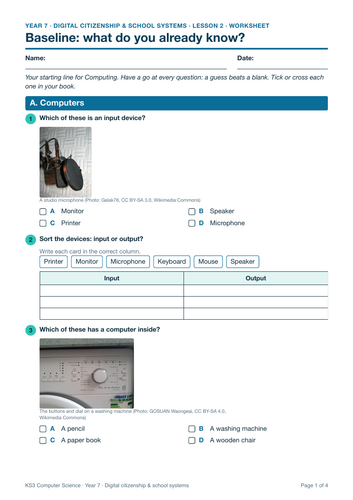
- A printable worksheet
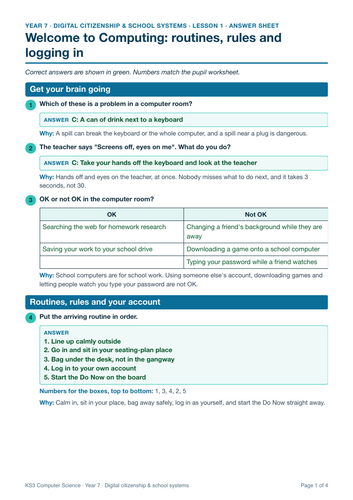
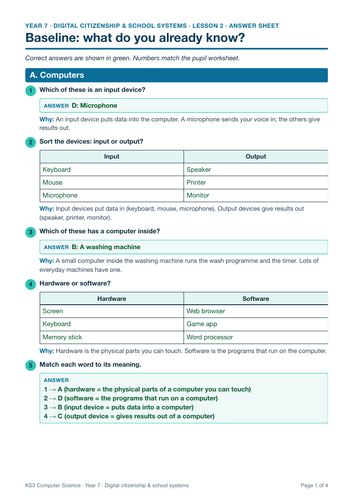
- An answer sheet
How it is taught
- A Do Now at the start of every lesson, to bring back earlier learning
- Hinge questions to check understanding before pupils move on
- Worked examples (I do, we do, you do), then pupil practice
- Unplugged games and mini-whiteboard activities. Each lesson mixes unplugged activities with hands-on work.
- Real photos and clear diagrams, with the photo credit on each deck
- A short exit ticket and a summary slide
The unit has a baseline check (lesson 2) and an online-safety quiz (lesson 7).
Slides are editable PowerPoint (.pptx). Each lesson plan fills a full 55-minute lesson, minute by minute.
British English throughout. Part of a complete KS3 Computer Science course for Years 7 to 9.
Something went wrong, please try again later.
This resource hasn't been reviewed yet
To ensure quality for our reviews, only customers who have purchased this resource can review it
Report this resourceto let us know if it violates our terms and conditions.
Our customer service team will review your report and will be in touch.
£15.75