






KS3 Digital Media Lesson 4 – Storyboarding for Video: Plan Your Own E-Safety Film (Dyslexia-Friendly | Creative | Shotcut Preparation)
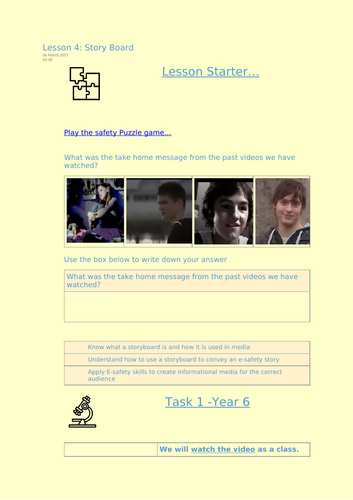
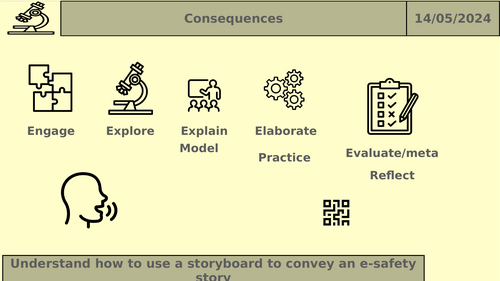
In this creative and highly engaging lesson, students take everything they’ve learned from previous e-safety scenarios and begin planning their own short video. Using professional storyboard techniques, pupils map out scenes, shots, dialogue, camera angles and key messages before moving on to video editing in Shotcut.
All worksheets and planning templates are fully dyslexia-friendly, using clean fonts, pastel backgrounds, uncluttered layouts and step-by-step guidance to support every learner.
What students will learn (Lesson 4):
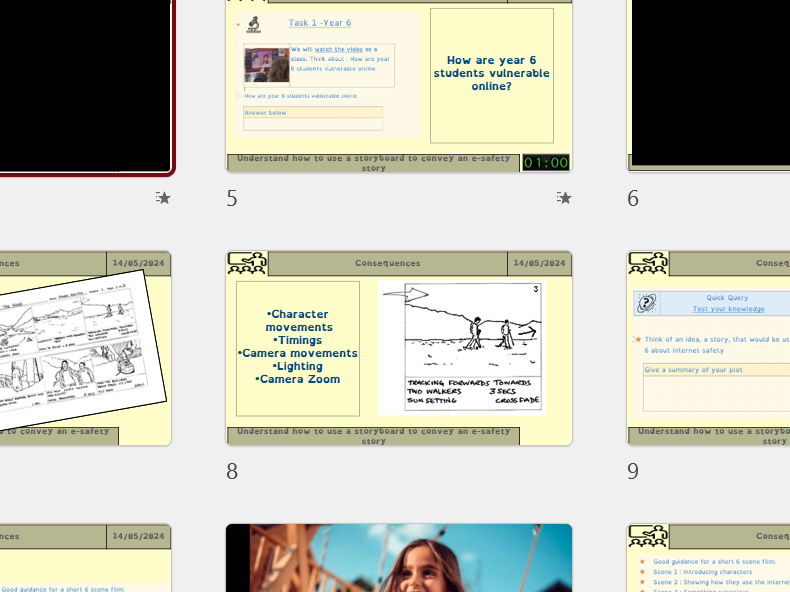
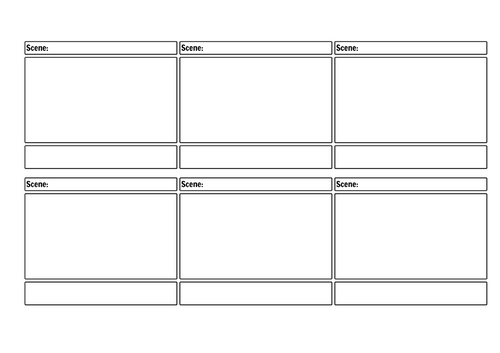
- What a storyboard is and why it’s used – understanding planning, sequencing and visual thinking in media production.
- How to turn an e-safety scenario into a creative plan – pupils revisit real online-risk situations from earlier lessons.
- Storyboarding techniques – panels, captions, timings, transitions, audio cues and key messages.
- Planning for filming/editing – Shot types (close-up, mid-shot, wide), angles, dialogue, narration and on-screen text.
- Preparing for video editing – students design a storyboard they will later turn into a real video using free Shotcut software.
Why this resource sells well on TES:
- ✔ Fully dyslexia-friendly design – OpenDyslexic (or similar) font, pastel page backgrounds, spacious layout and colour-coded cue boxes.
- ✔ Creative and highly engaging – Students enjoy turning real scenarios into their own story-driven media project.
- ✔ Perfect for mixed-ability groups – Scaffolded storyboard templates plus extension options for advanced learners.
- ✔ Builds real media skills – Introduces professional planning tools used in filmmaking, digital media and iMedia courses.
- ✔ Ready to teach – Includes teacher slides, video examples, storyboard sheets and lesson instructions.
By the end of the lesson, students can:
- Understand the purpose of storyboards in video production
- Plan a clear sequence of scenes based on an e-safety scenario
- Add detail such as shot types, captions, actions and transitions
- Prepare effectively for editing in Shotcut using images, video clips and audio
- Demonstrate the message of an e-safety issue through storytelling
This lesson is the perfect bridge between the e-safety sequence and the upcoming practical media work. Students finish with a complete storyboard ready to turn into a real video project in Lesson 5.
Something went wrong, please try again later.
This resource hasn't been reviewed yet
To ensure quality for our reviews, only customers who have purchased this resource can review it
Report this resourceto let us know if it violates our terms and conditions.
Our customer service team will review your report and will be in touch.
£2.50