





-
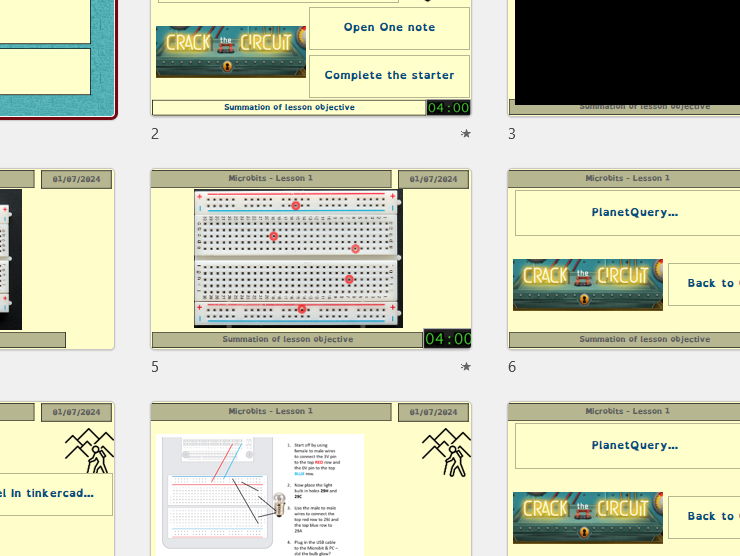
Fully resourced, dyslexia-friendly KS3 Electronics lesson teaching students how to understand and use breadboards, both in Tinkercad and with real physical components.
-
Includes a PowerPoint, worksheet, guided activities, quizzes and screenshot tasks—ideal for non-specialists and practical classrooms.
-
Students learn:
- What a breadboard is and why engineers use them
- How breadboard rows, columns and power rails are internally connected
- How to correctly place components such as LEDs, resistors and wires
- How to build and test a working circuit using a micro:bit as a power source
- How to simulate and troubleshoot circuits using Tinkercad for FREE
-
Lesson activities:
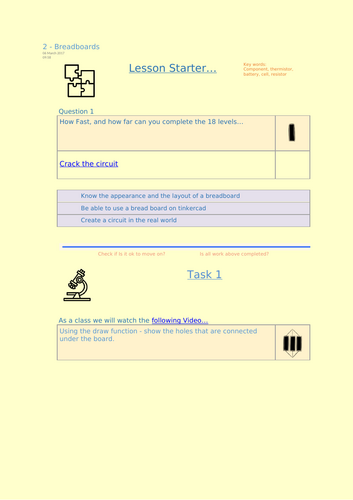
- Starter: “Crack the Circuit” challenge to strengthen circuit-building fluency
- Video demonstration: identifying which holes are connected under the breadboard
- Drawing task: students annotate diagrams to show internal connections
- Tinkercad task: copy and construct the model circuit step-by-step
- Apply and secure learning with an interactive quiz
- Real-world task: physically build the same circuit using a micro:bit for power
-
Practical skills developed:
- Powering circuits from a micro:bit safely
- Correct LED polarity (anode/cathode)
- Understanding resistor placement
- Using breadboards to avoid soldering
- Translating digital simulations into physical hardware builds
-
Challenge extension:
- Use an online Circuit Diagram Editor to draw a proper engineering circuit diagram of the build
- Screenshot included for assessment
- Encourages proper documentation and real-world engineering workflow
-
Lesson objectives:
- Know the appearance and layout of a breadboard
- Use a breadboard effectively in Tinkercad
- Build a working physical circuit in the real world
-
Perfect for:
- KS3 Computing, Electronics, Design Technology
- micro:bit introduction courses
- STEM clubs and hands-on engineering activities
A clear, practical, confidence-building lesson that bridges simulation and real electronics.
Something went wrong, please try again later.
This resource hasn't been reviewed yet
To ensure quality for our reviews, only customers who have purchased this resource can review it
Report this resourceto let us know if it violates our terms and conditions.
Our customer service team will review your report and will be in touch.
£2.50