


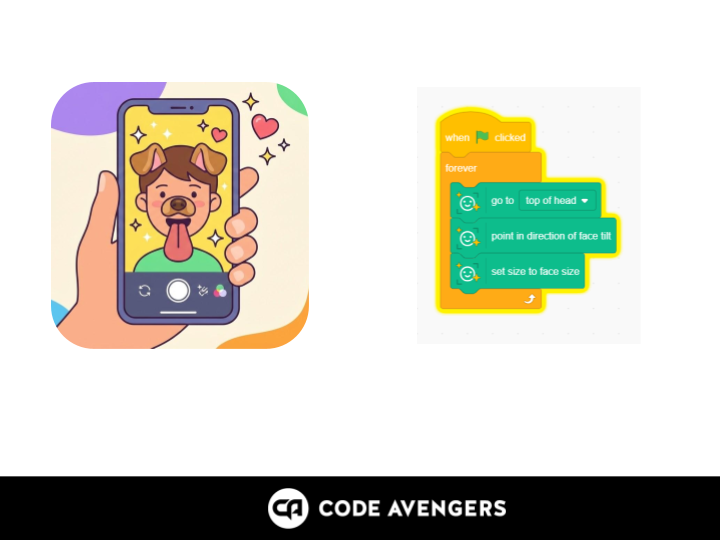
Create a Scratch face filter project using face sensing, sprites, positioning, sequencing and real-time AI responses.
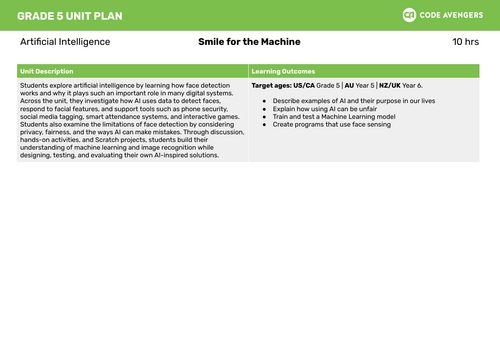
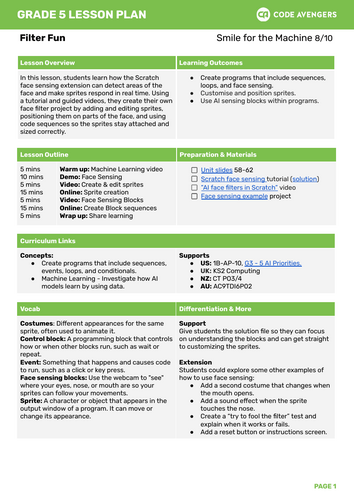
This Year 6–8 artificial intelligence and Scratch lesson teaches students how face sensing can detect areas of the face and make sprites respond in real time. Students follow a guided tutorial to build their own face filter project.
Students add and edit sprites, position them on parts of the face, and use code sequences so sprites stay attached and sized correctly. This lesson combines AI concepts with creative coding and gives students a practical way to see how face filters work.
This resource supports Scratch programming, face sensing, AI literacy, sprites, sequencing, image recognition, creative coding, digital technologies, and computational thinking.
Included file type: PDF.
Keywords: Scratch face sensing, face filters, AI face filters, Scratch project, sprites, sequencing, artificial intelligence, creative coding, Year 6 Scratch, Year 7 Scratch, Year 8 Scratch.
Something went wrong, please try again later.
This resource hasn't been reviewed yet
To ensure quality for our reviews, only customers who have purchased this resource can review it
Report this resourceto let us know if it violates our terms and conditions.
Our customer service team will review your report and will be in touch.
£1.50